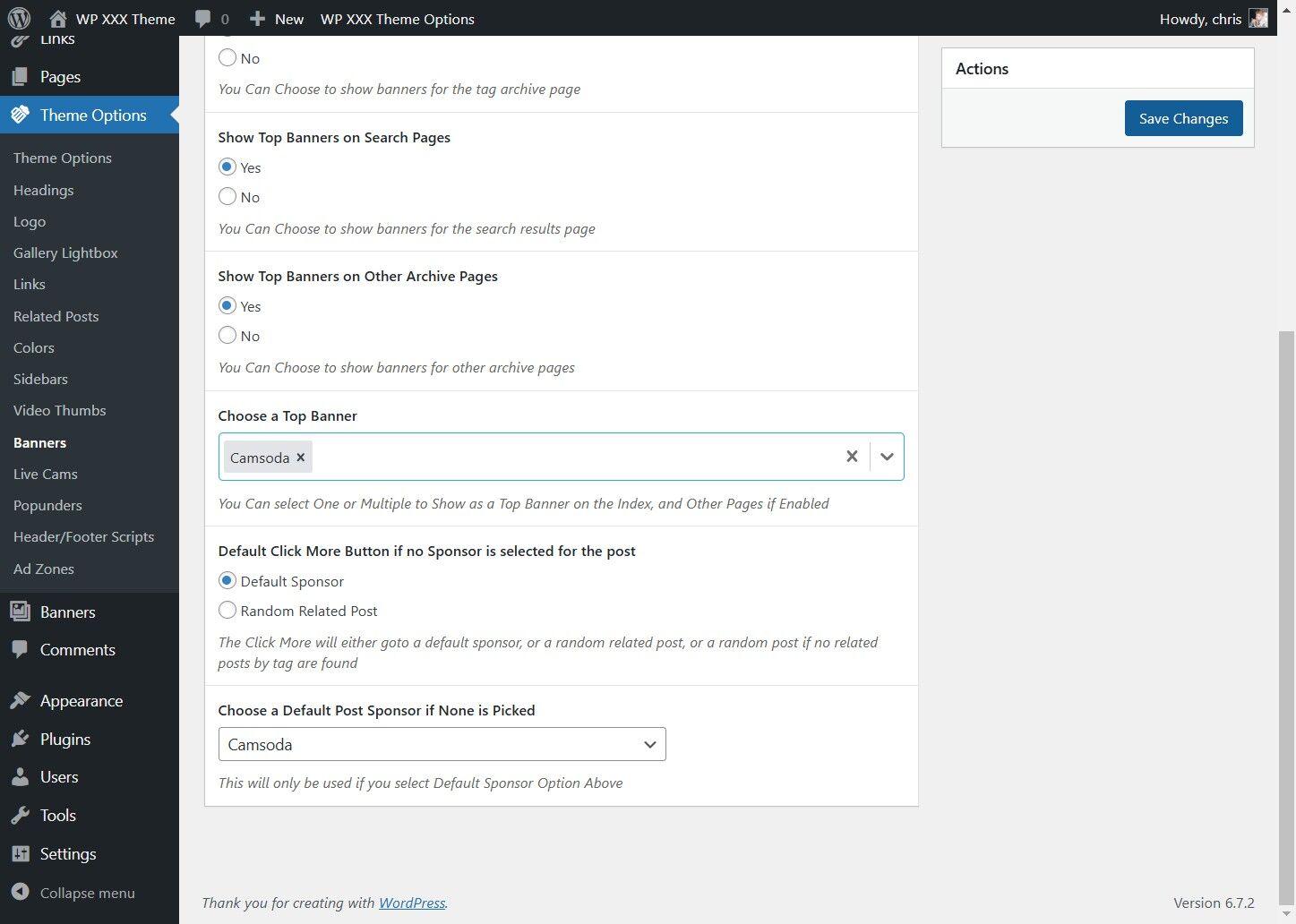
This guide provides a straightforward process to enable site-wide banners. You can have them shown only on the main page, or you can mix and match where they are shown, on category pages, search result pages, etc.
1. Click "Theme Options"
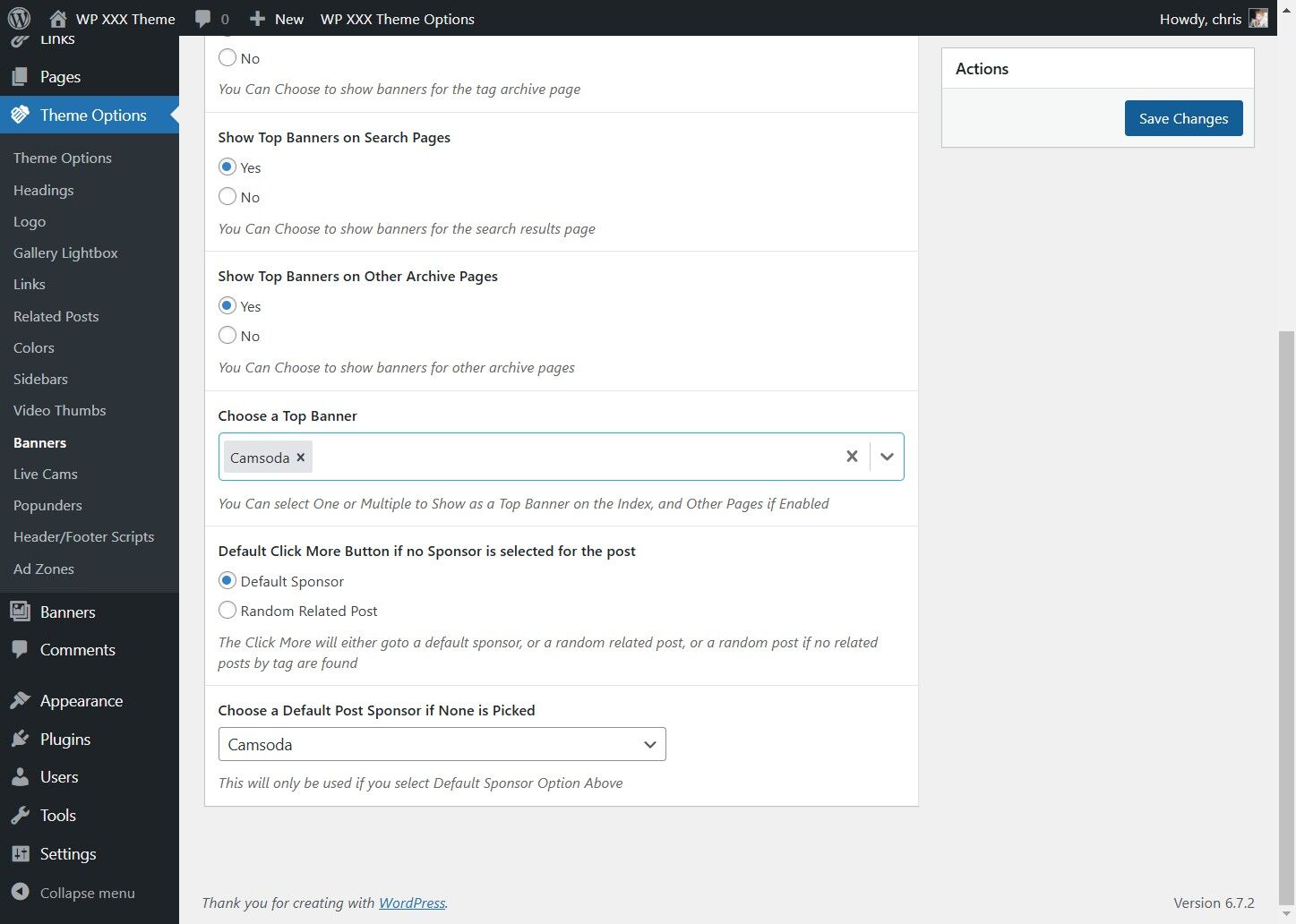
2. Click "Banners"
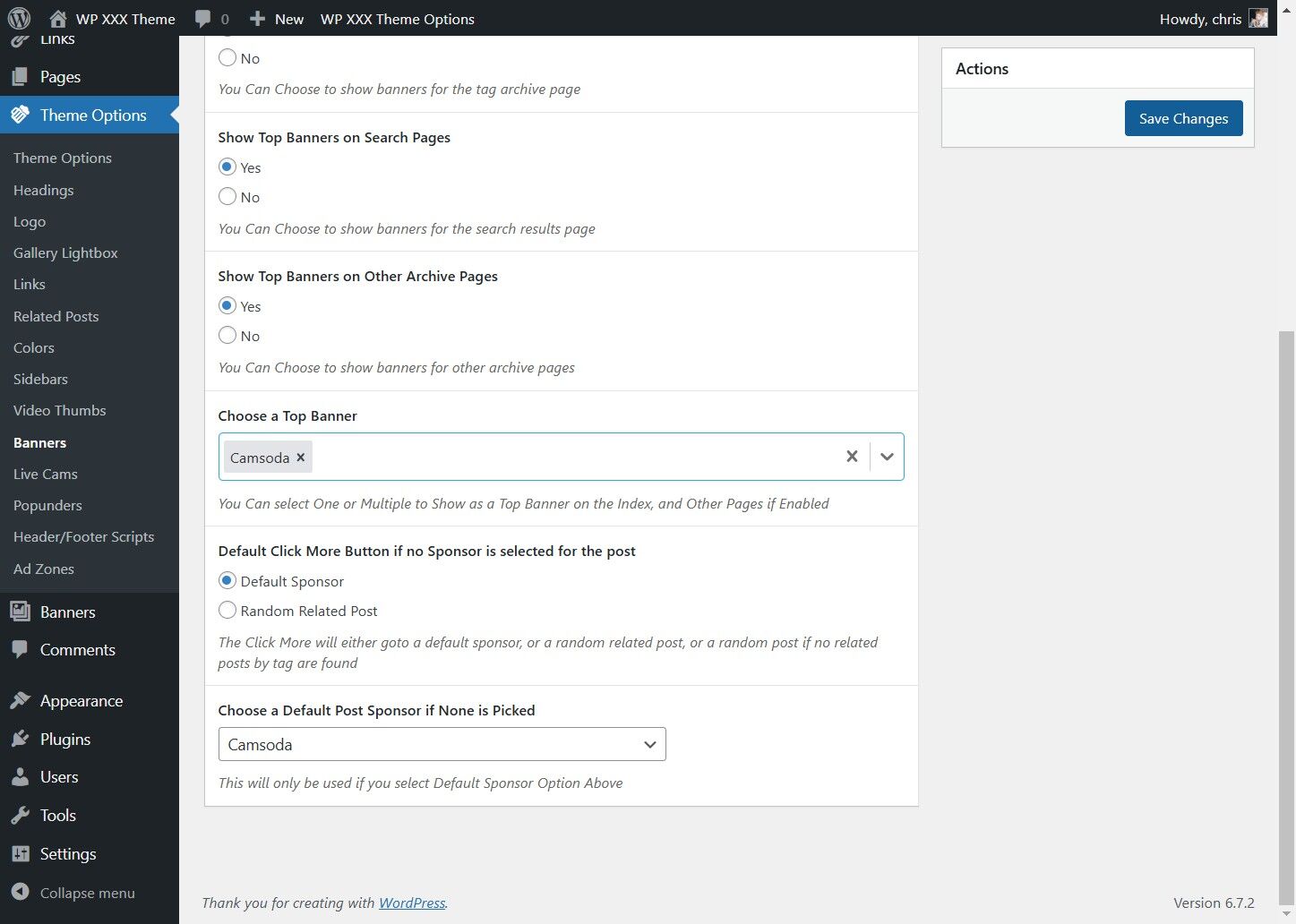
3. Pick if you wish to have banners at the top of the site on the main page
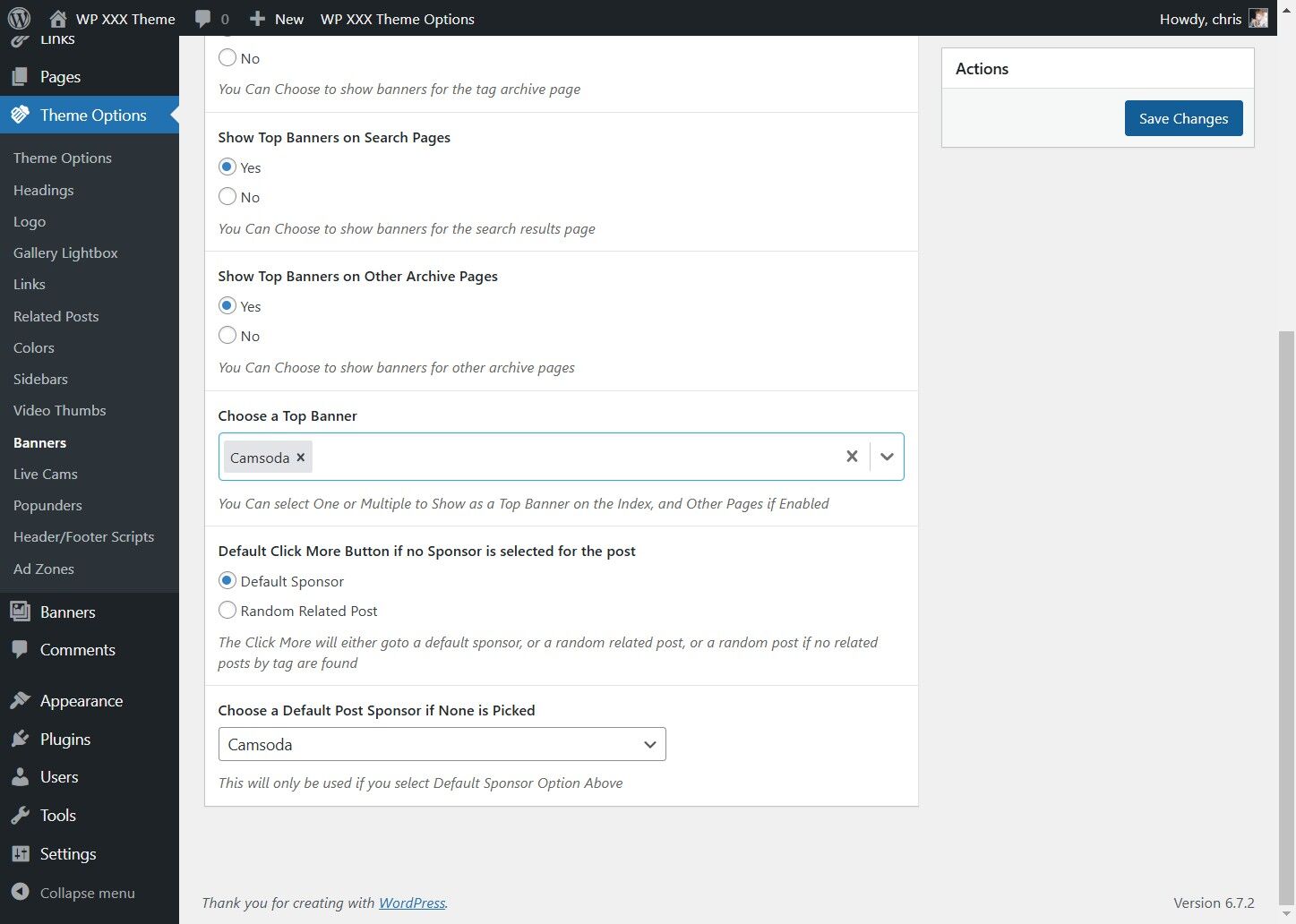
4. Pick if you wish to have banners at the top of the site on the other pages
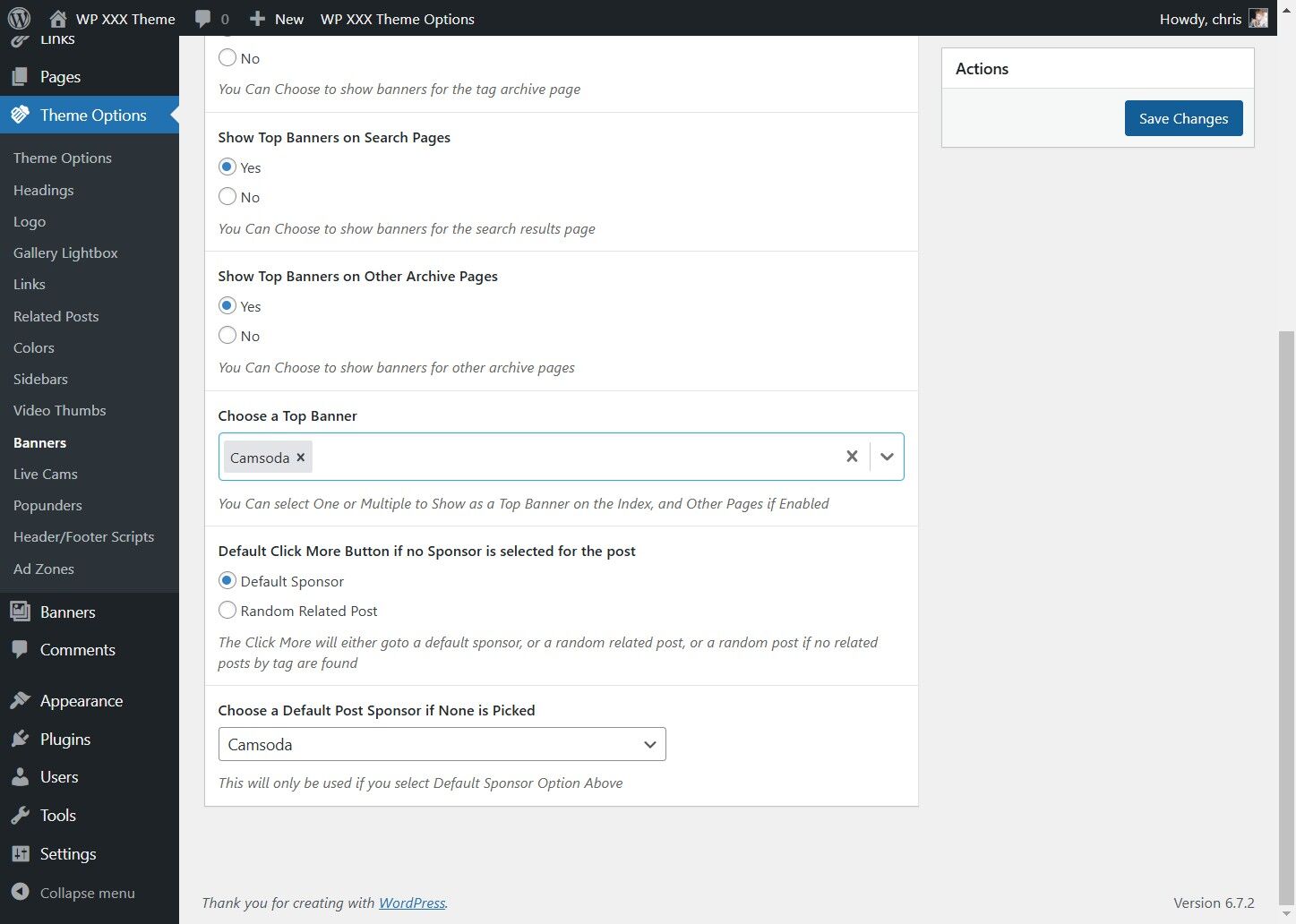
5. Choose a Top Banner to be shown, or Select from multiple to be rotated
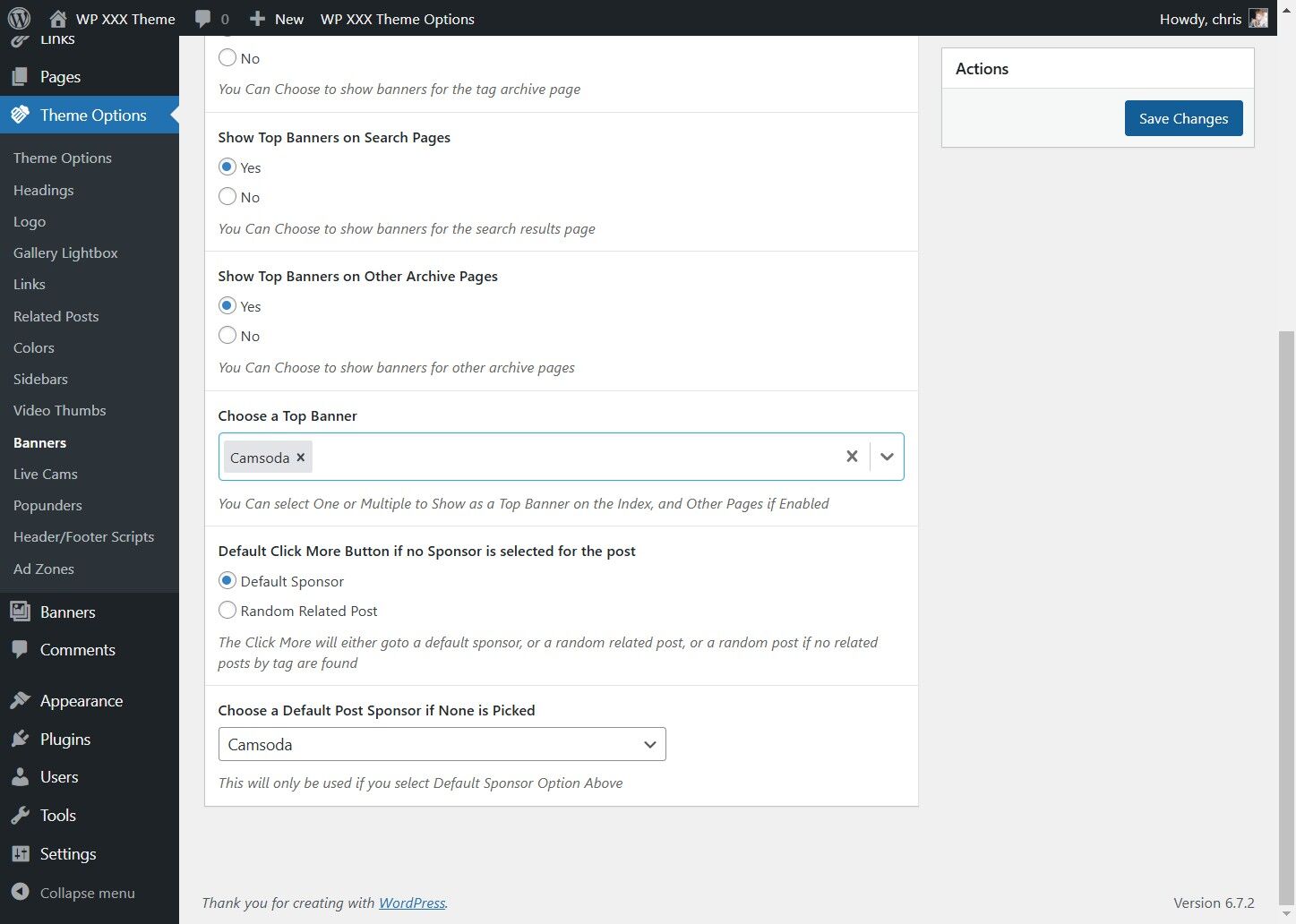
6. Click Save Changes