1. Home
  2. Docs
  3. WP XXX
  4. Setting up the Menu
  5. Add Custom Icon Links to the Menu

Add Custom Icon Links to the Menu

1. Navigate to Appearance
Navigate to Appearance


2. Click "Menus"
Click "Menus"


3. Click Custom Links

Click Custom Links


4. Enter Your Custom Link in the URL field
Enter Your Custom Link in the URL field


5. Add your Link Text and Click Add
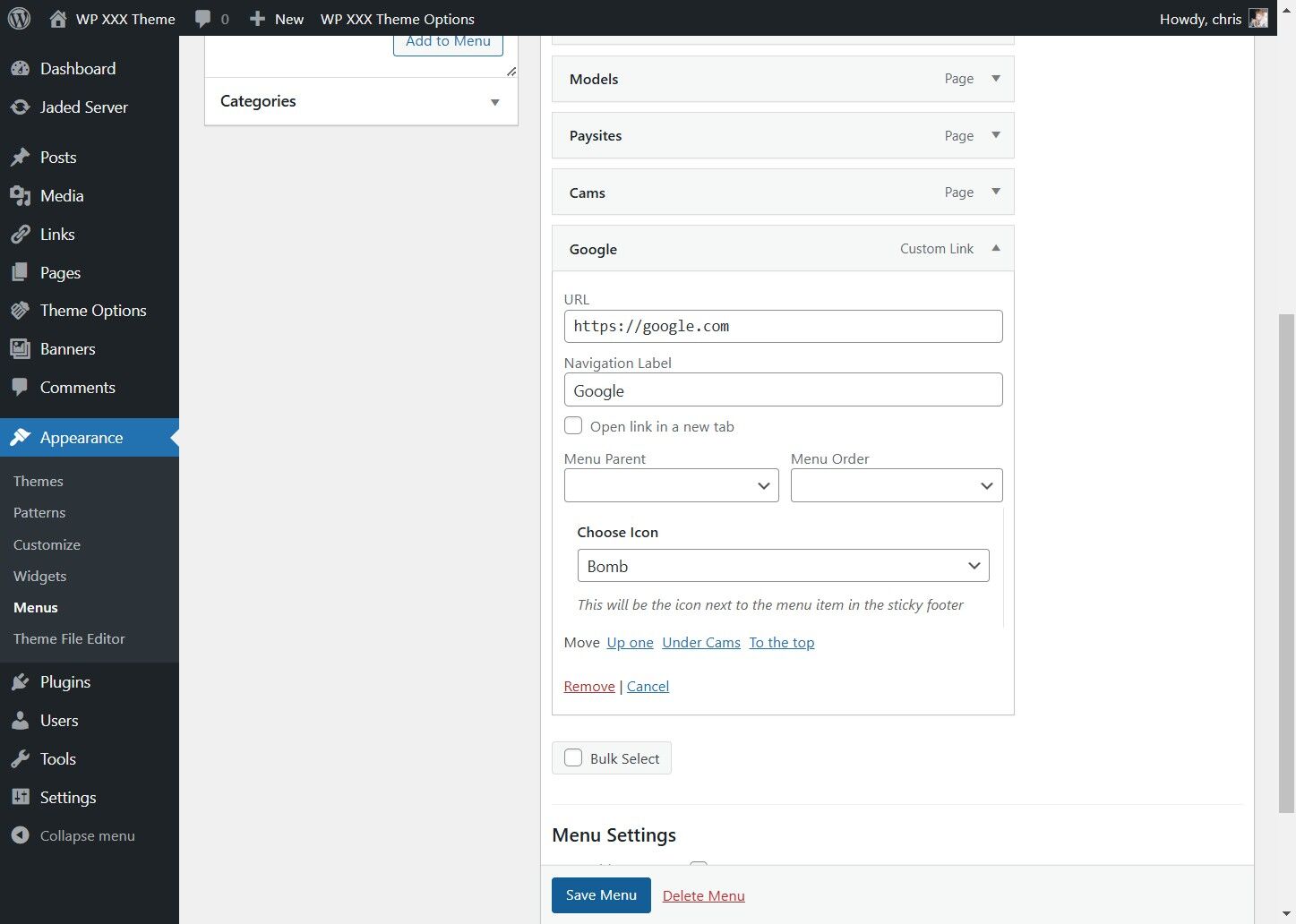
Add your Link Text and Click Add


6. Click "Edit" to Customize the Icon
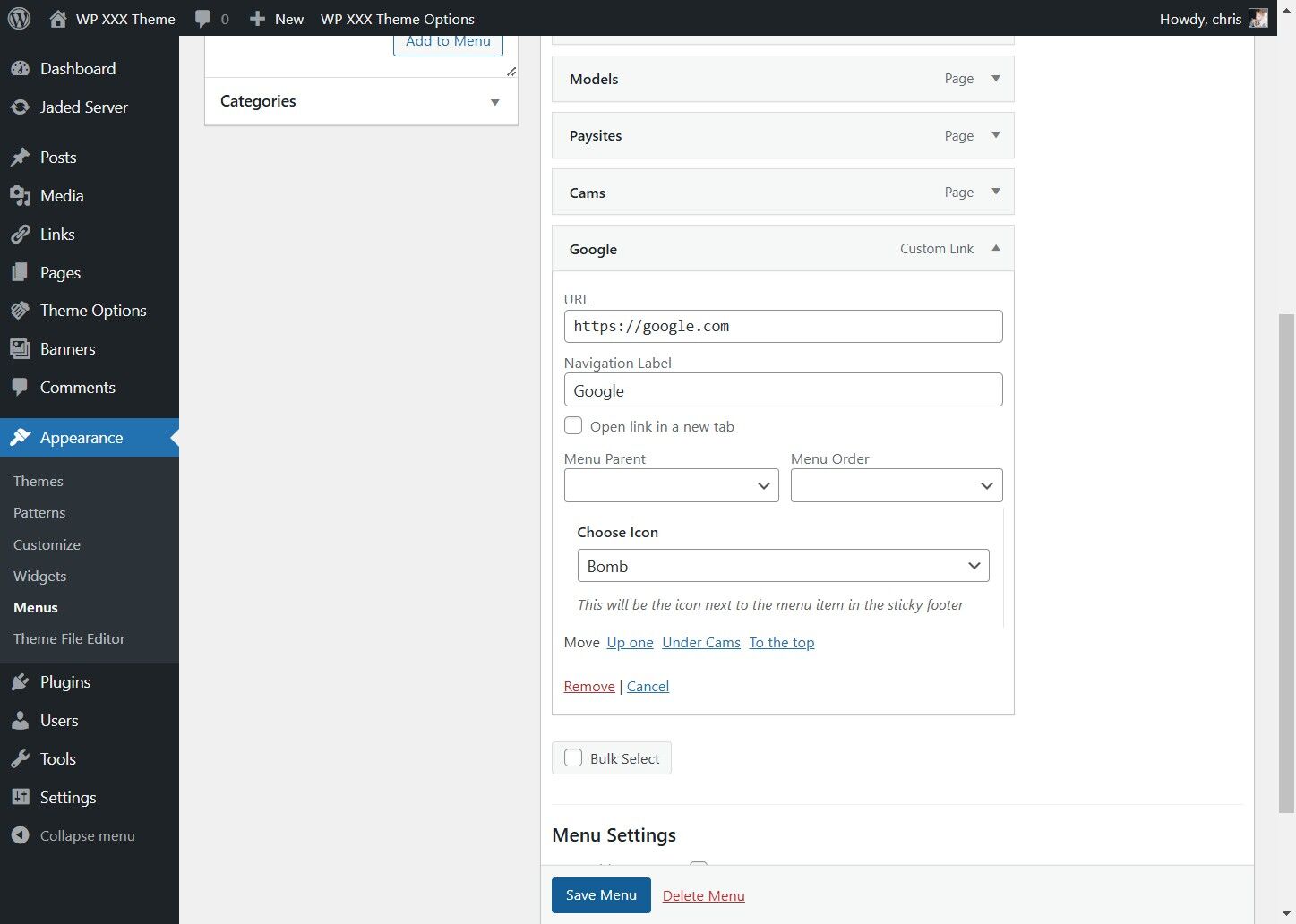
Click "Edit" to Customize the Icon


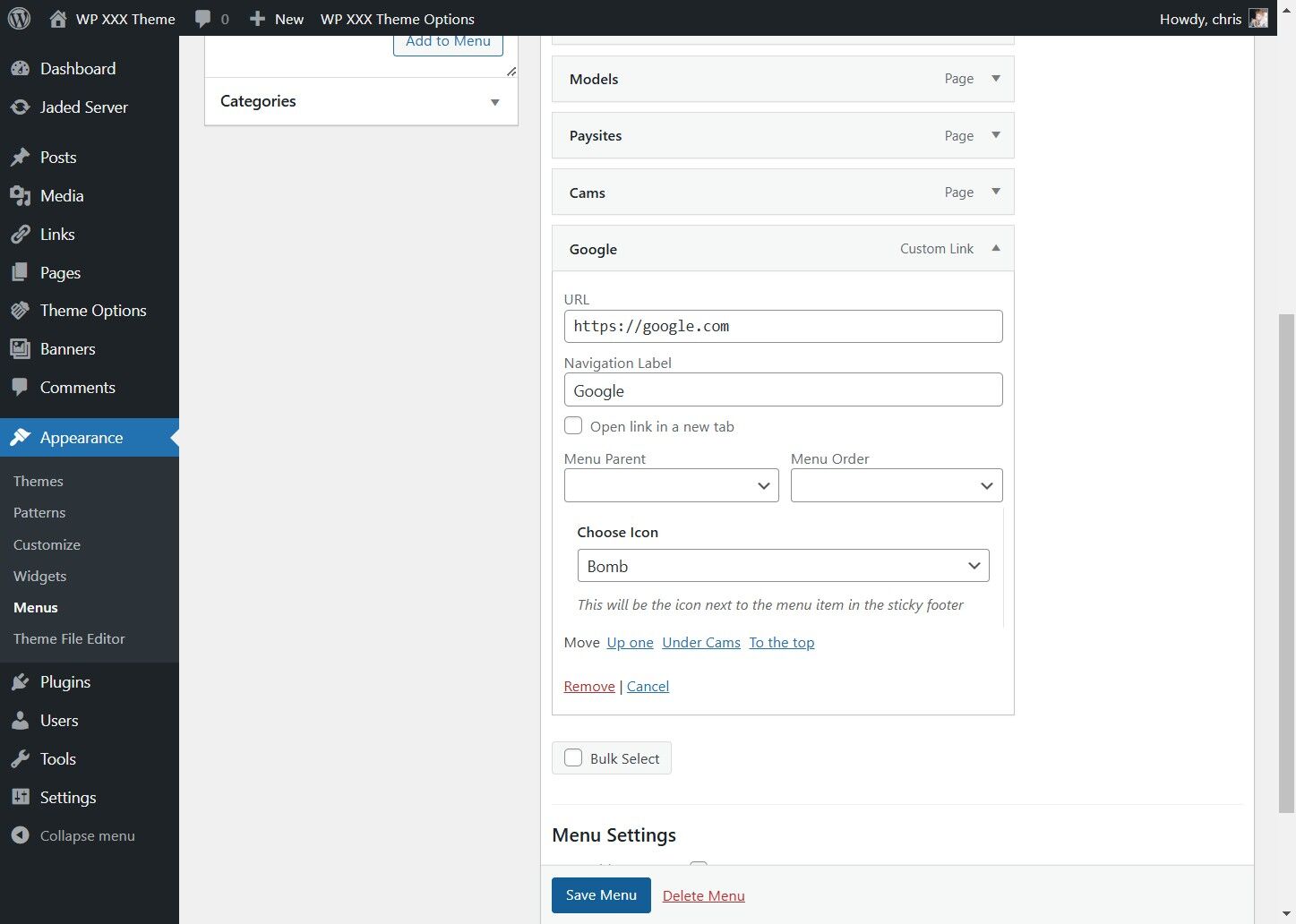
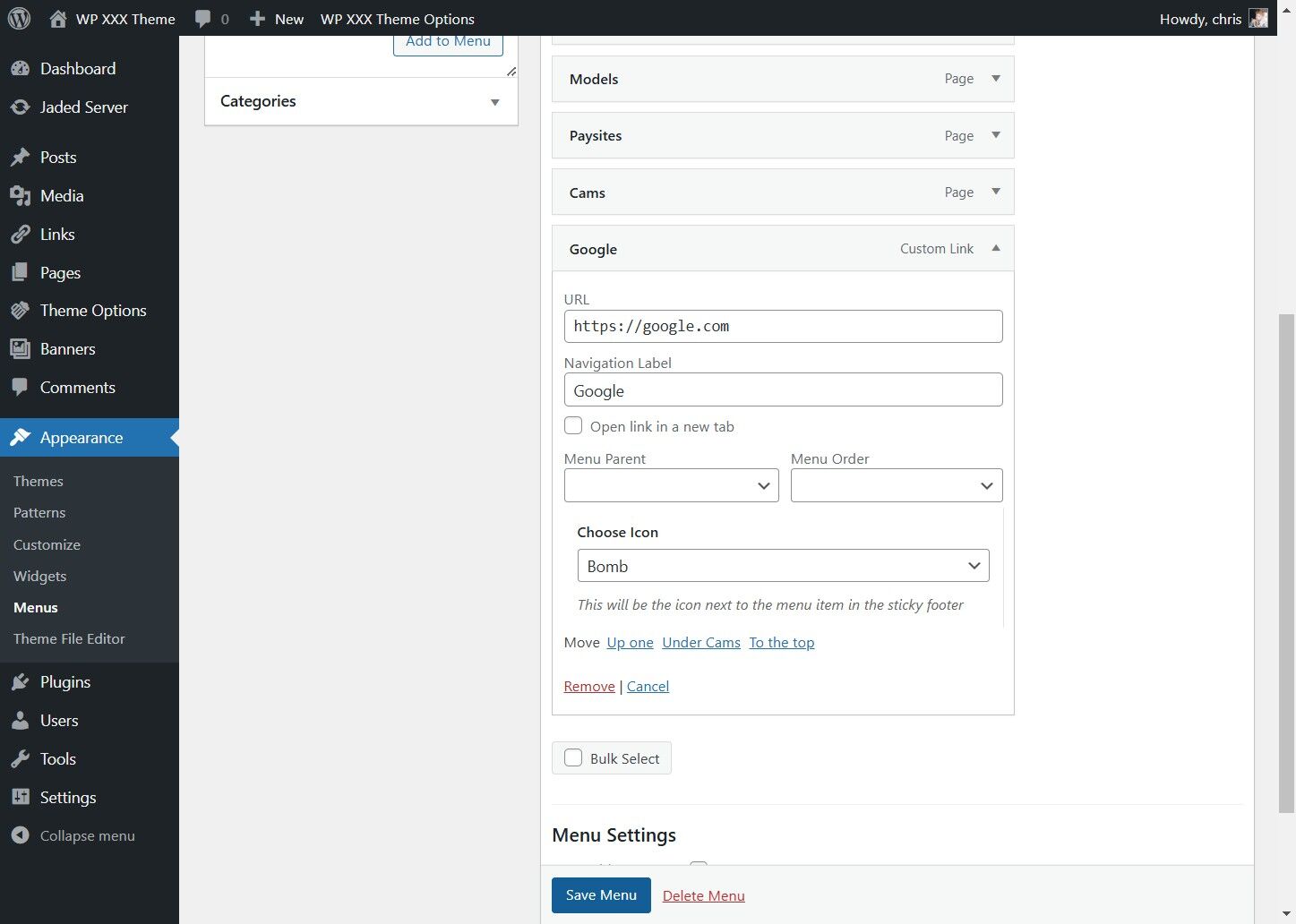
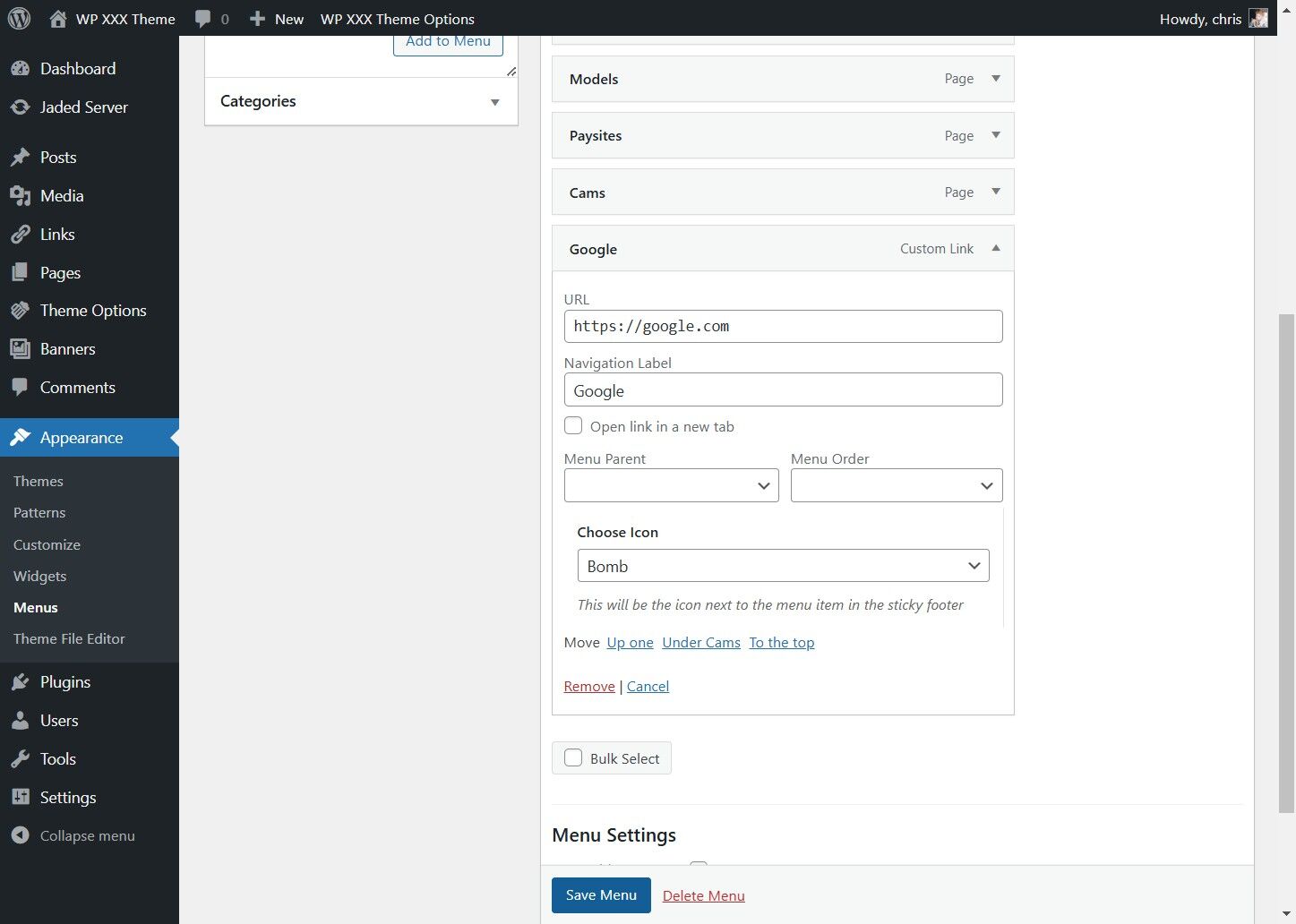
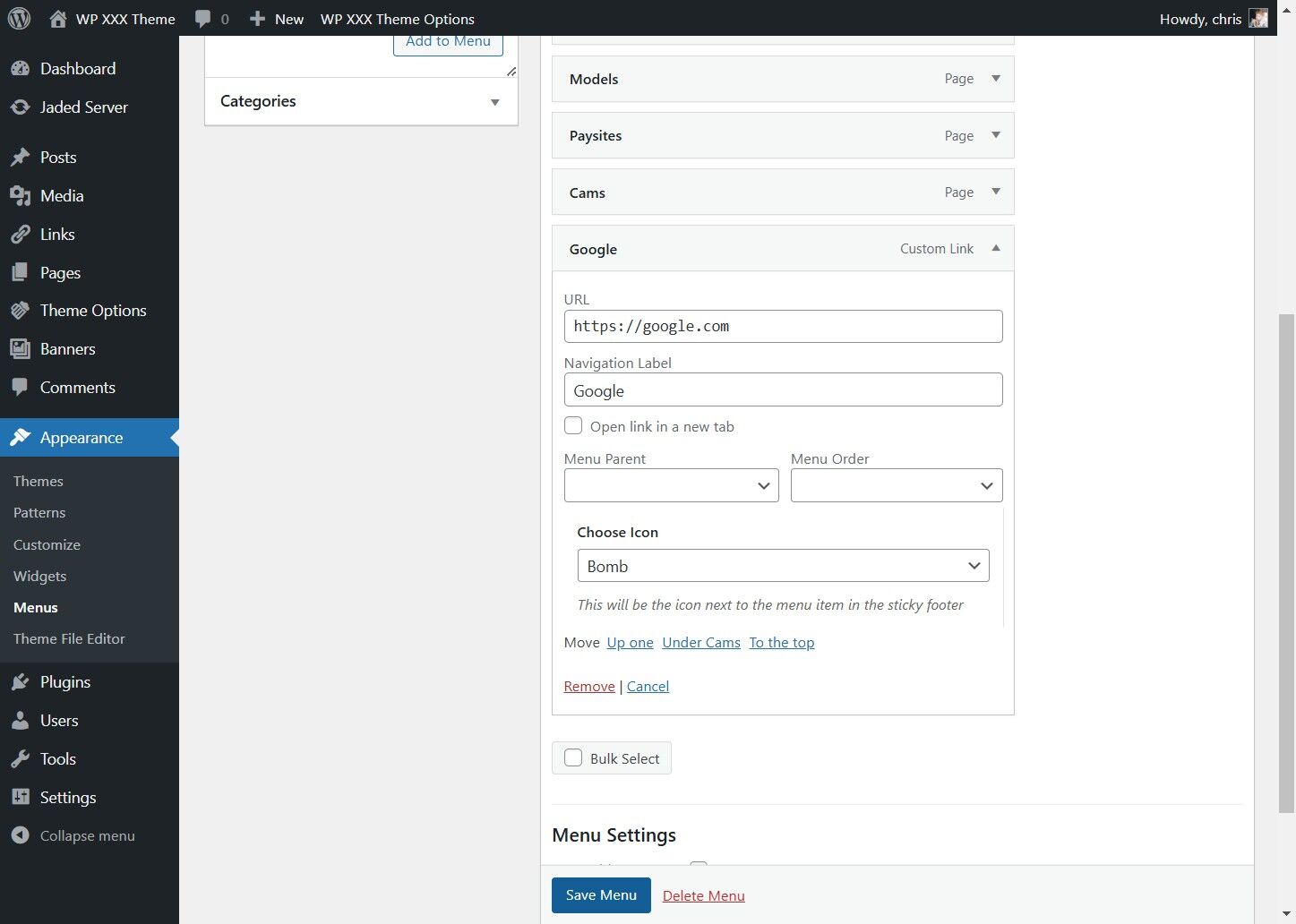
7. Select the Icon you wish, We will select the Bomb Icon

Select the Icon you wish, We will select the Bomb Icon


8. Click Save Menu
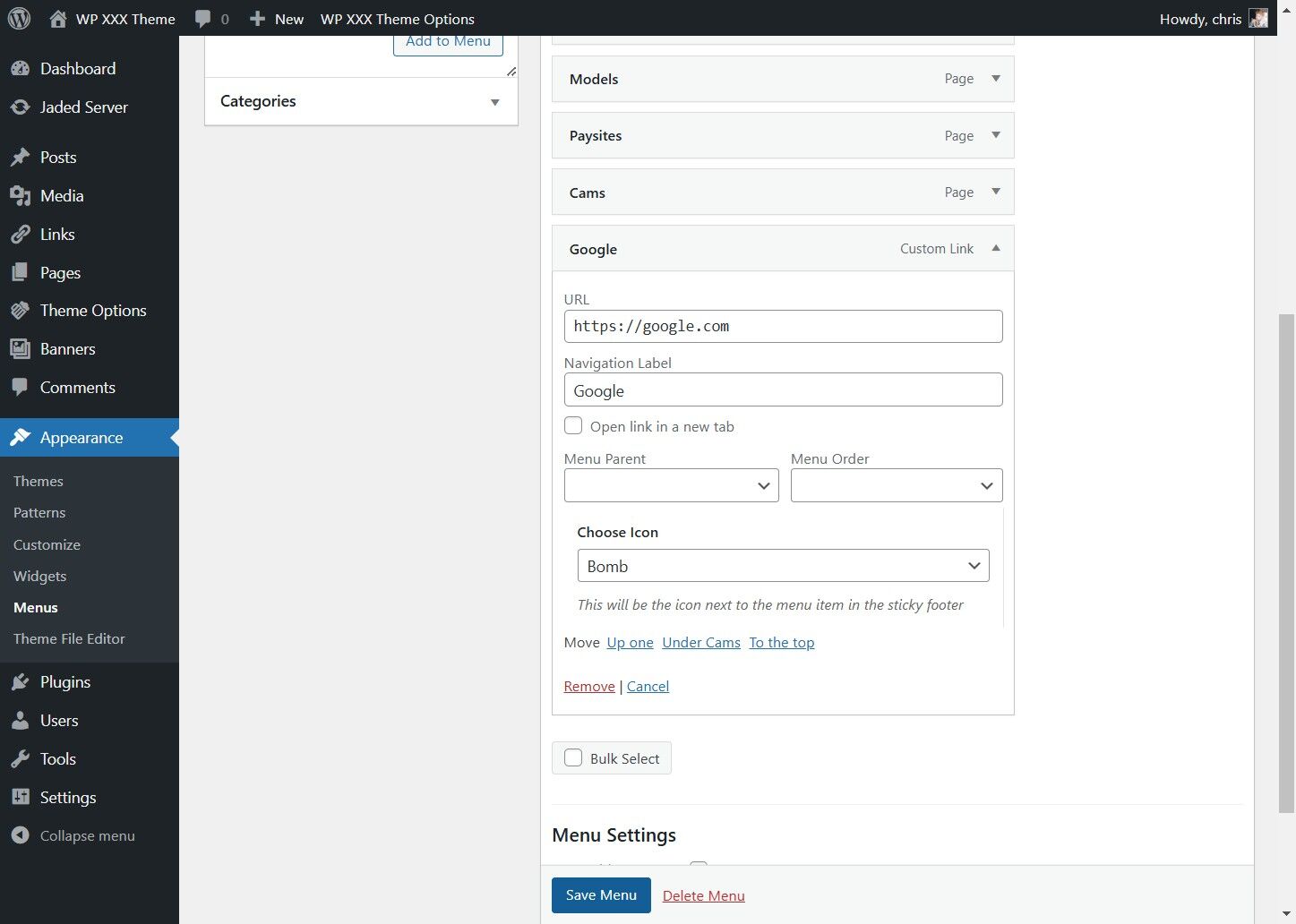
Click Save Menu