Skip to content
WPXXX Documentation

WP XXX

⌘K
  • Features
    • Core Features
    • Custom Layout Options
    • Video and Image Post Features
    • Image Gallery Features
    • Self Hosted Video Features
    • Juicy Ads/Exoclick AD Zones
    • Banners
    • Live Cams
    • Popunders
    • Sponsors
    • Menu Icons
    • Custom Pages
    • Category Image Importer
    • Plugin Compability
    • Widgets
  • Customers
    • Your Purchase
    • Support
    • Extending the Theme
  • Installation
    • Requirements
    • Install and Activate the WPXXX Theme
  • Setting up the Options
    • Color Schemes
    • Enable Banner Site Wide Banners
    • Sidebar Options
  • Setting up the Menu
    • Add Custom Icon Links to the Menu
  • Setting up Categories
    • Adding a Category Thumbnail
  • Setting up Sponsors
    • How To Add a Sponsor
  • Setting up Banners
    • How to Add a Site Wide Banner
  • Setting up Widgets
    • Paysite Block
    • Square Banner AD
    • Square GIF Ad
    • Vertical GIF Ad
    • HTML Banner Ad
    • Category Block
    • Tag Block
    • Model Block
    • Links Block
    • Random Posts
  • Setting up Live Cams
    • Add a Cams Page
  • Adding Content
    • How to Create a YouTube Video Post
    • How to Add Self-Hosted Video to a Post
    • Creating an Image Gallery
    • Adding a Sponsor to a Post
    • How to Embed a PornHub Video
    • How to Plug a Site via the thumbnail
  • Integrations
    • WP-Script
      • How To Configure WP-Script Mass Embedder
  1. Home
  2. Docs
  3. WP XXX
  4. Setting up Sponsors
  5. How To Add a Sponsor

How To Add a Sponsor

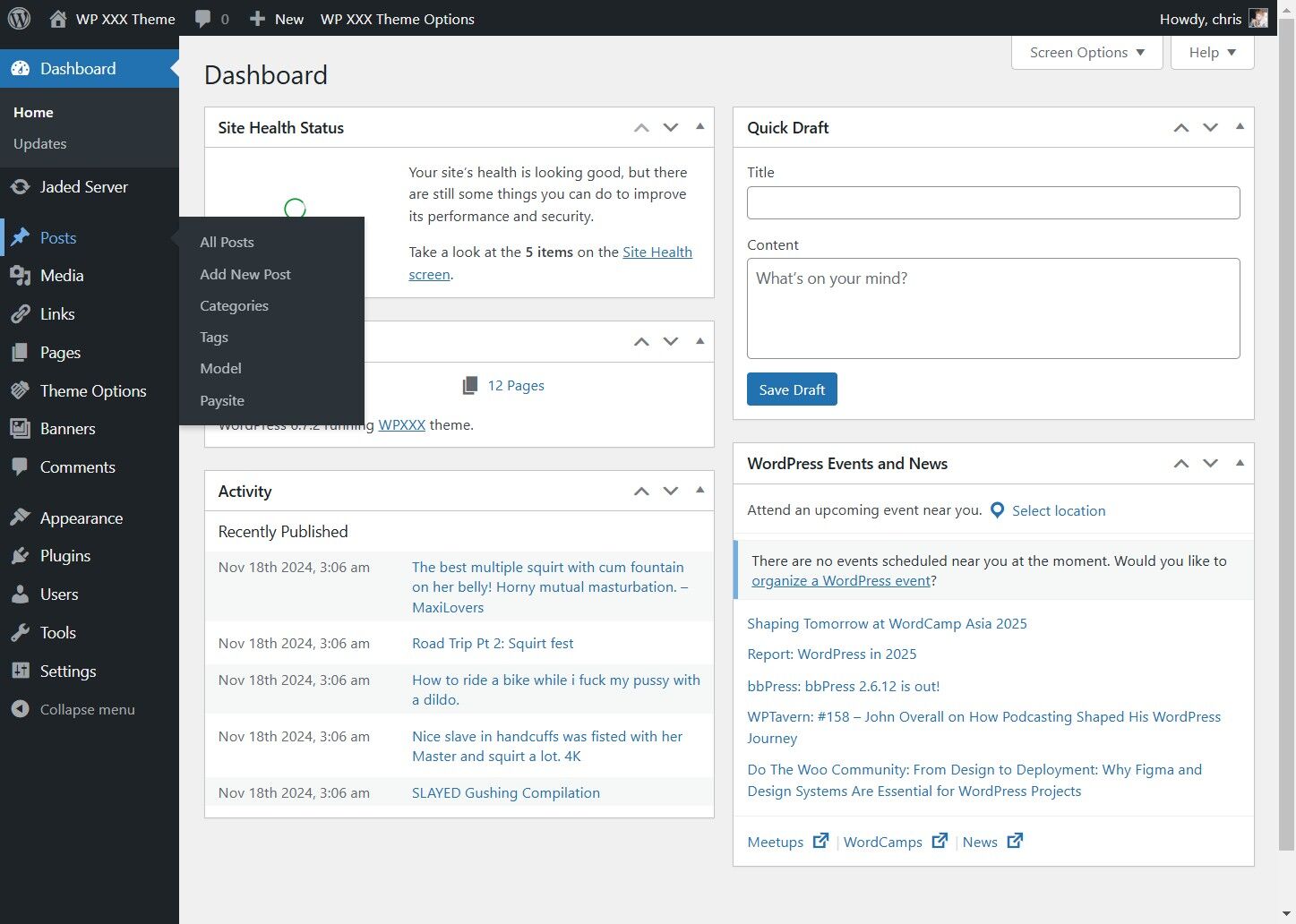
1. Click "Posts"

Click "Posts"


2. Click "Paysite"

Click "Paysite"


3. Enter Sponsor/Paysite Name

Enter Sponsor/Paysite Name


4. To Upload the Banner, Click "Select Image"
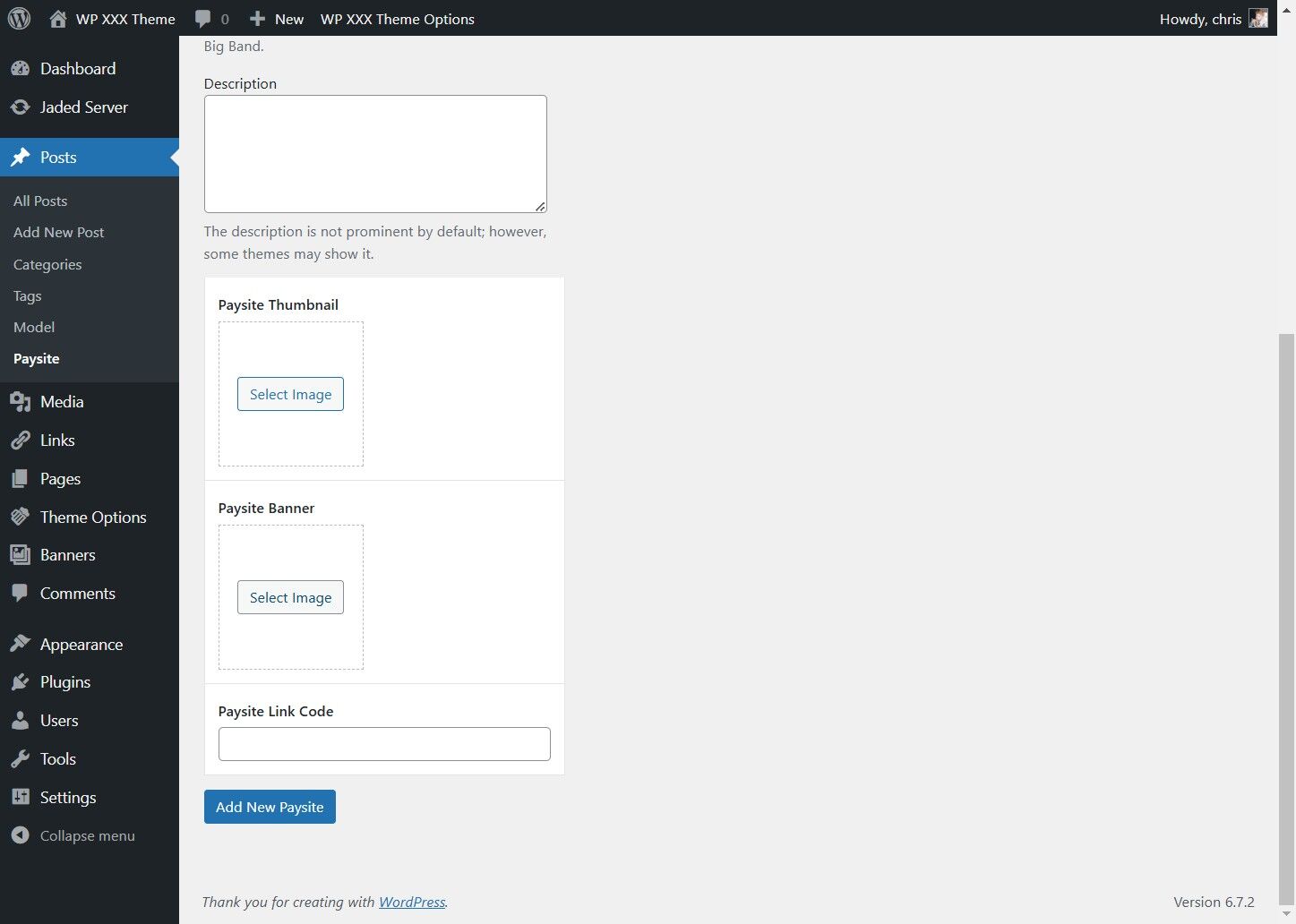
To Upload the Banner, Click "Select Image"


5. Click "Upload files"

Click "Upload files"


6. Click "Select Files" and Pick the Banner.
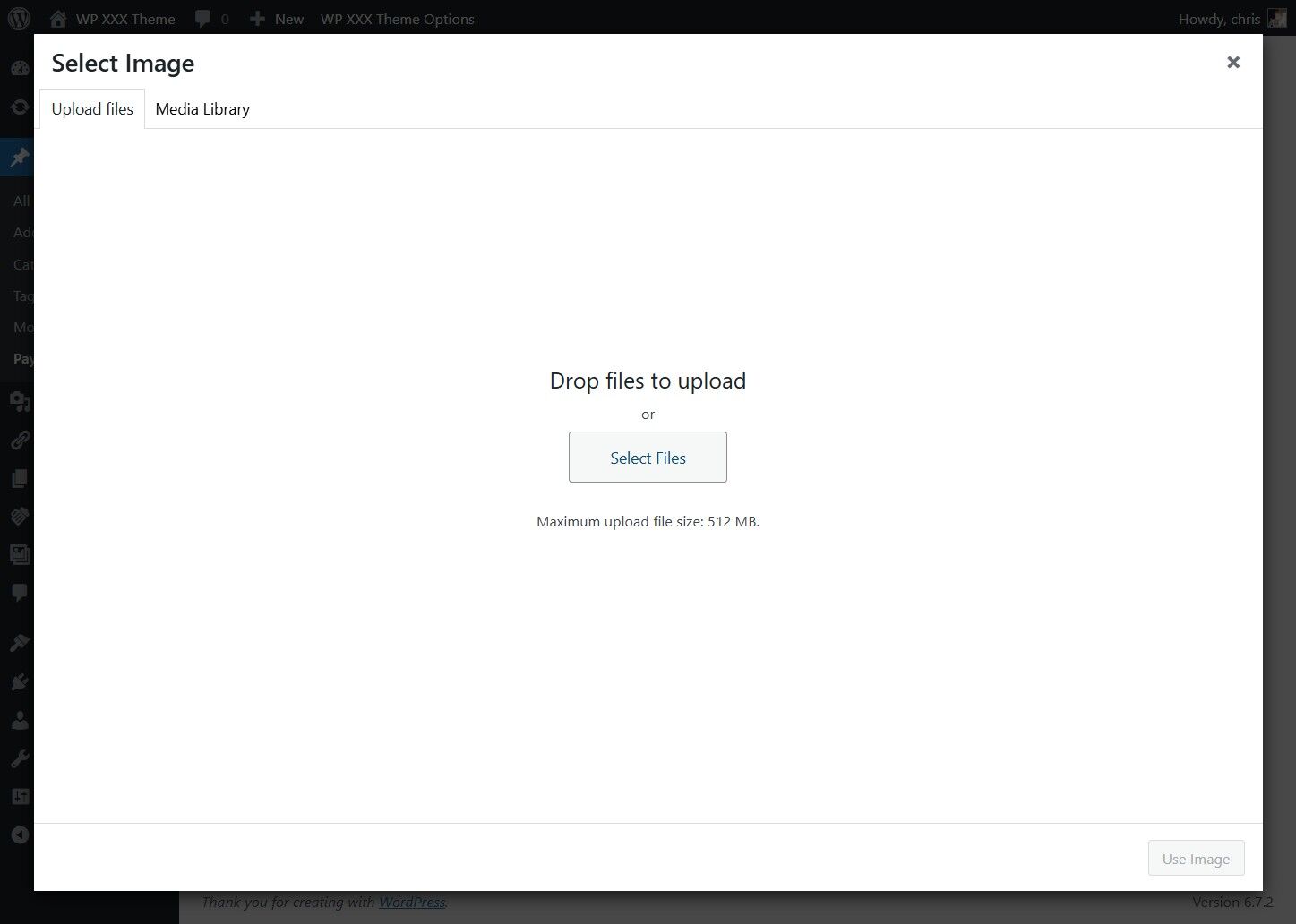
Click "Select Files" and Pick the Banner.


7. Click "Use Image"
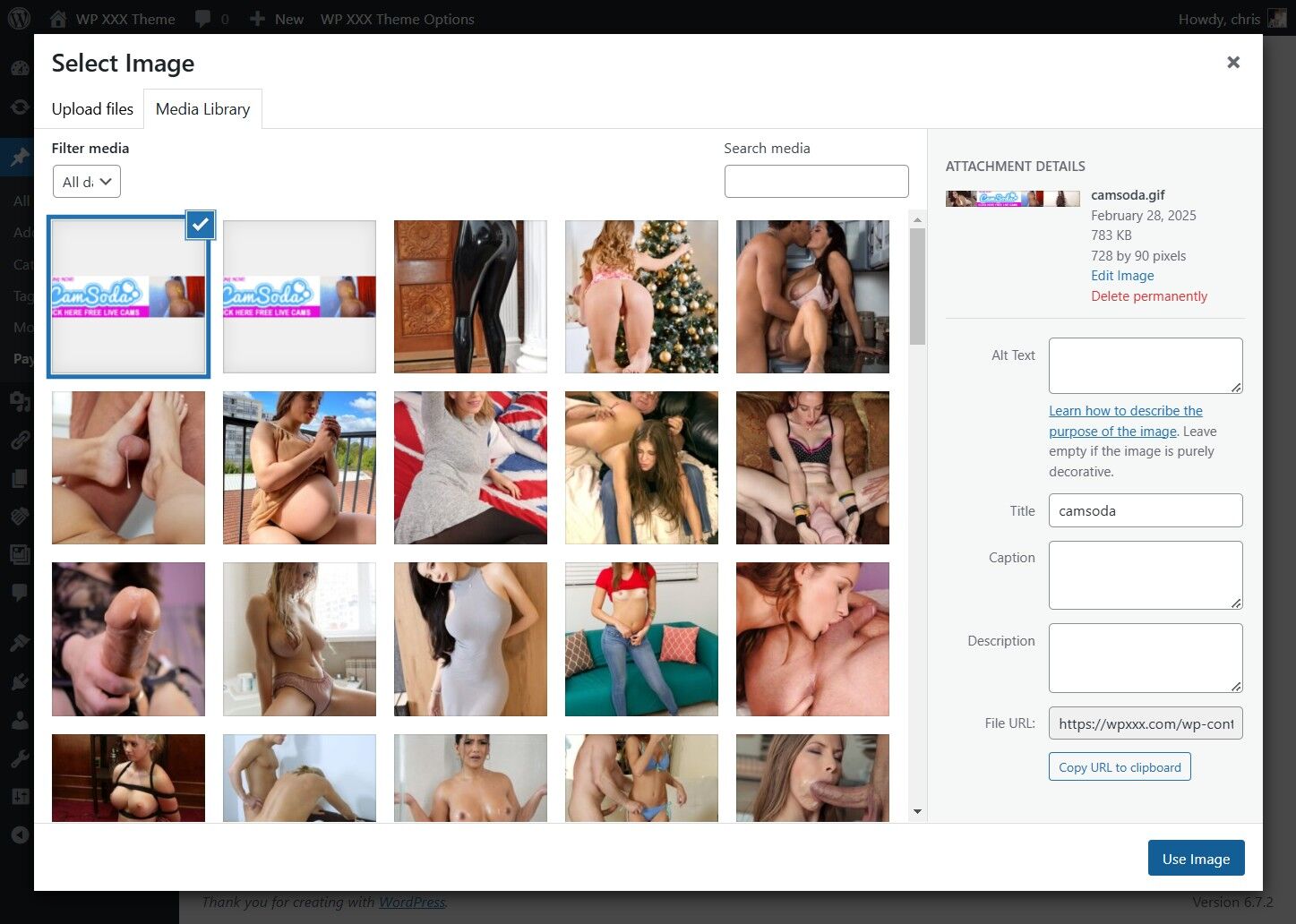
Click "Use Image"


8. Enter the Paysite Link Code
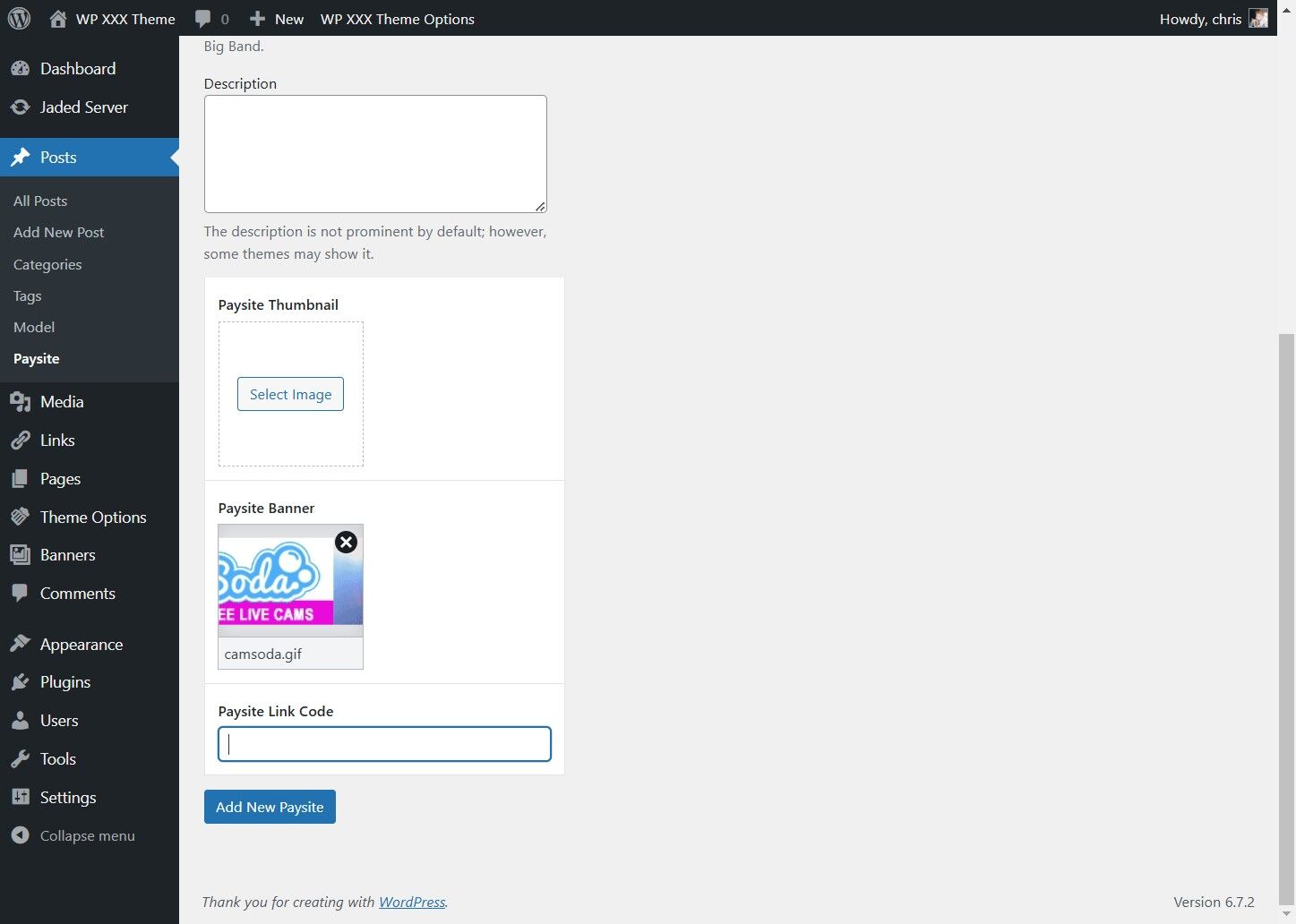
Enter the Paysite Link Code


9. Click Add Paysite
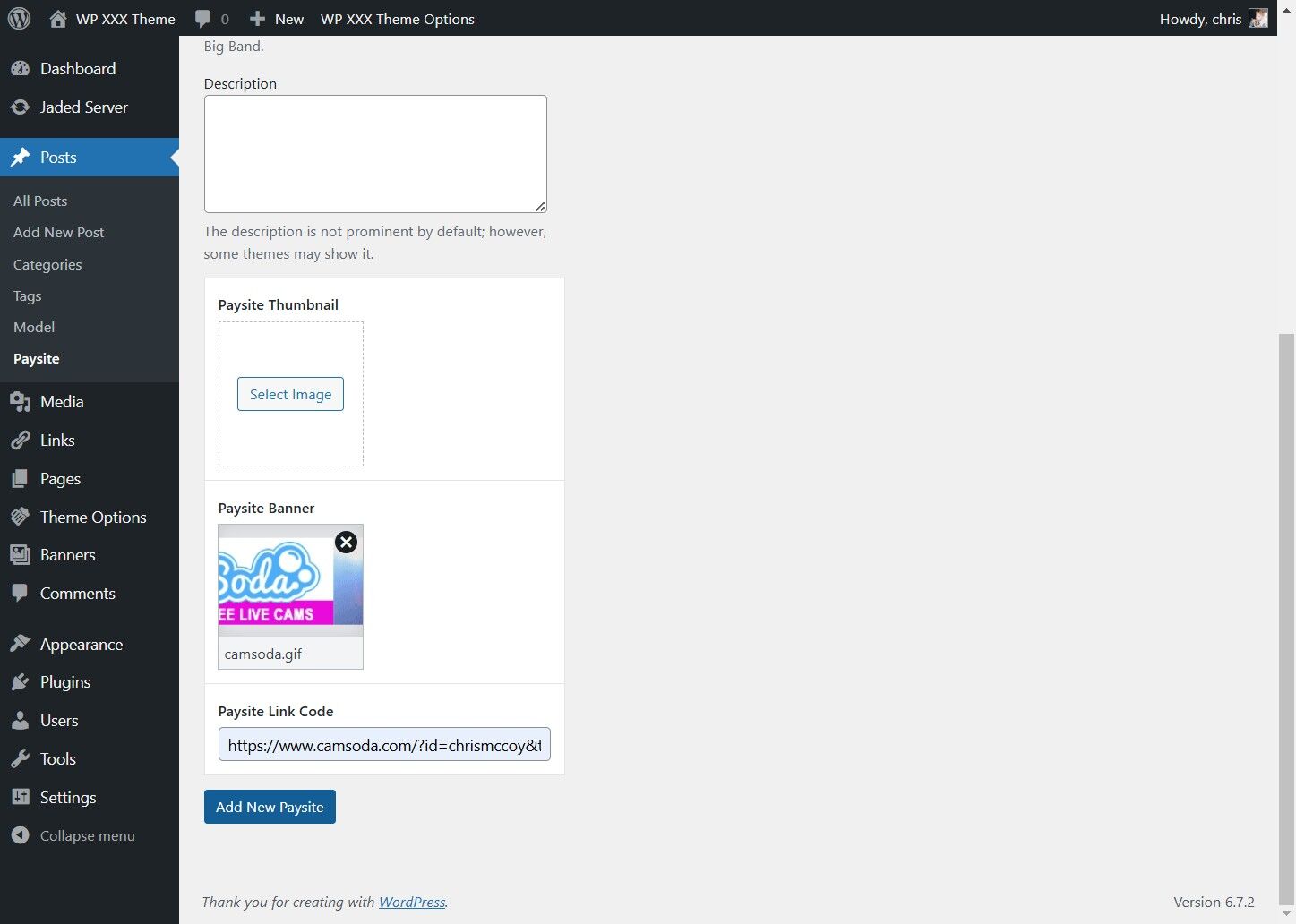
Click Add Paysite

2025 © WPXXX Documentation | Theme Documentation