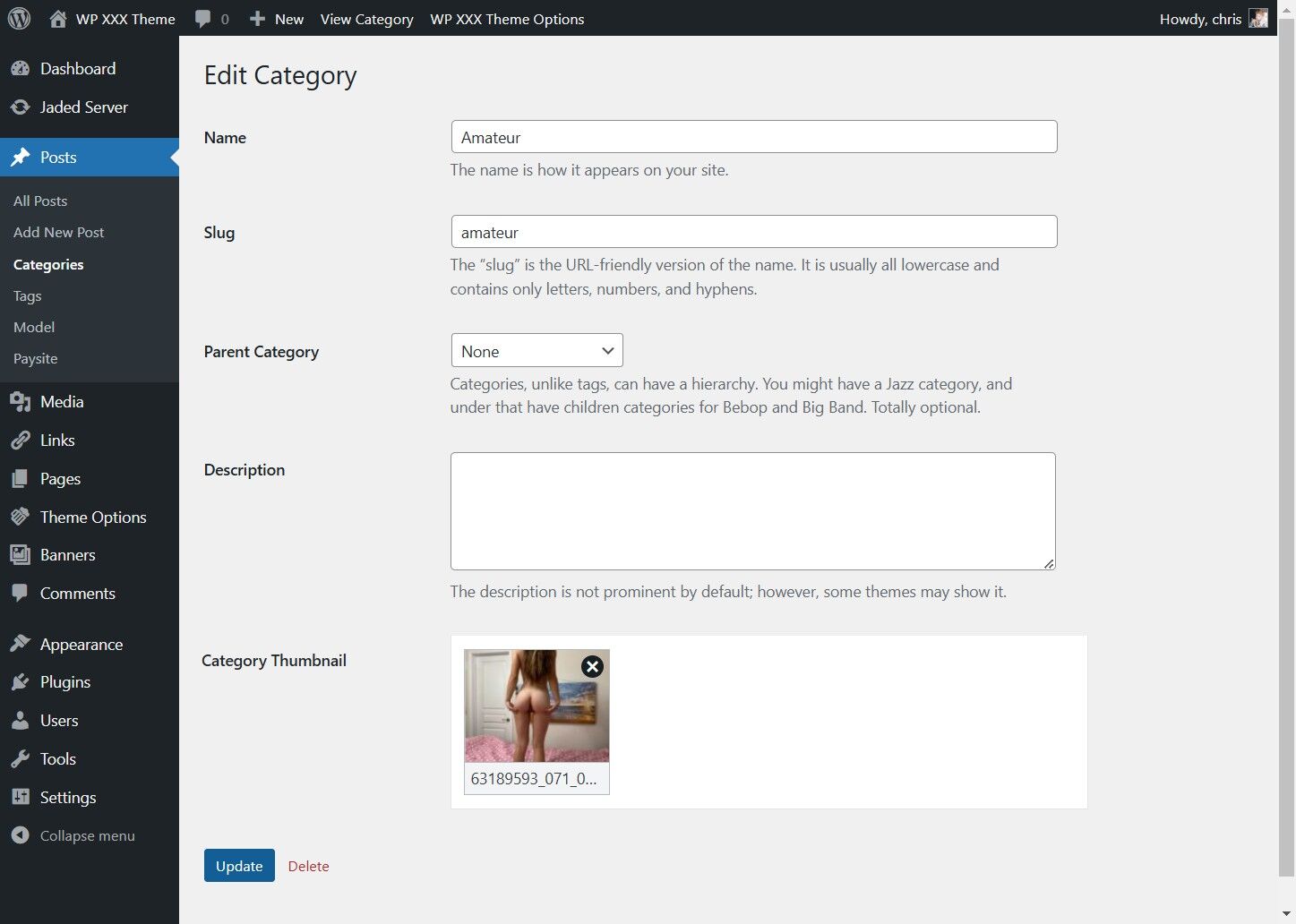
This guide provides a straightforward process for adding a category image to your categories to be shown on the category index page
1. Click "Posts"
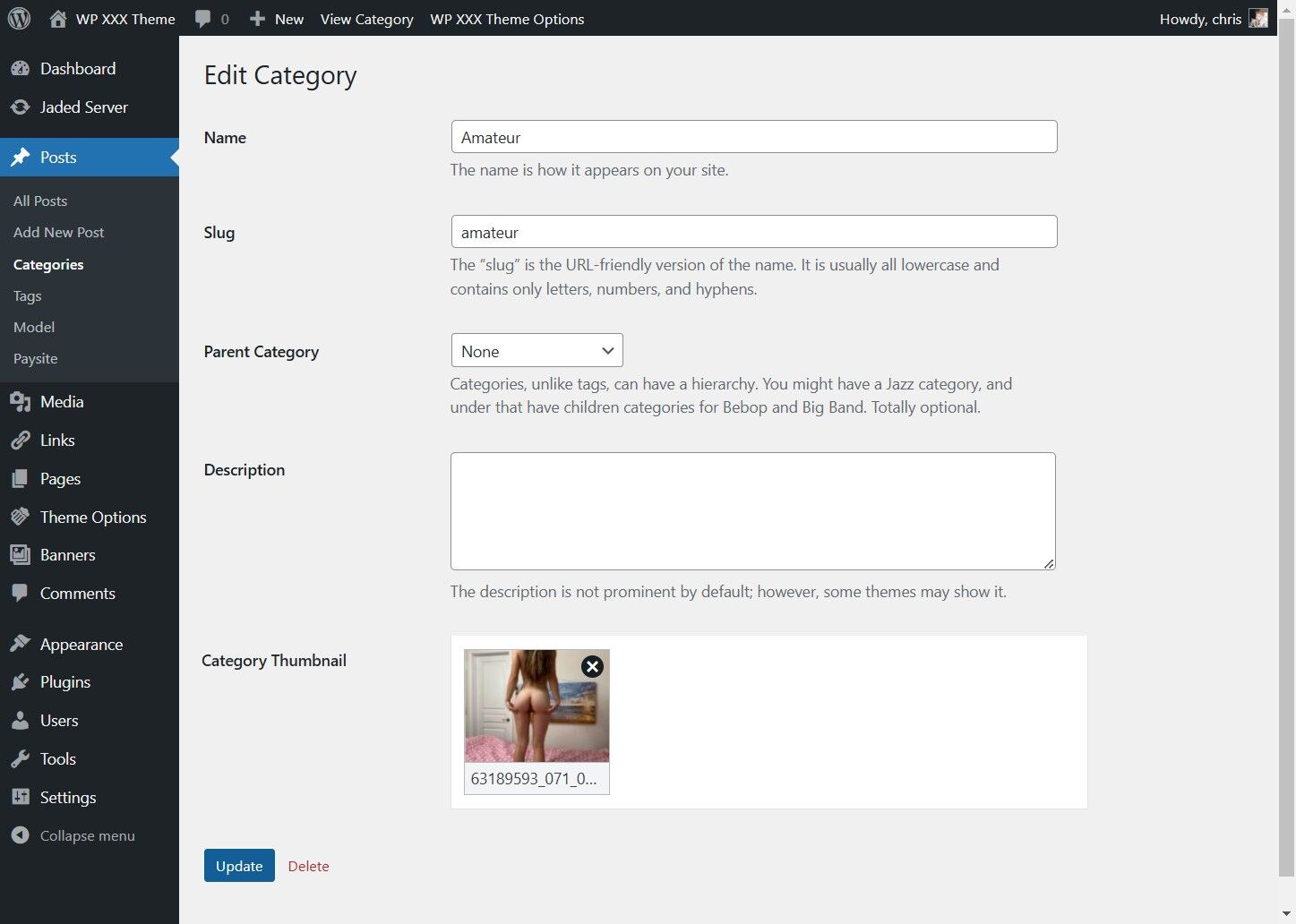
2. Click "Categories"
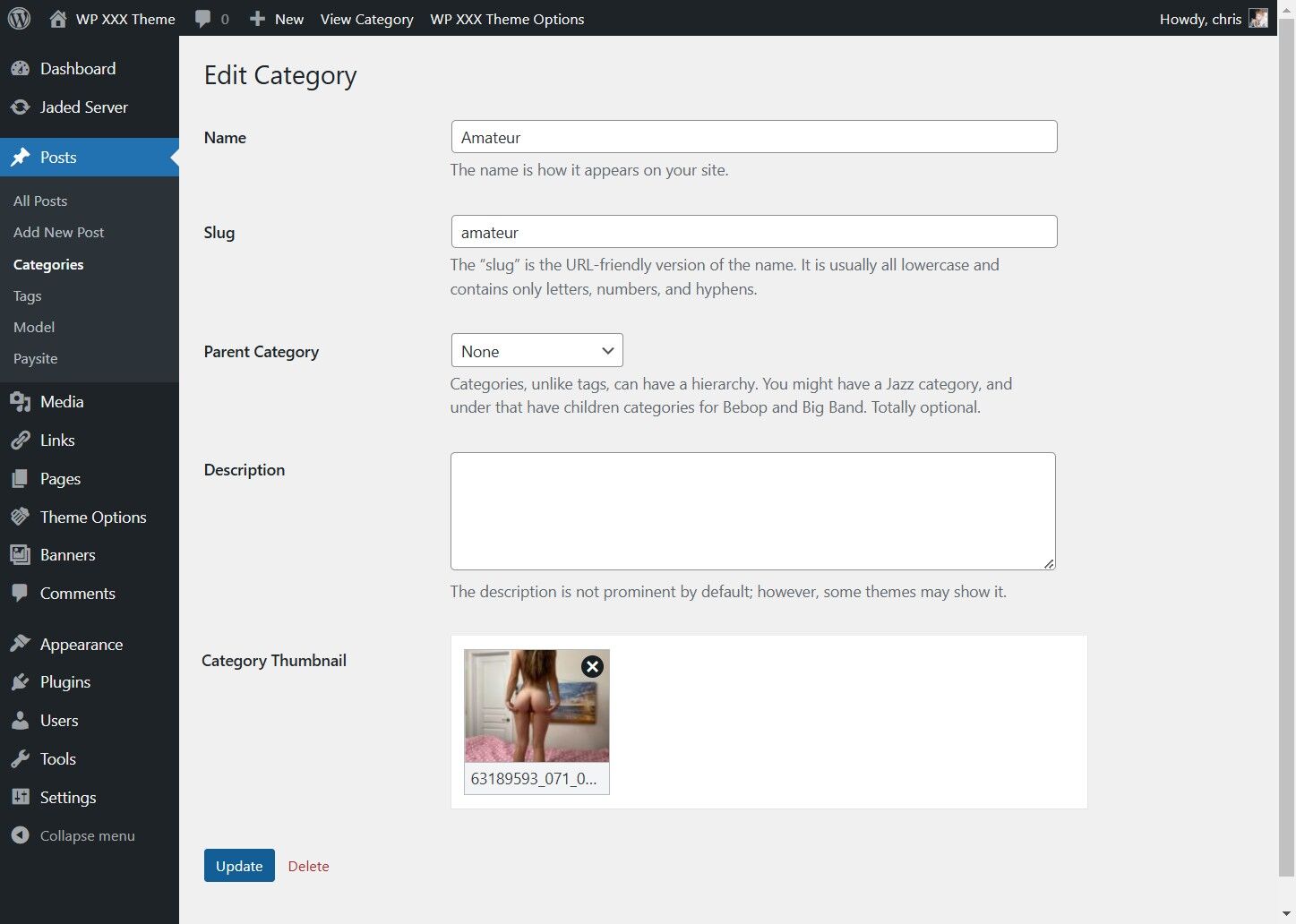
3. Click "Edit" for the Category you wish to add a thumbnail to
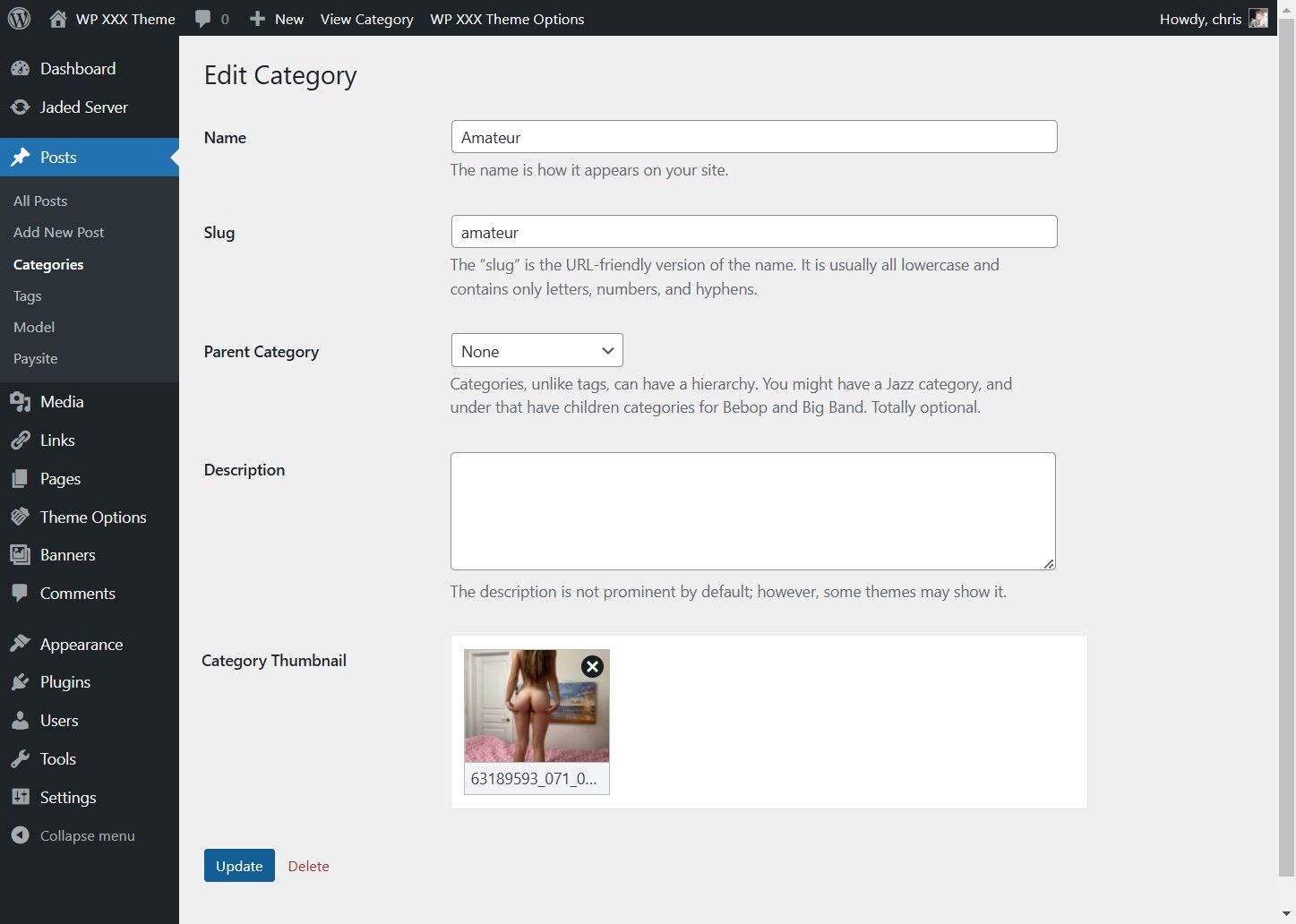
4. Click "Select Image"
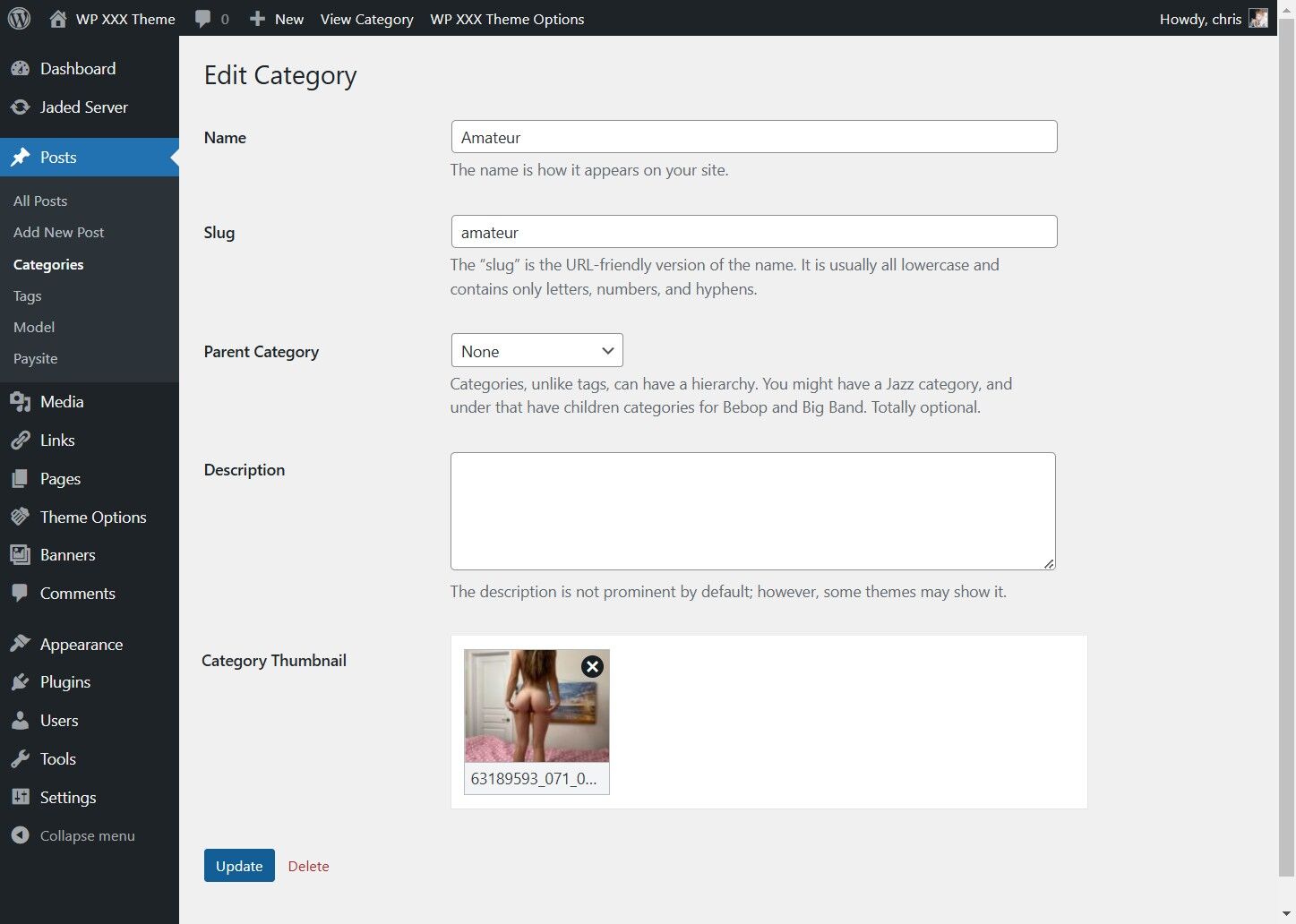
5. Click "Upload files"
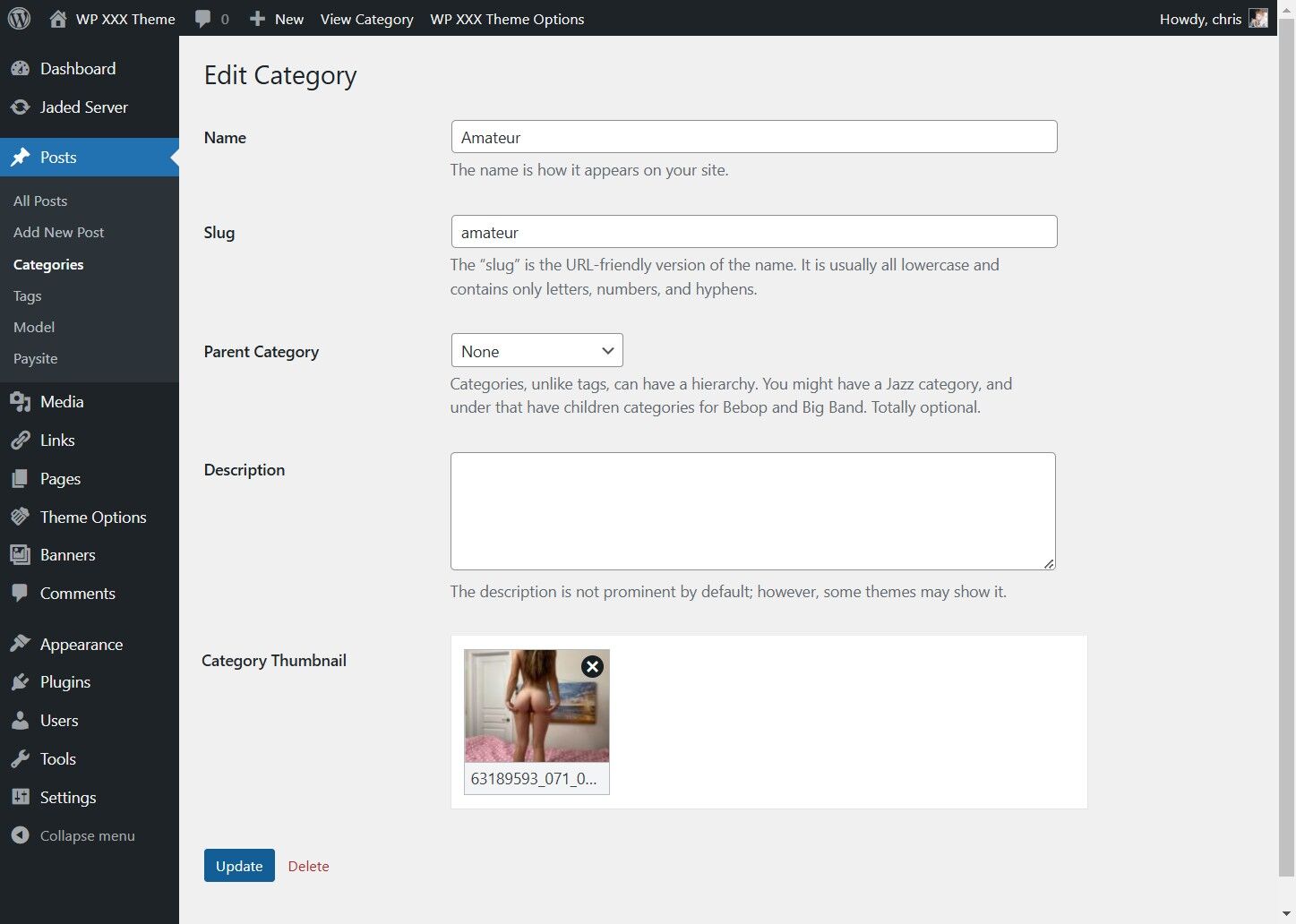
6. Click "Select Files"
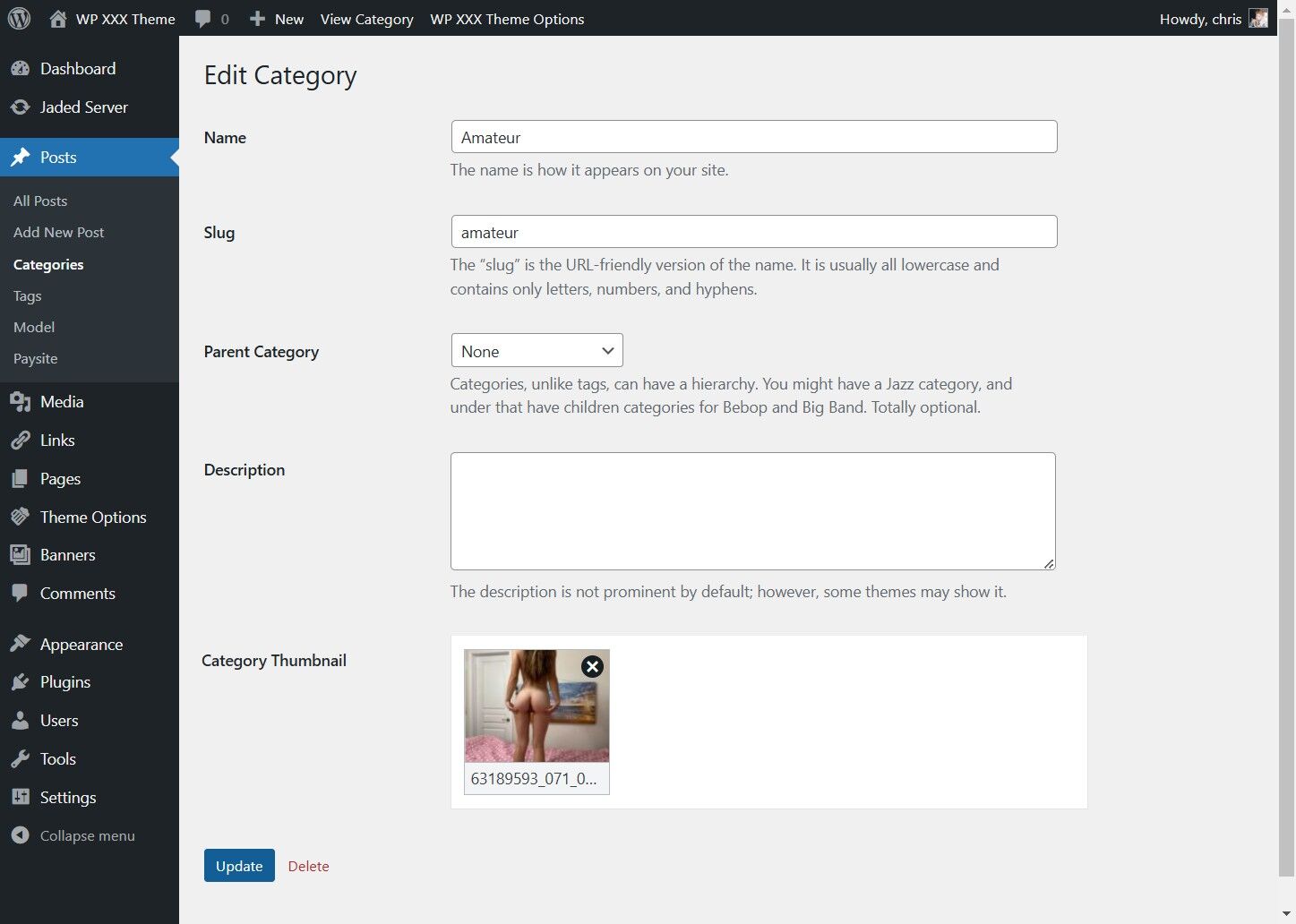
7. Click "Use Image"
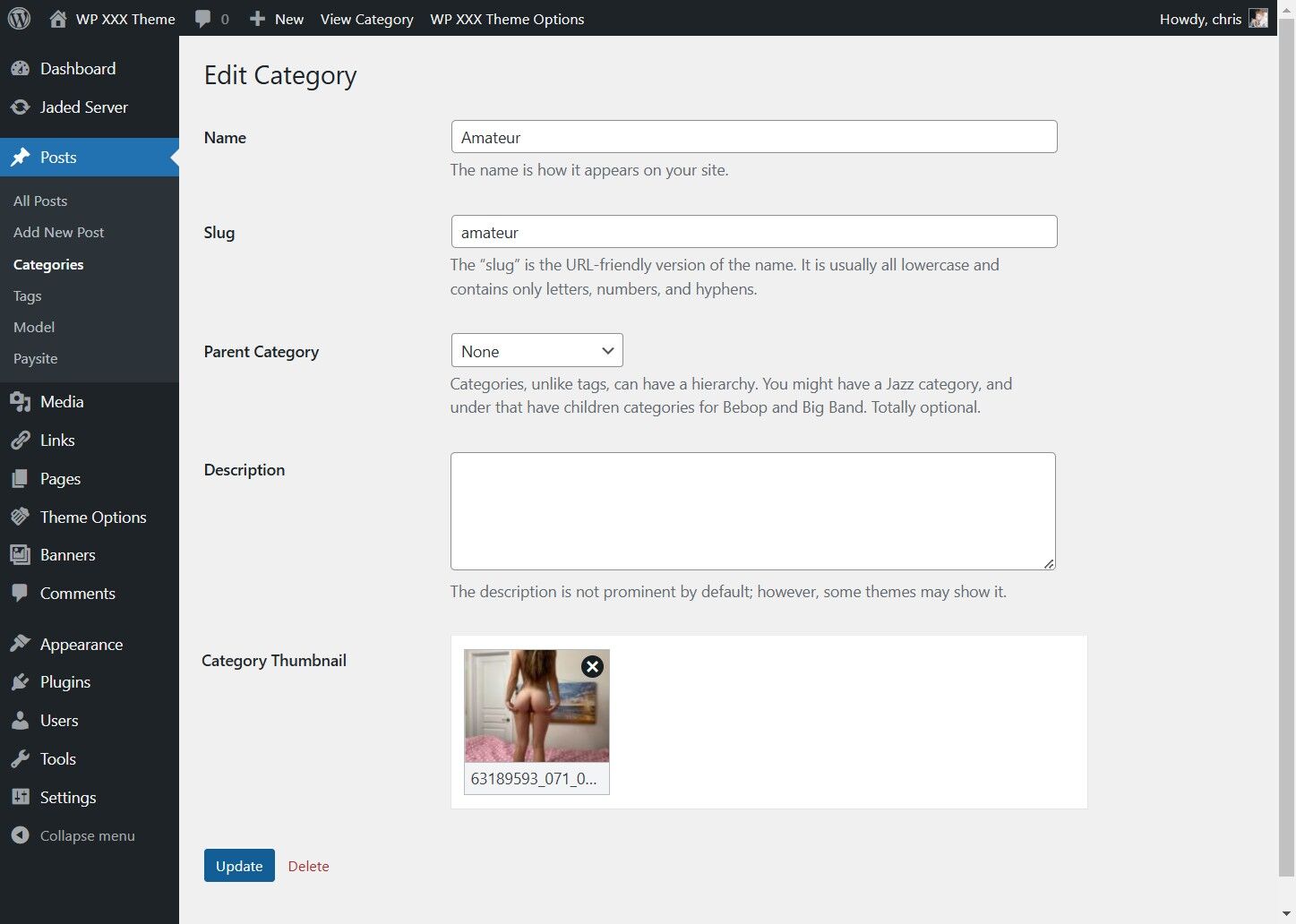
8. Click Save