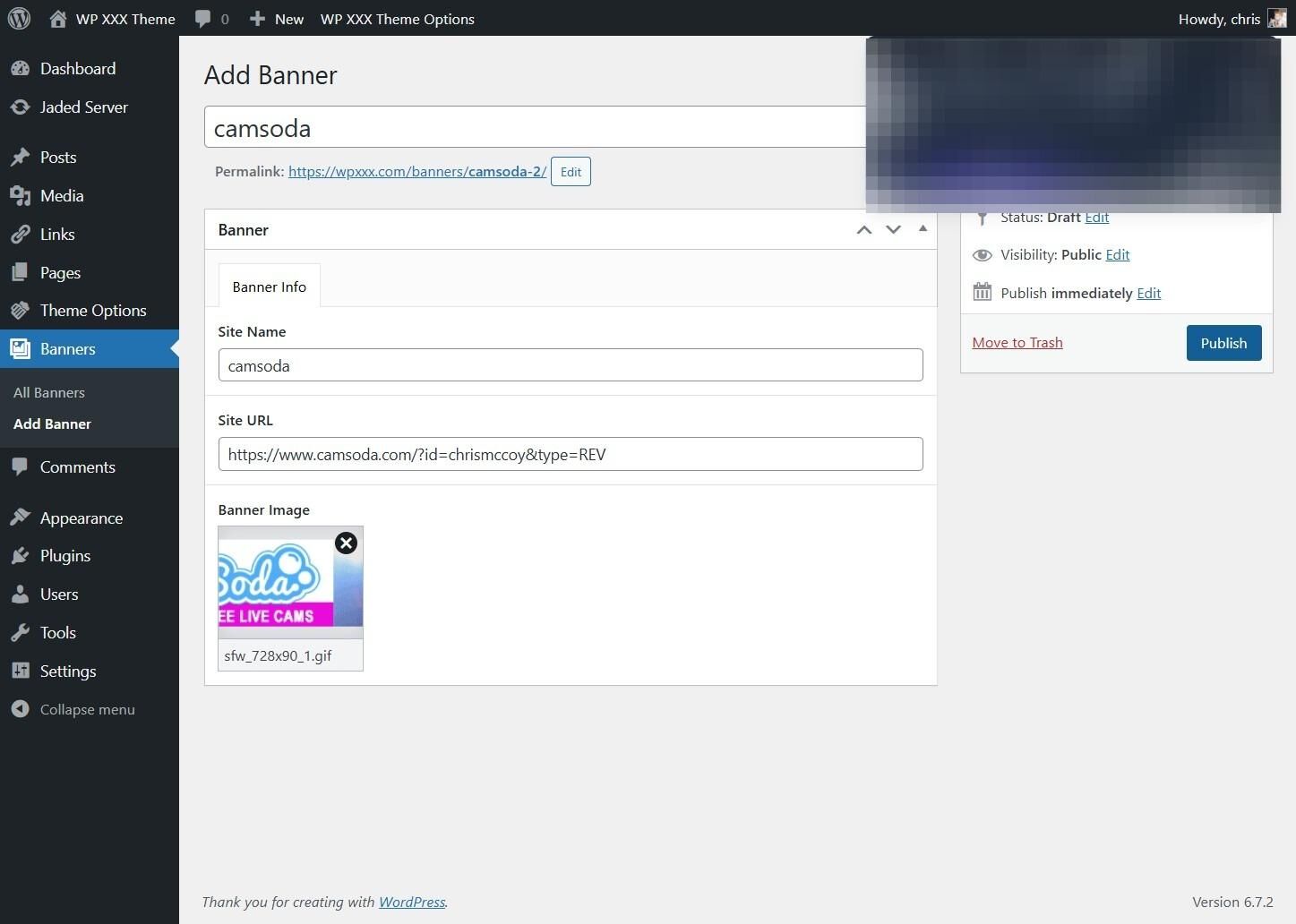
This guide provides a straightforward process for adding a site-wide banner, to be shown on the sites index and archive pages.
1. Navigate to the Banners Tab
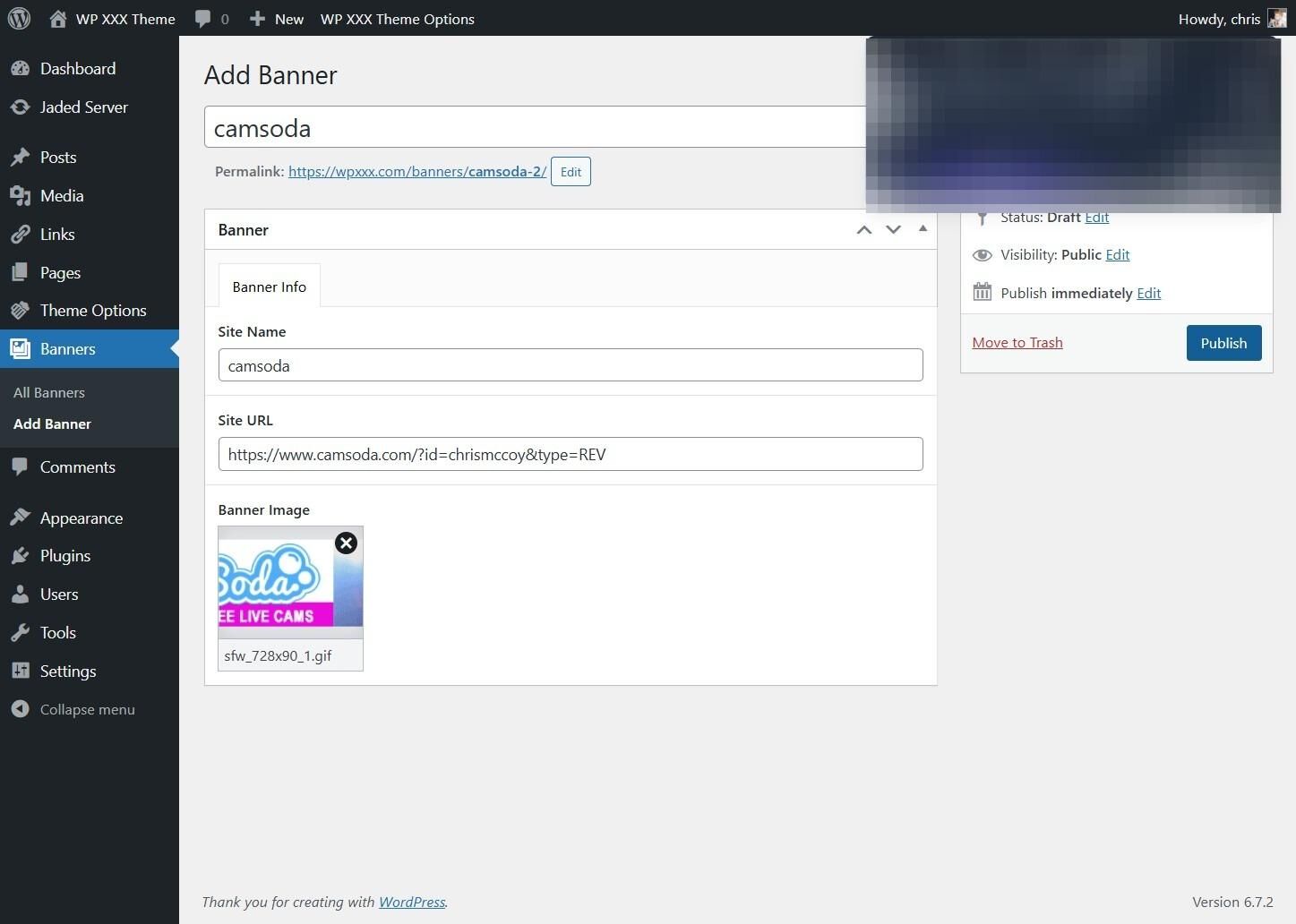
2. Click "Banners"
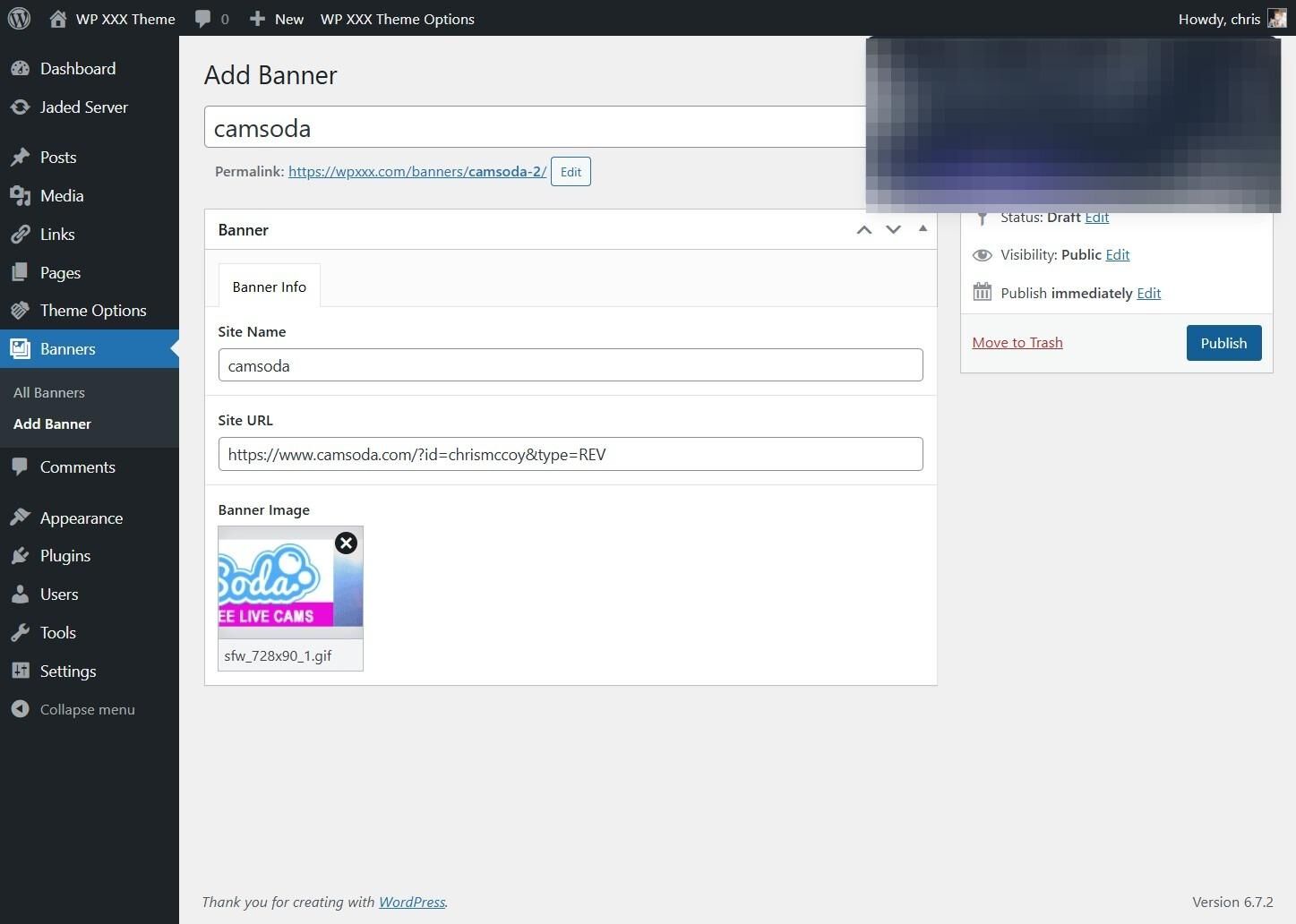
3. Click "Add Banner"
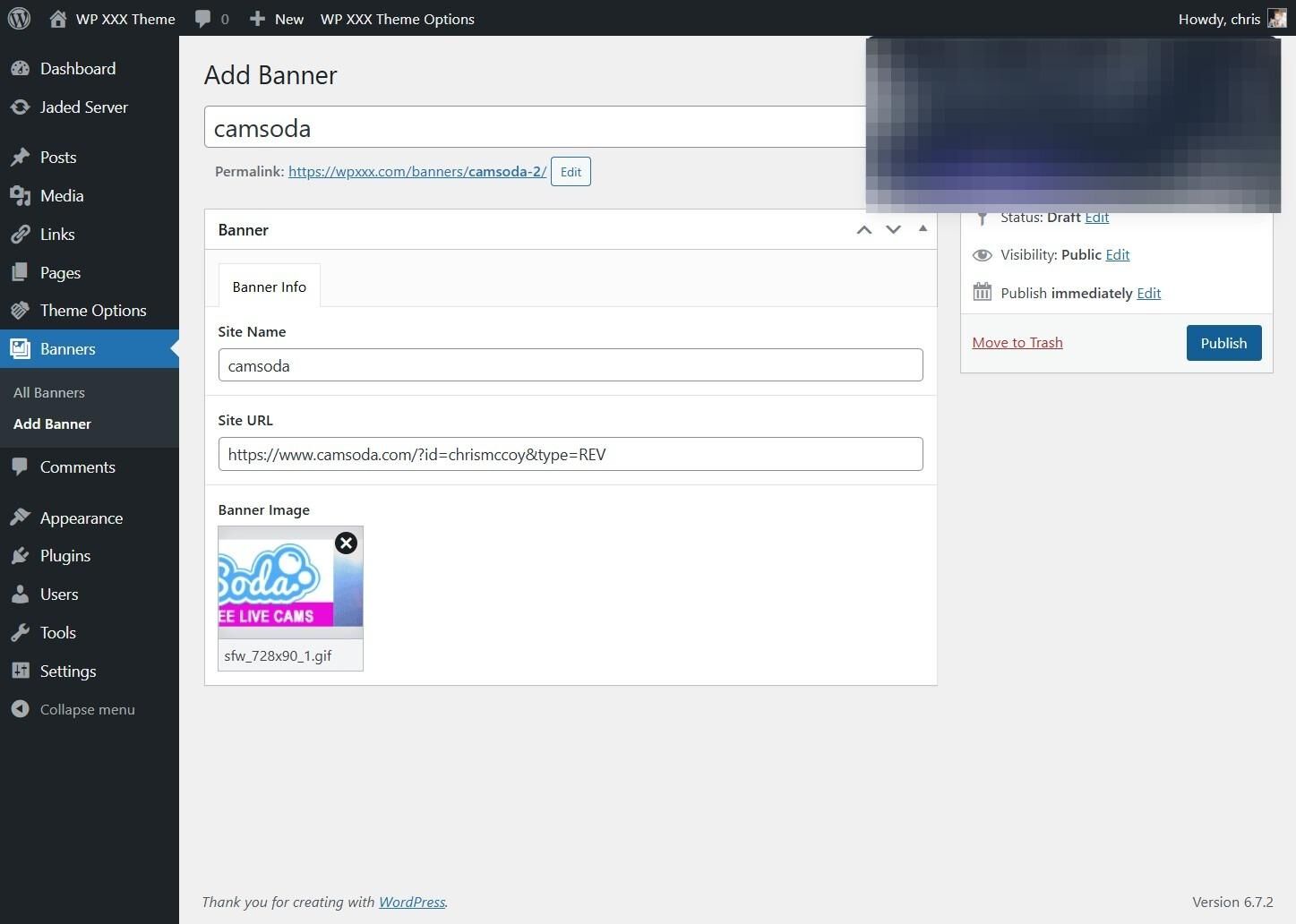
4. Enter the Banner Name
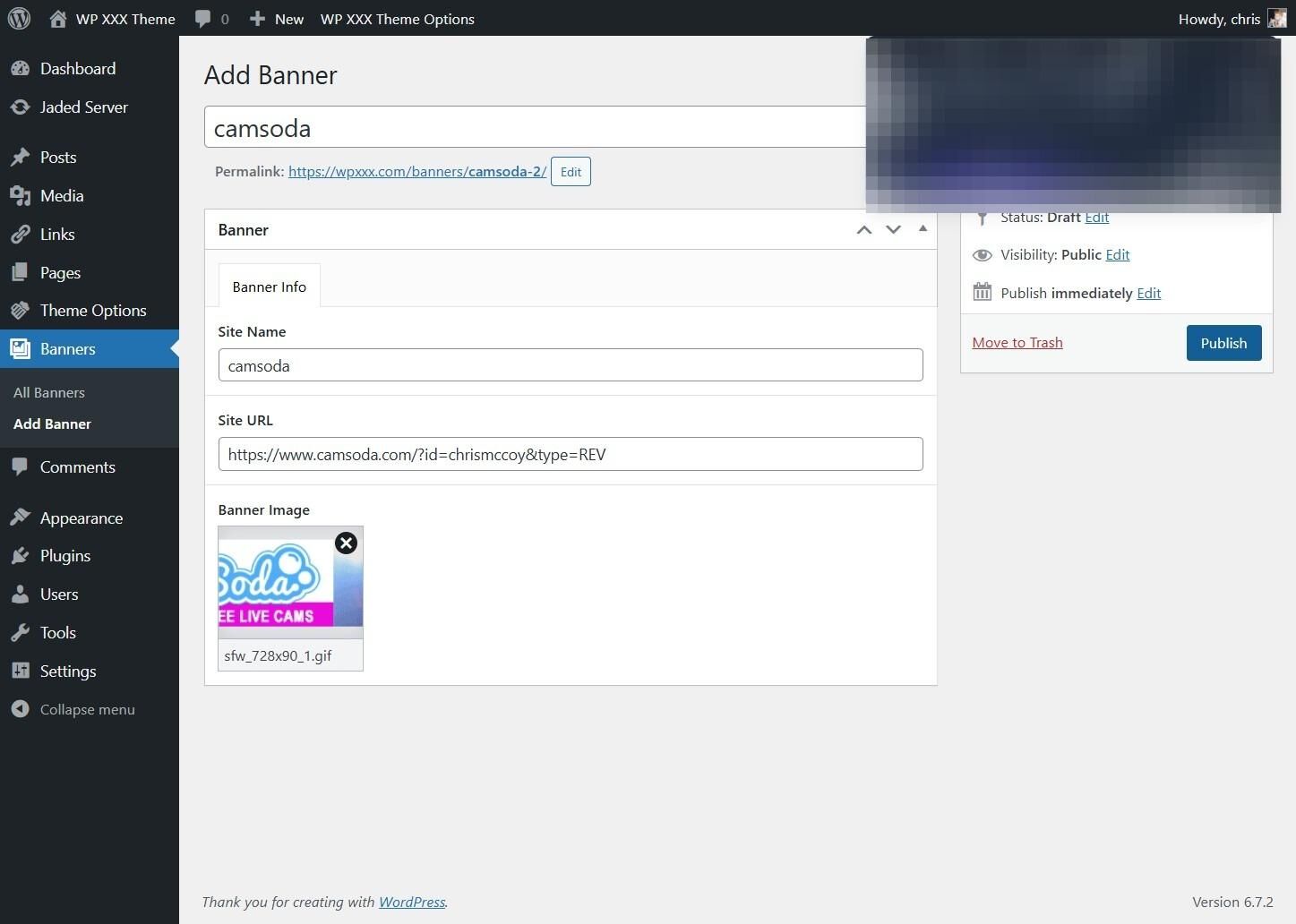
5. Enter the Link Code or Paysite Tour
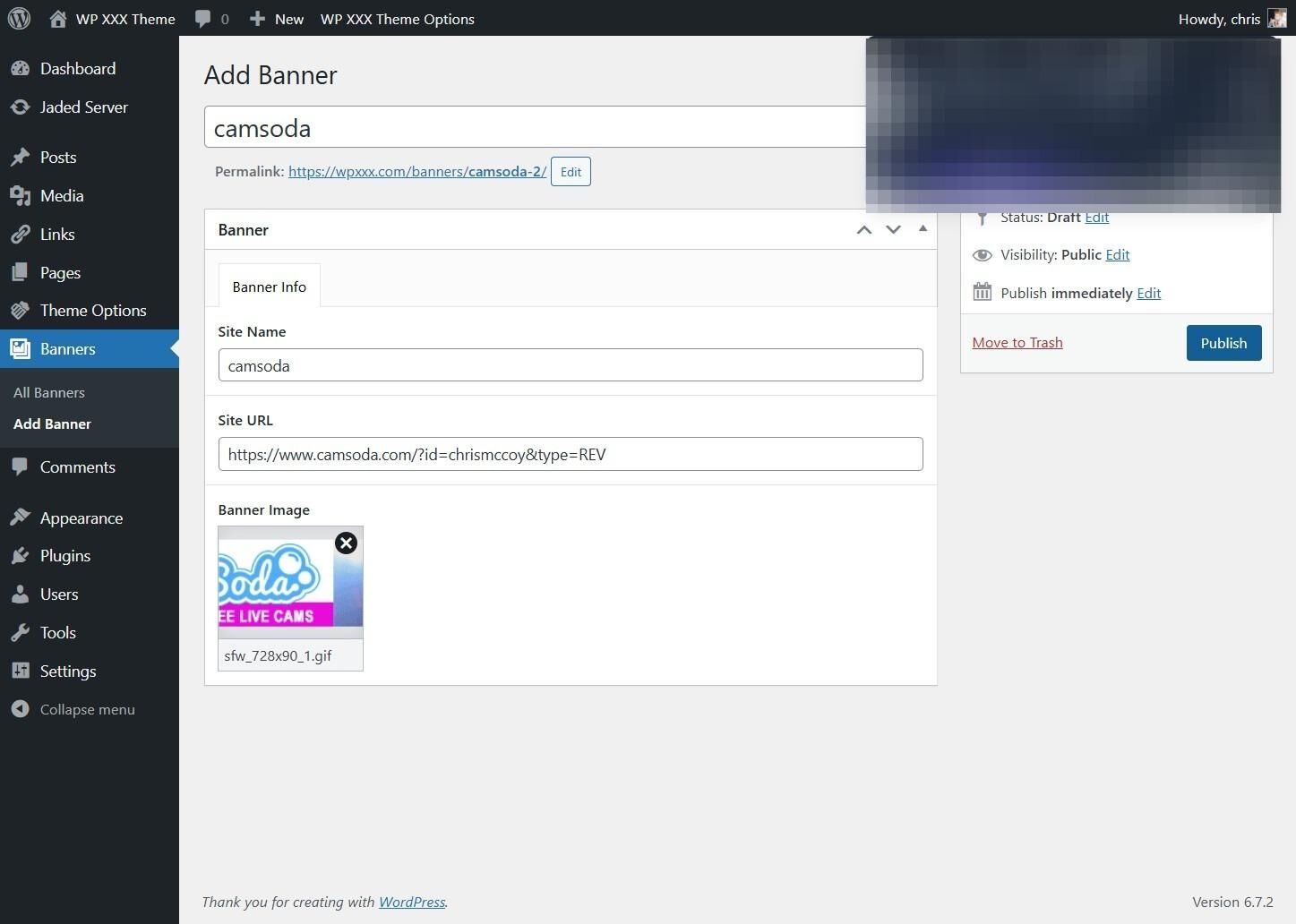
6. To Upload a Banner Click "Select Image"
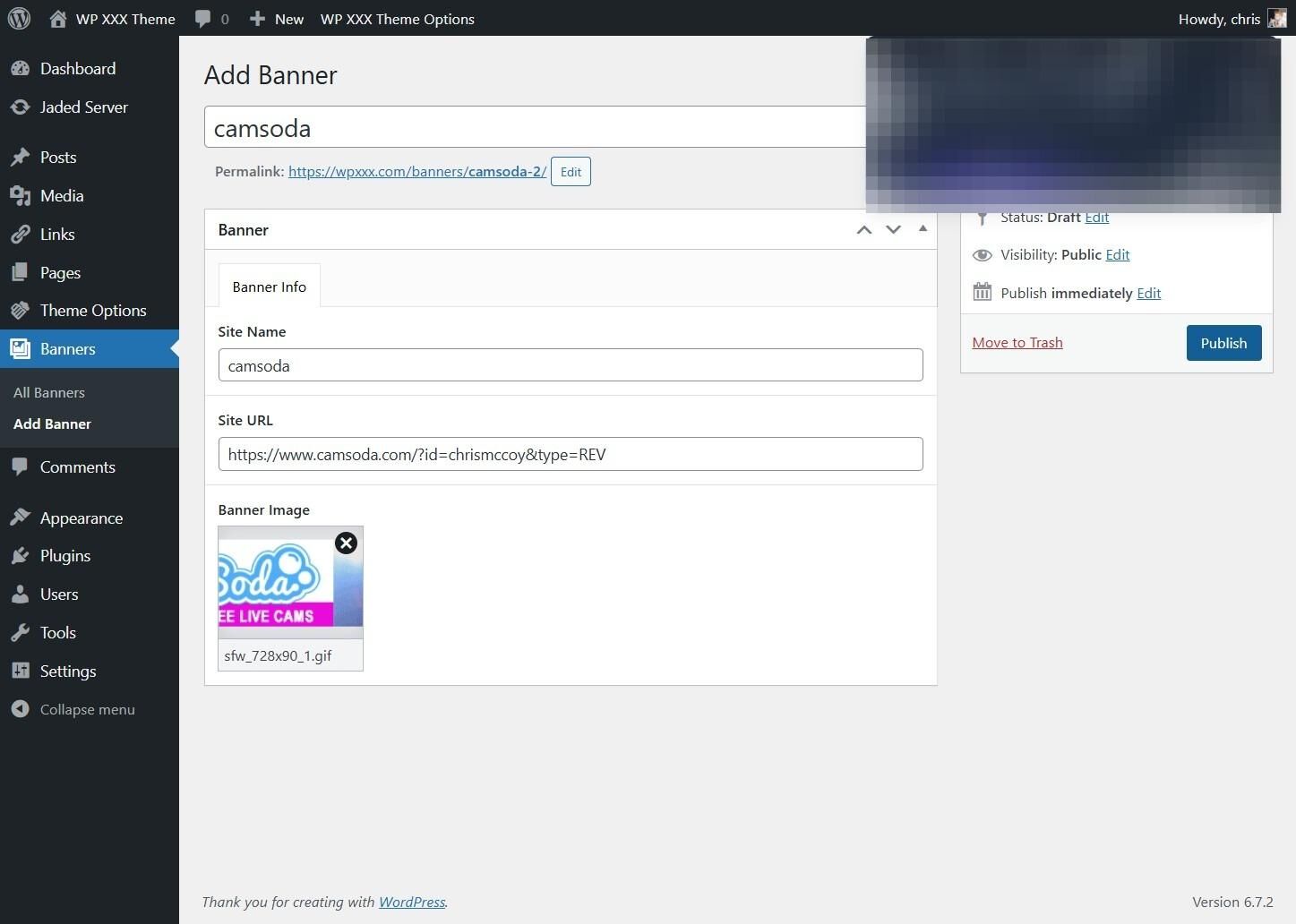
7. Click "Upload files"
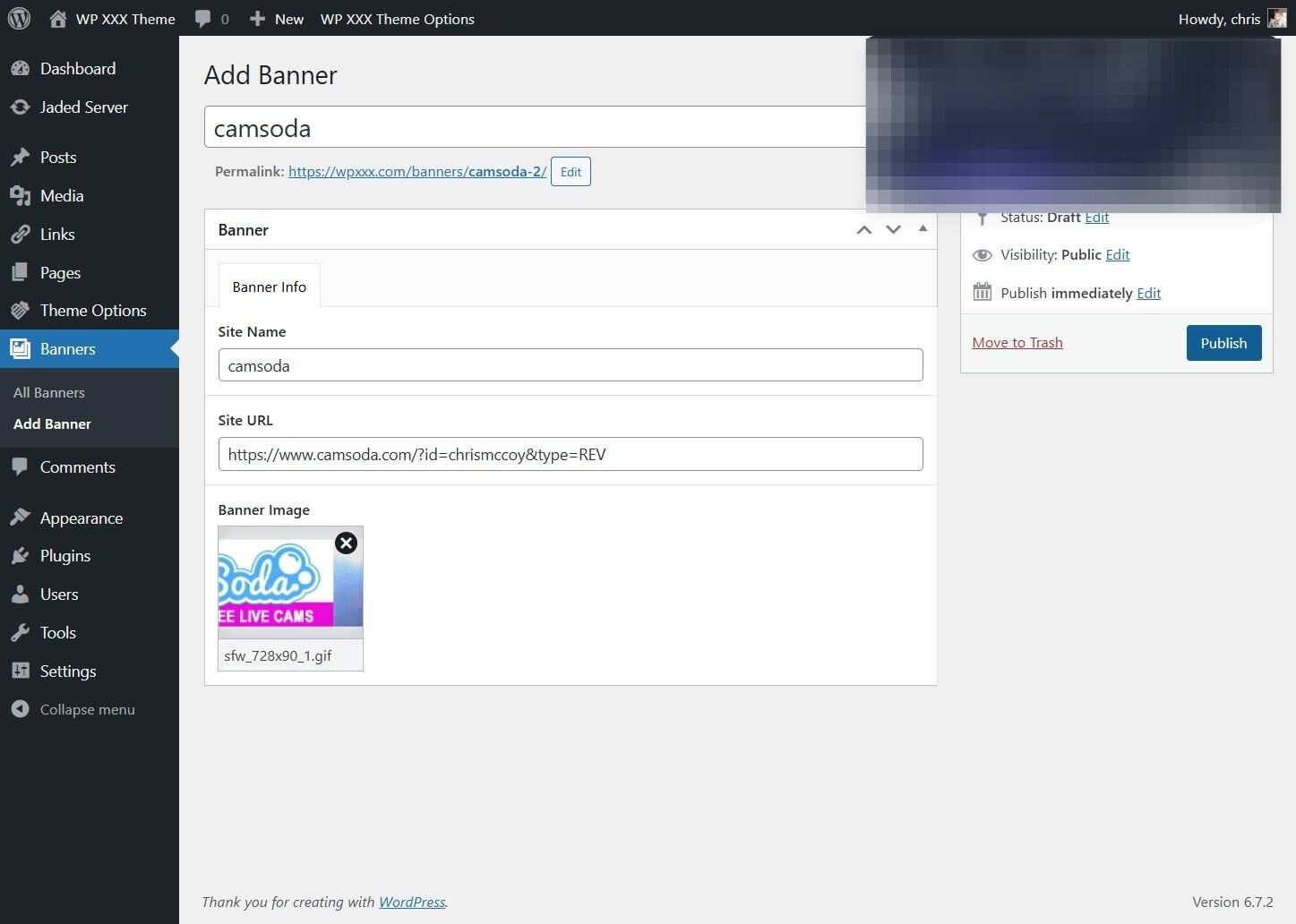
8. Click "Select Files"
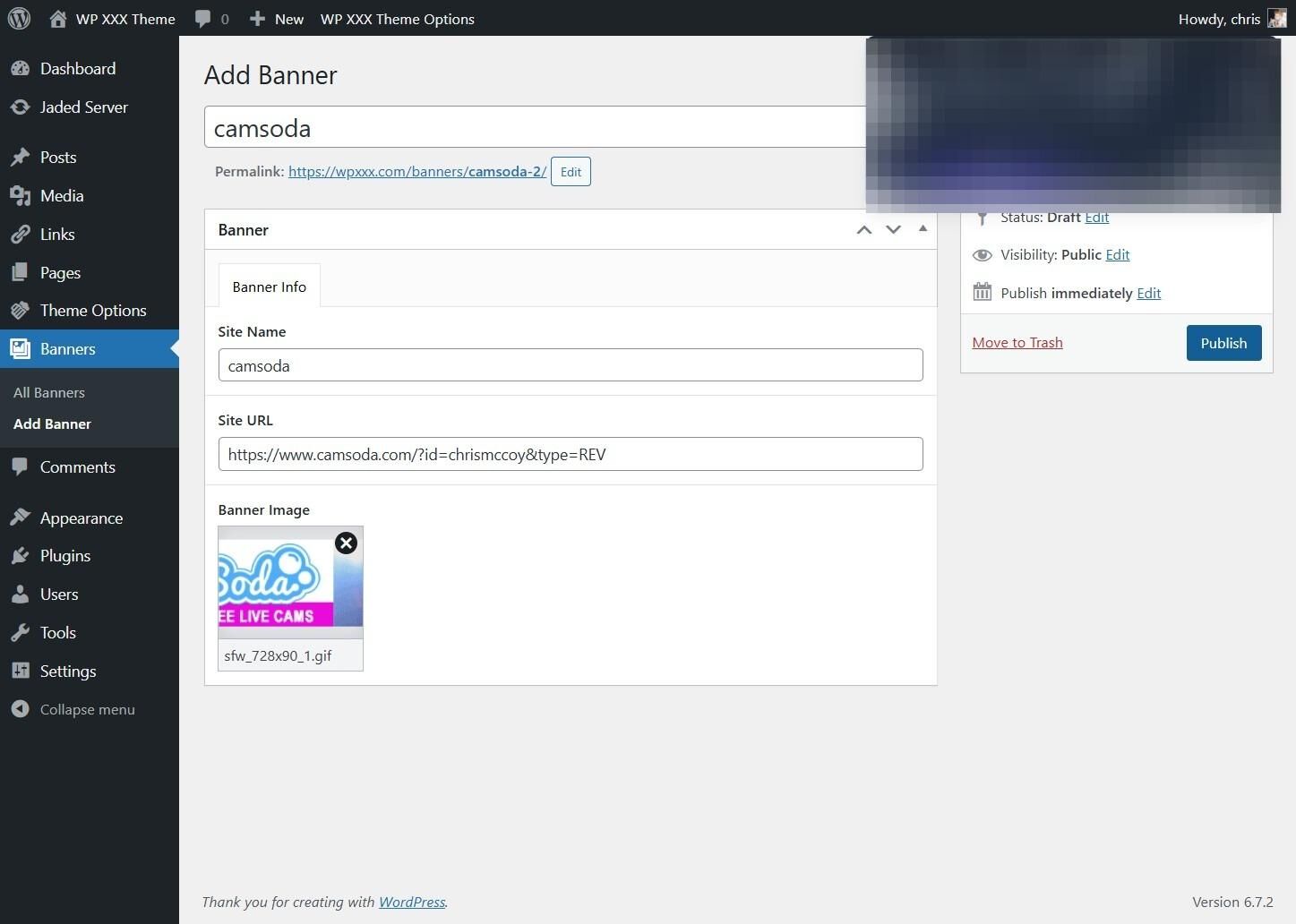
9. Click "Use Image"
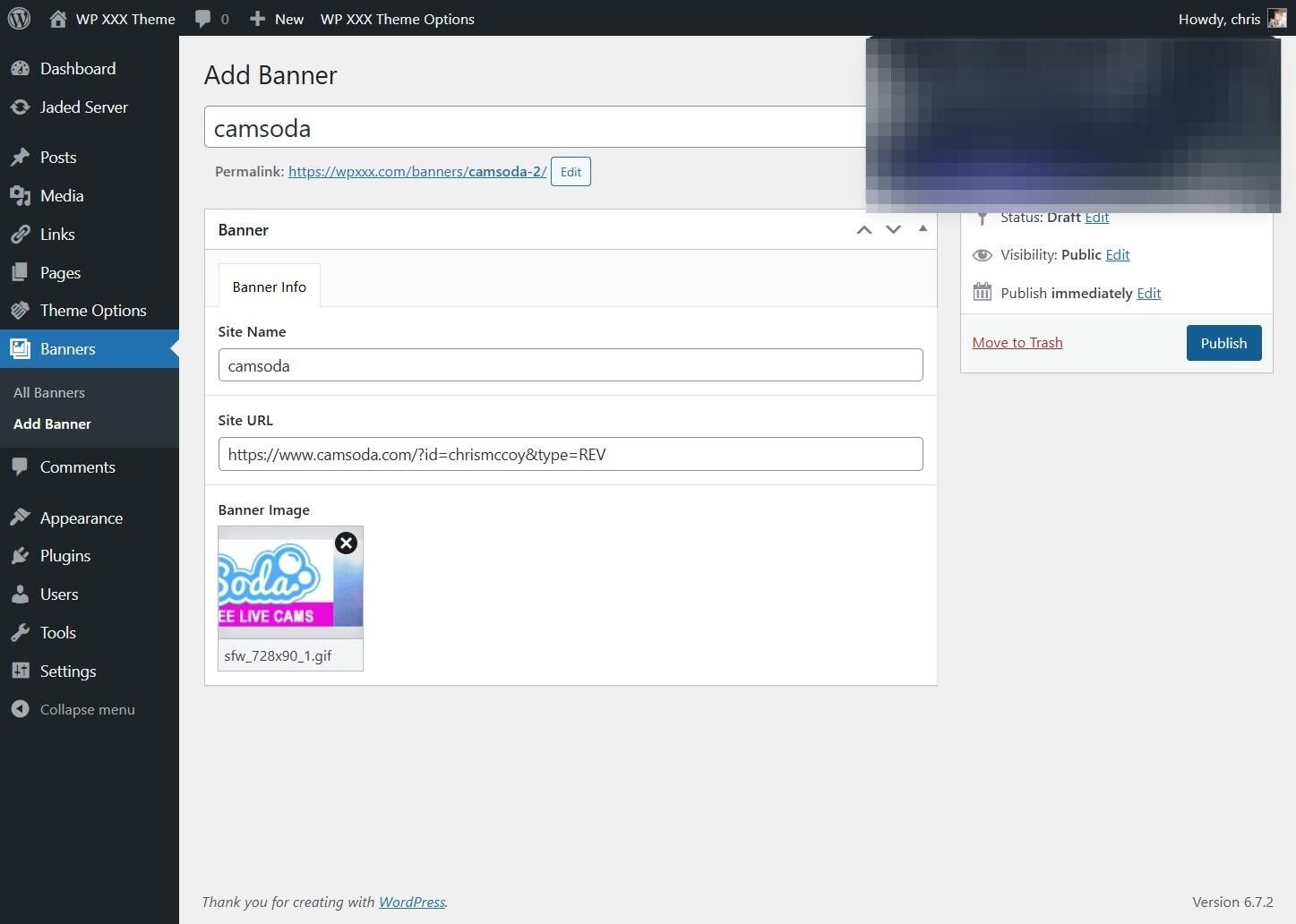
10. Click Publish