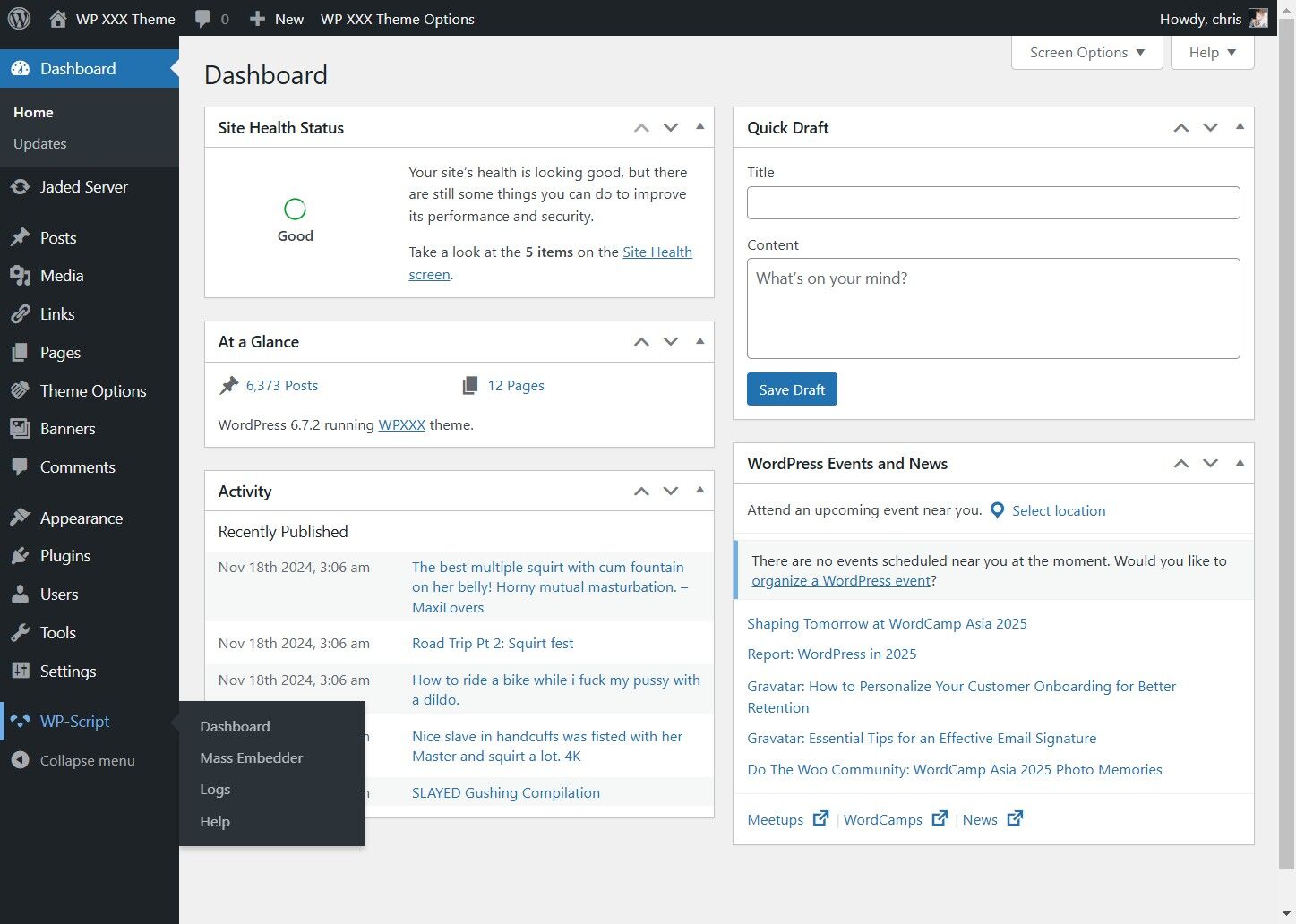
This guide provides a straightforward approach to configuring the WP-Script Mass Embedder
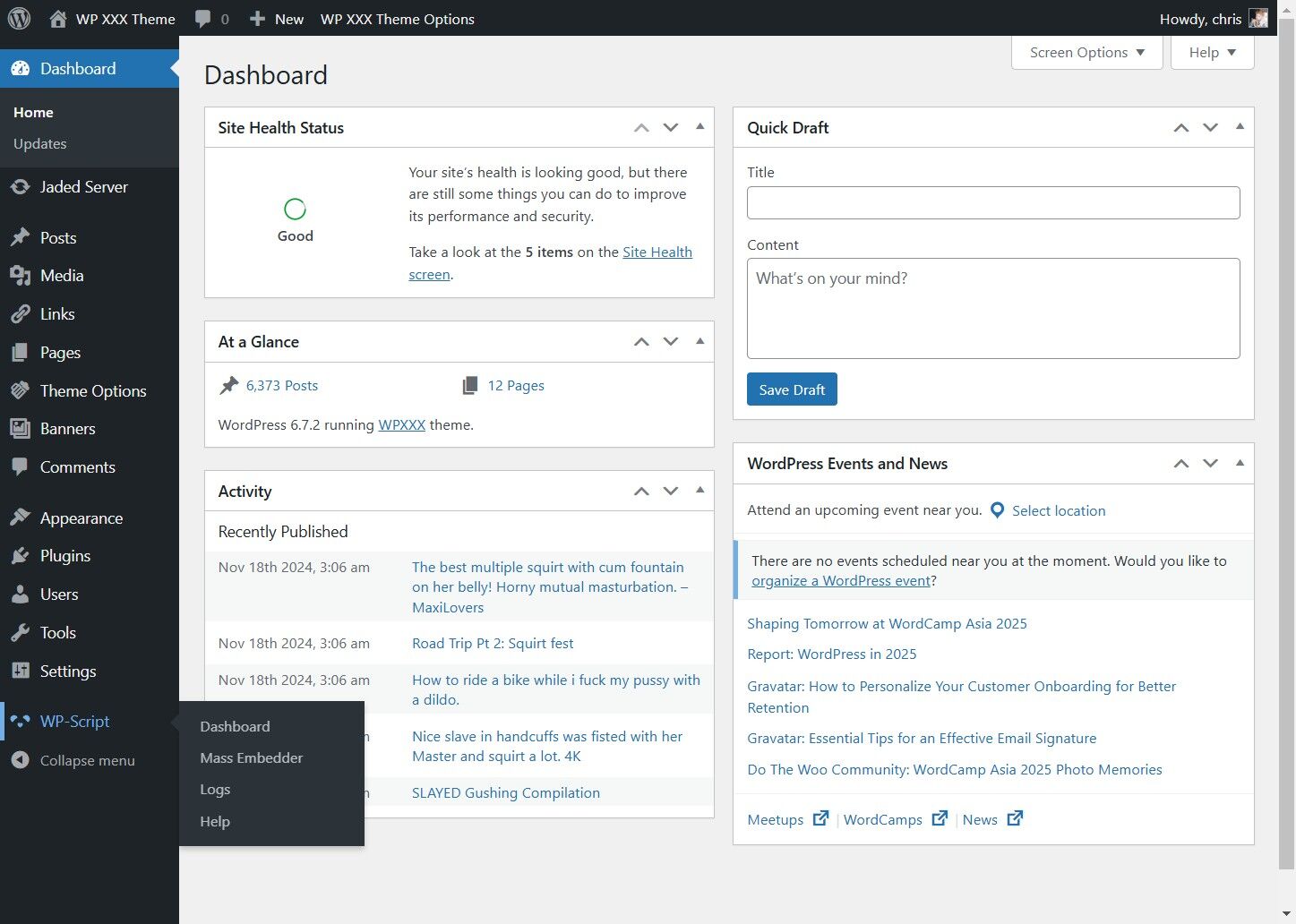
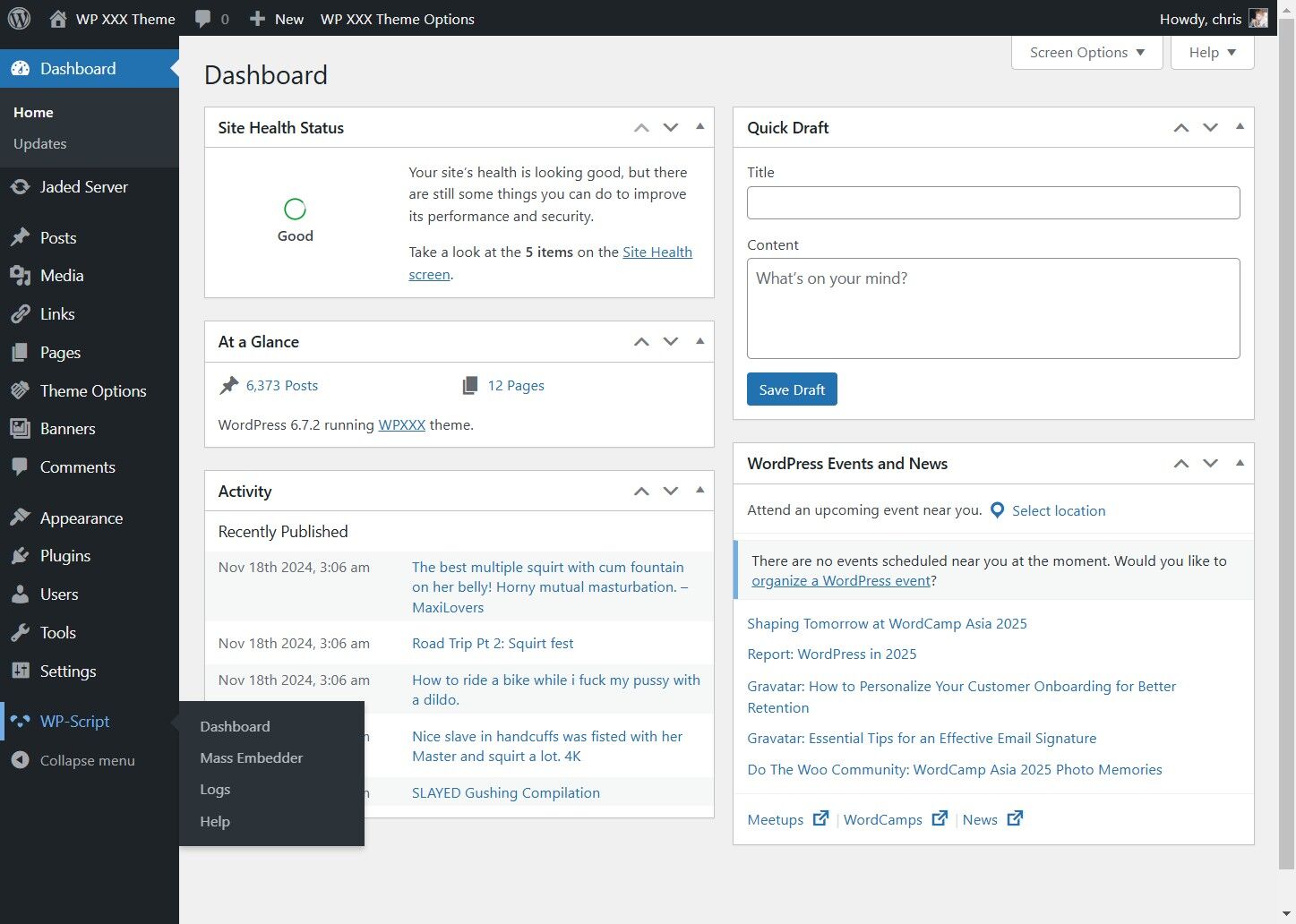
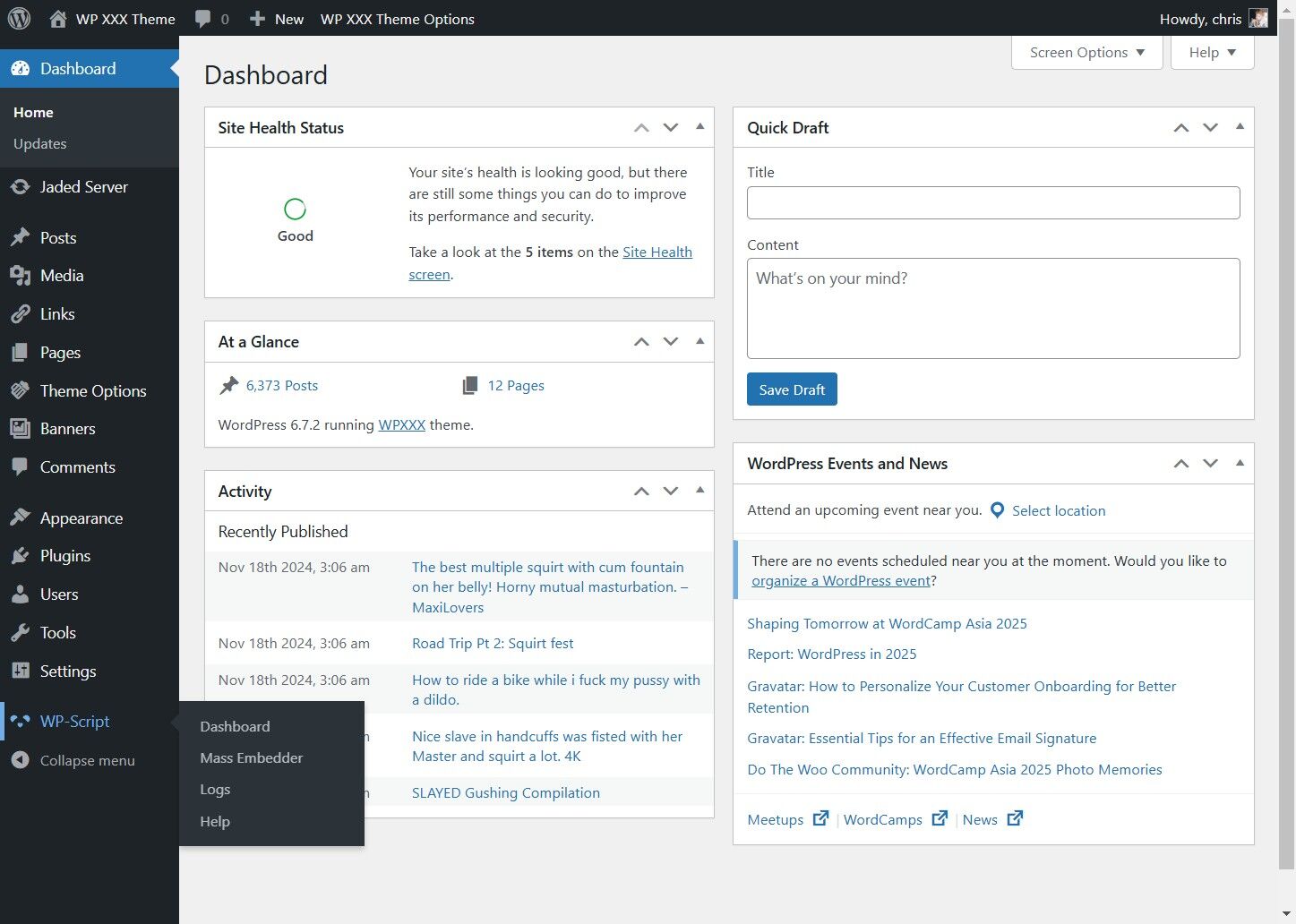
1. Click "WP-Script"
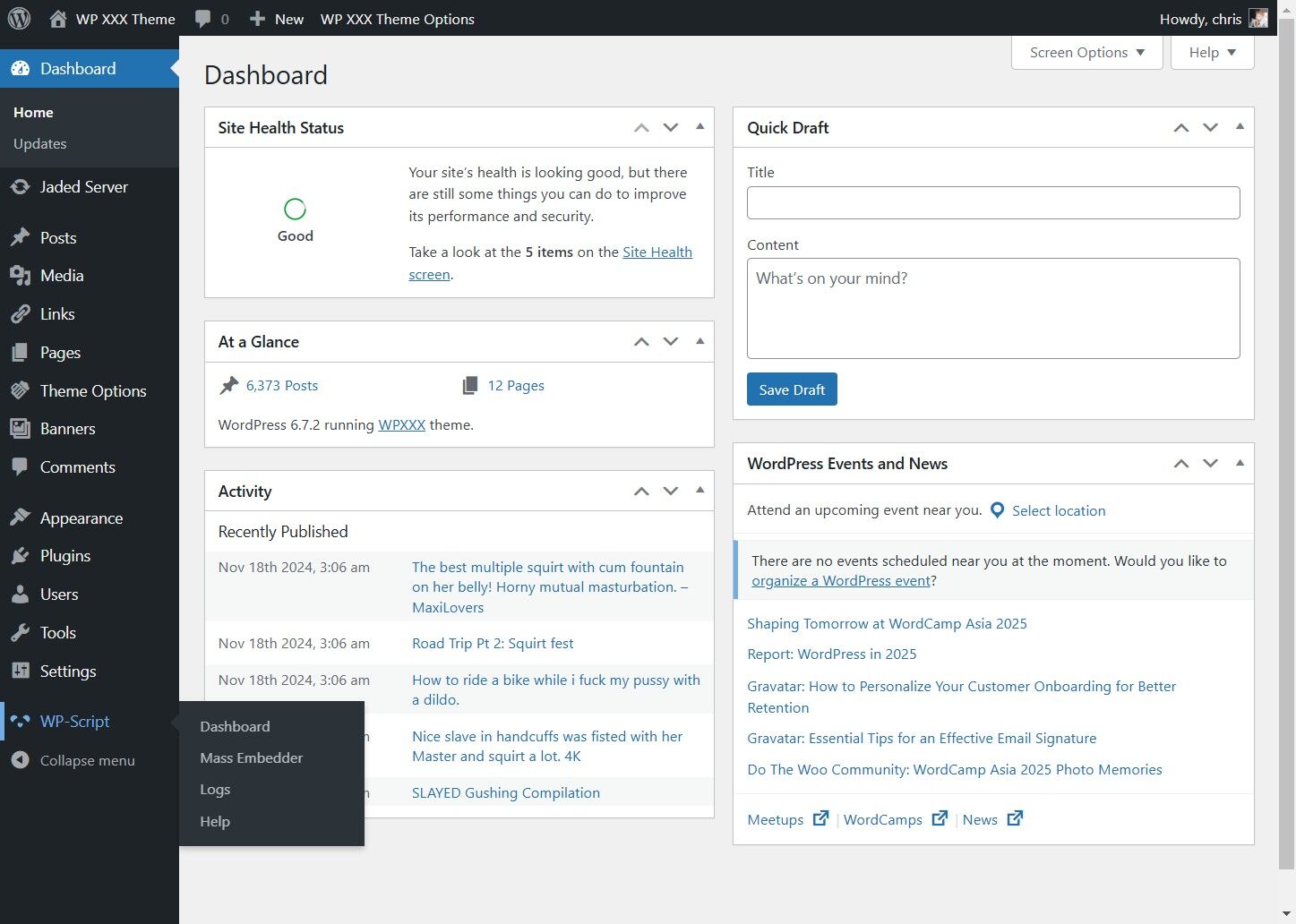
2. Click "Mass Embedder"
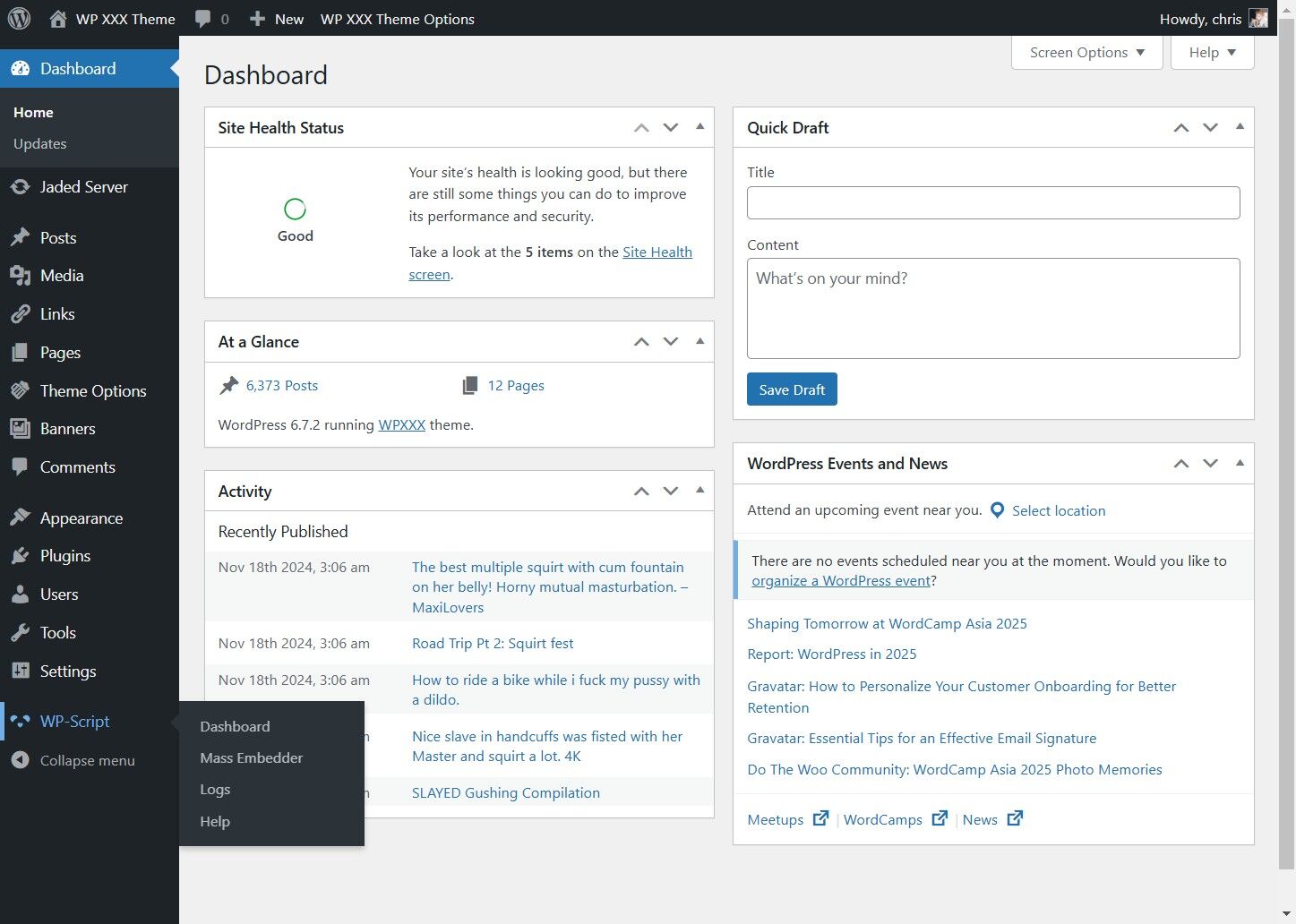
3. Click "Options"
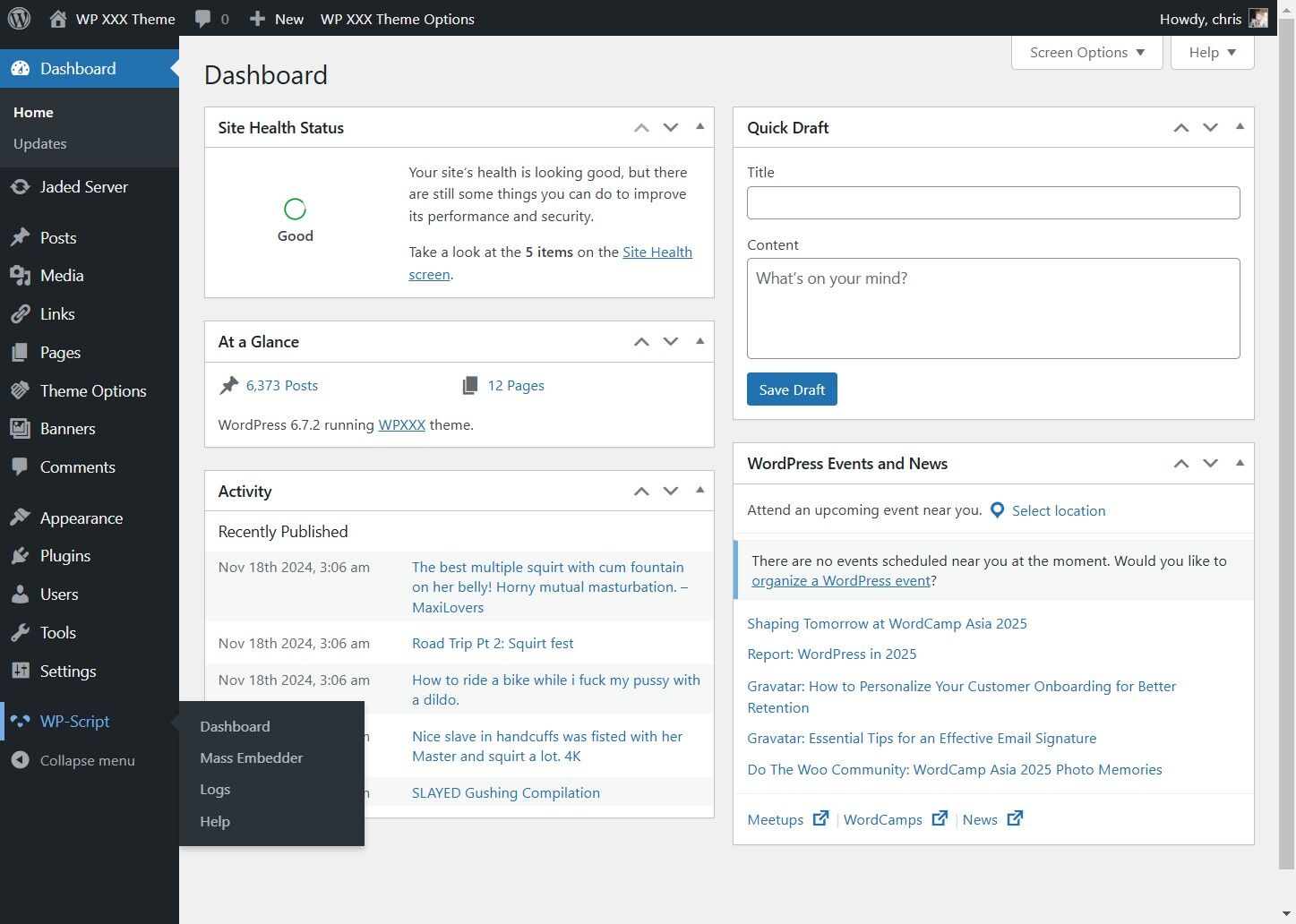
4. Click "Theme Compatibility"
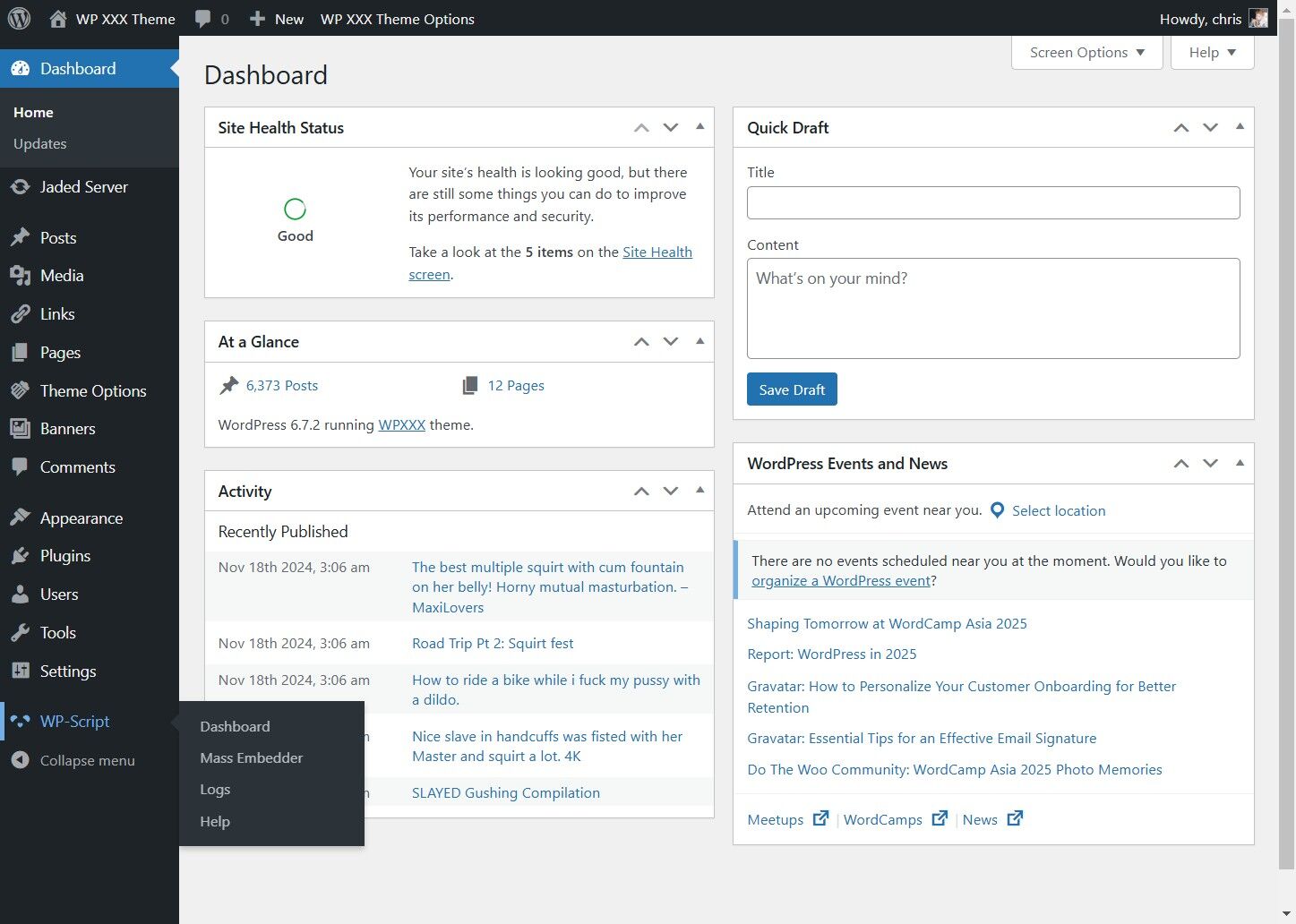
5. Click Player in Content
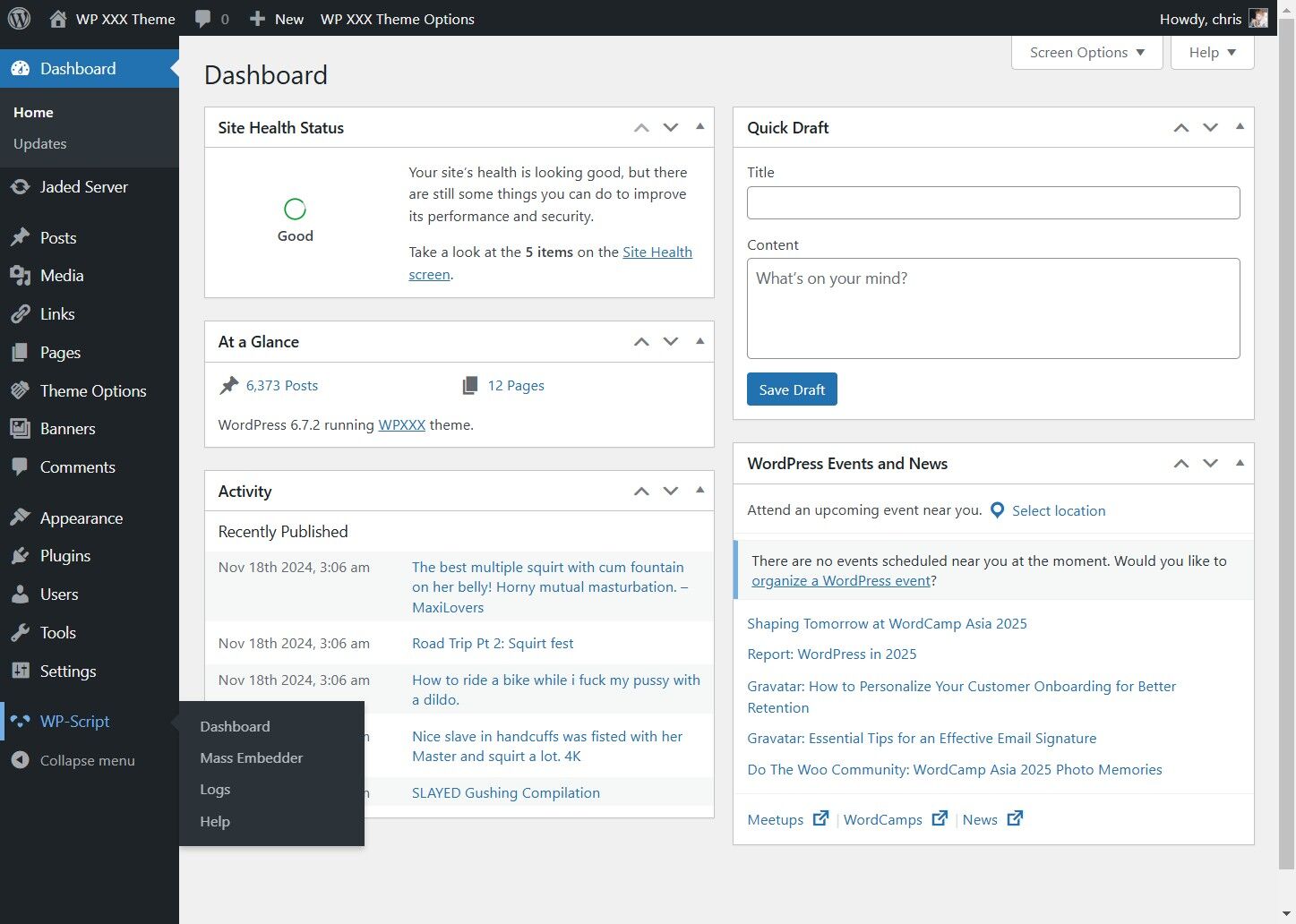
6. Pick the Player Position before or after your content
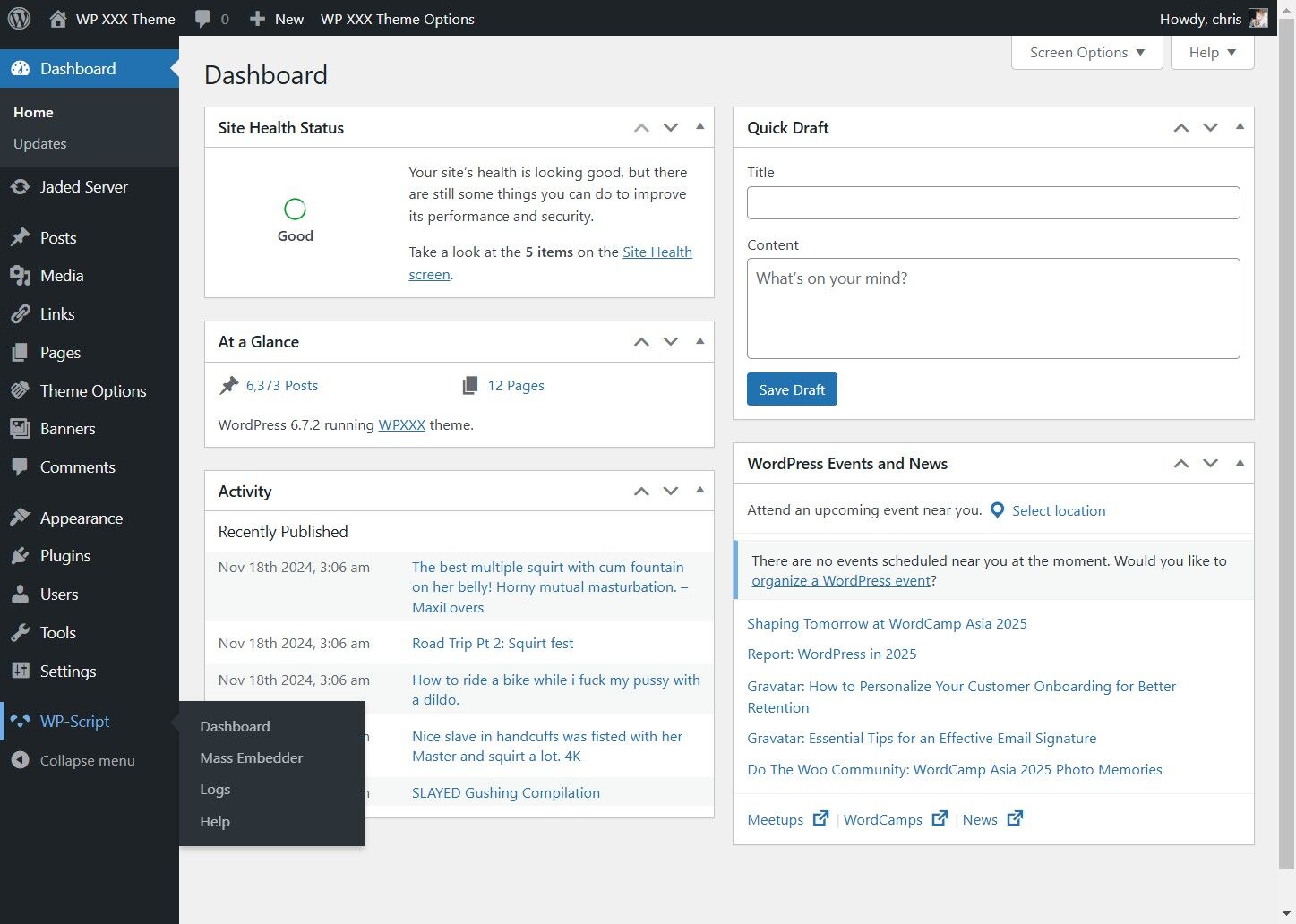
7. Click "Custom post type"
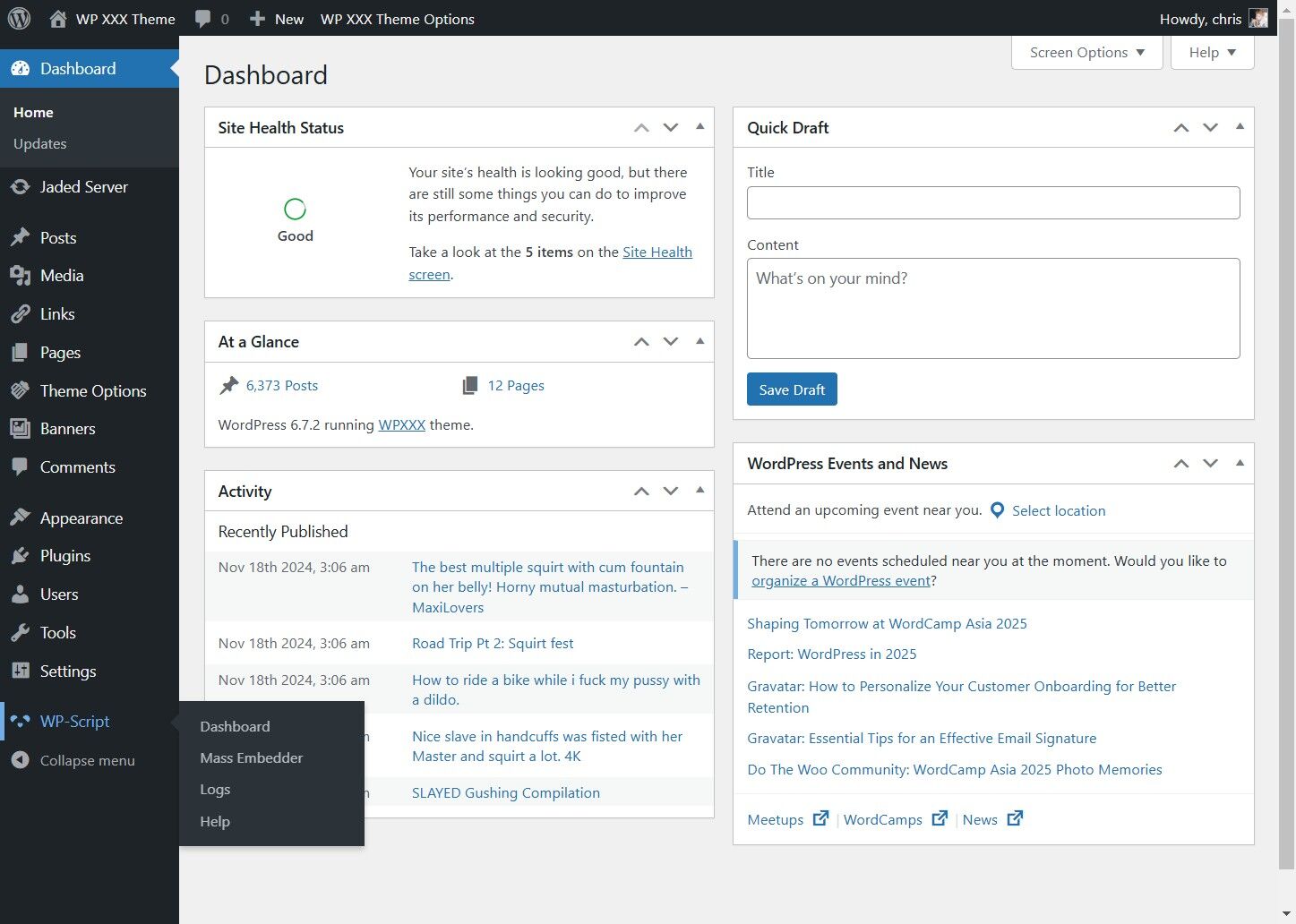
8. Click the actors type drop down
9. Change the actors type
10. Click "models"
11. Click "Save Changes"