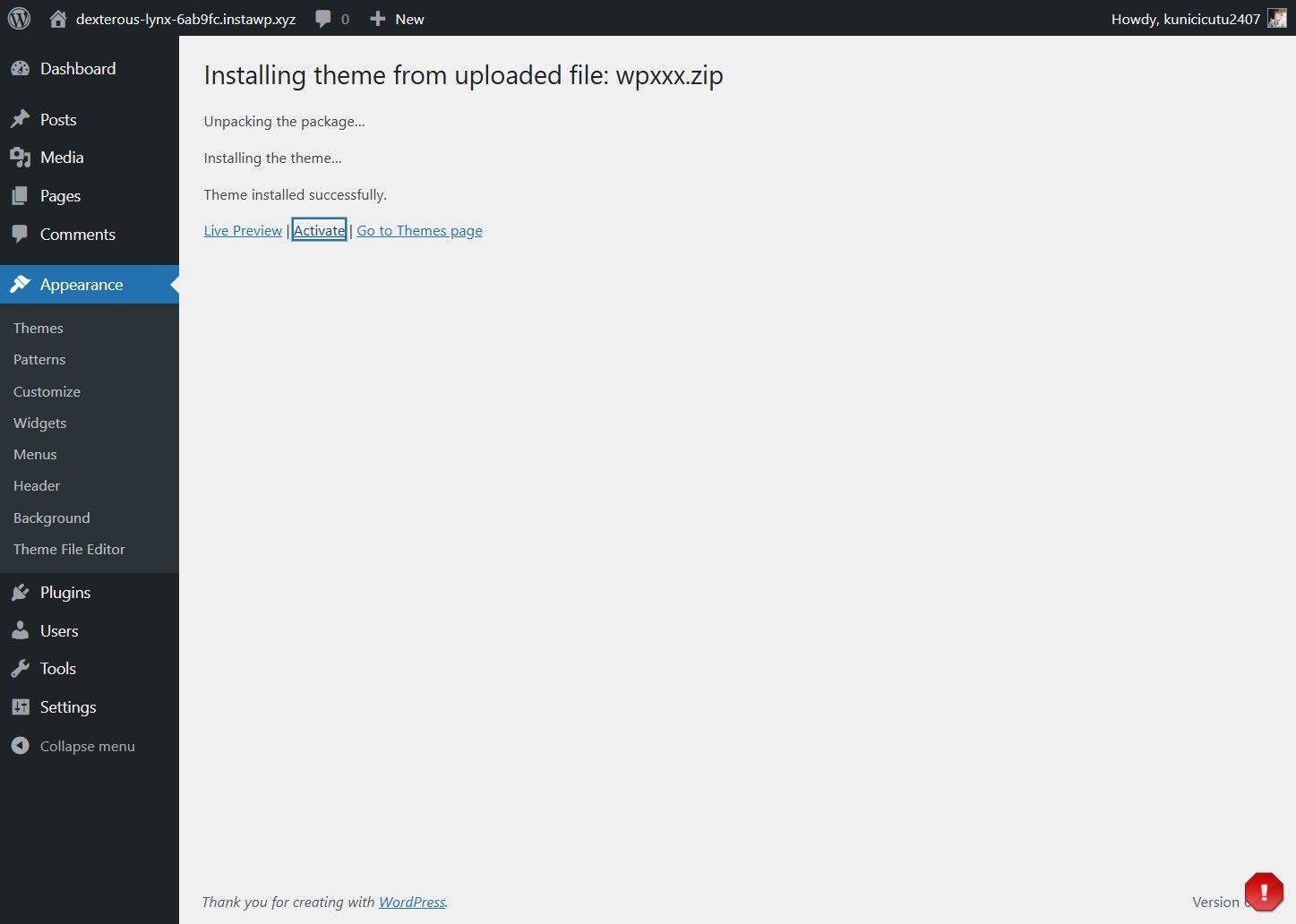
This guide provides a straightforward process for installing and activating the WPXXX theme. By following these simple steps, even those with minimal technical knowledge can successfully install the theme.
1. Click "Appearance"
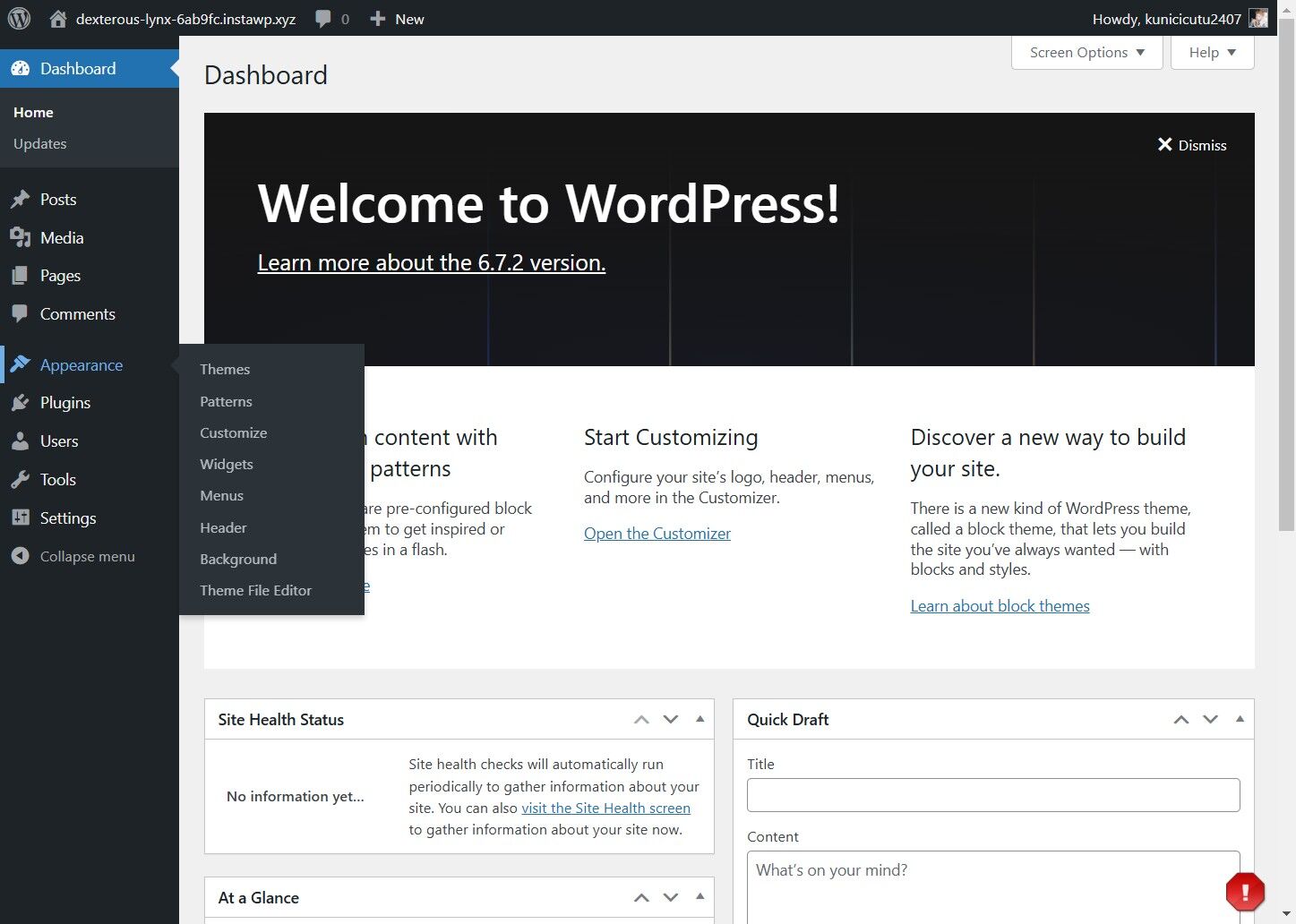
2. Click "Add New Theme"
3. Click "Upload Theme"

4. Choose the wpxxx.zip file
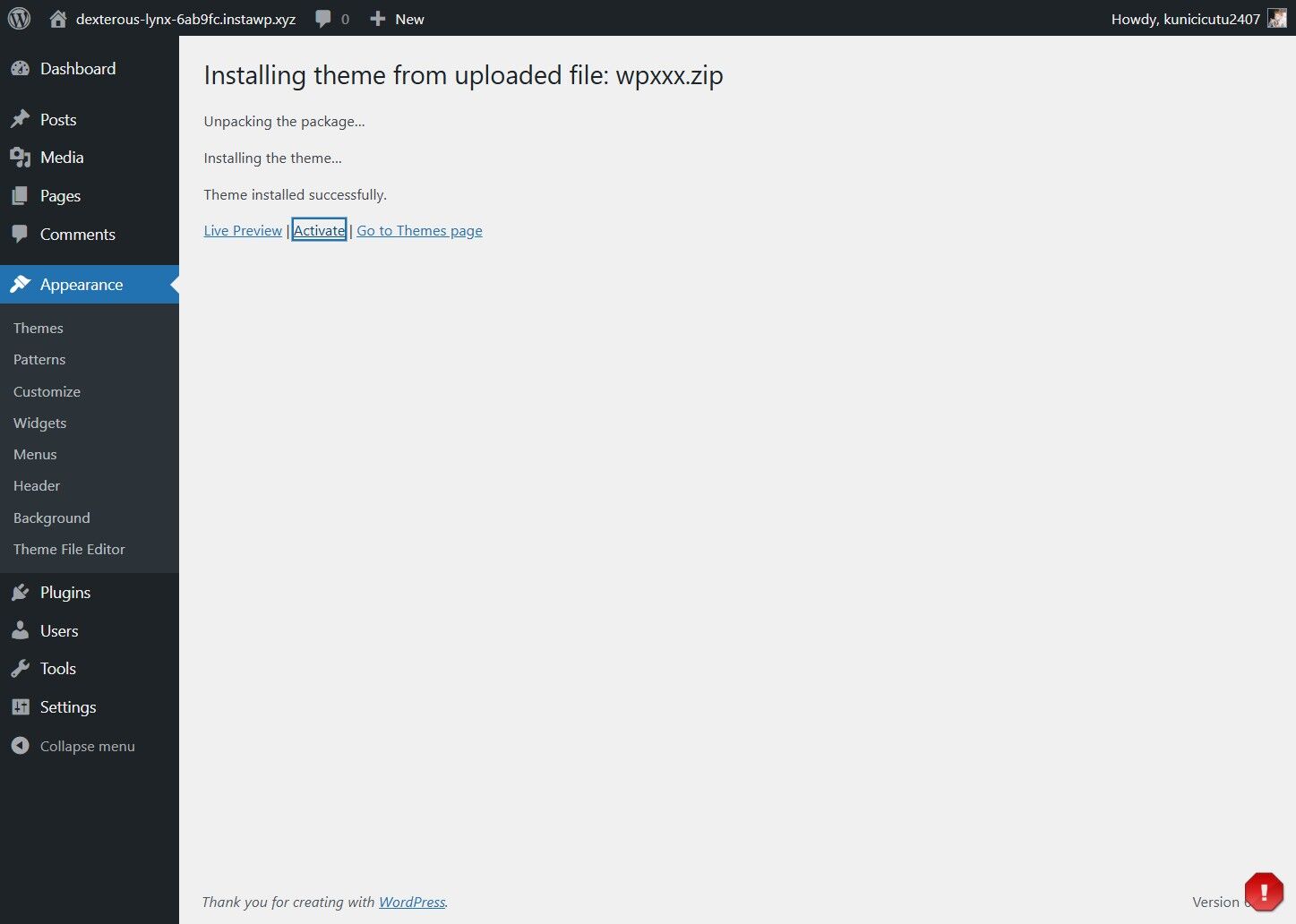
5. Click Install Now
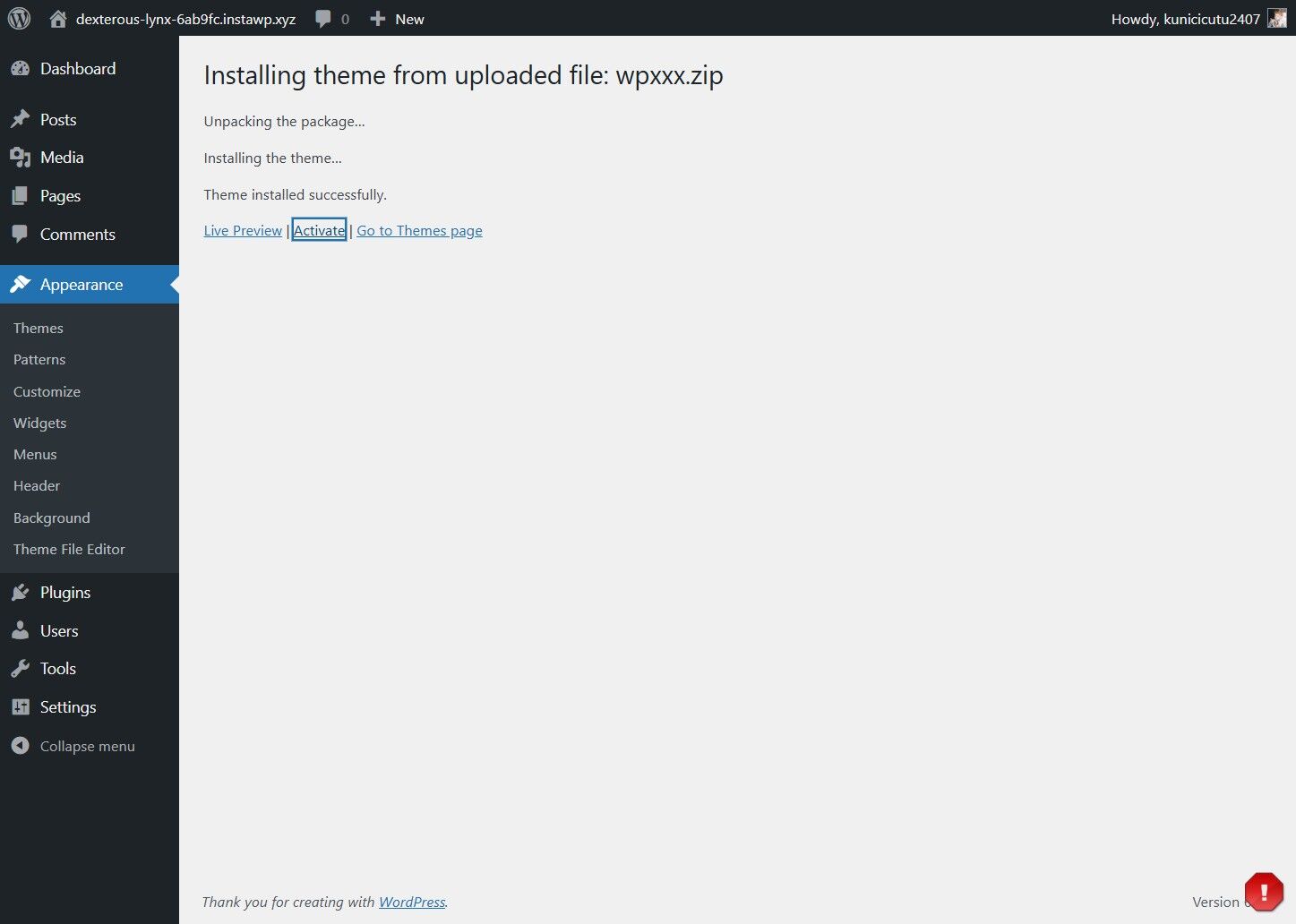
6. Click "Activate"