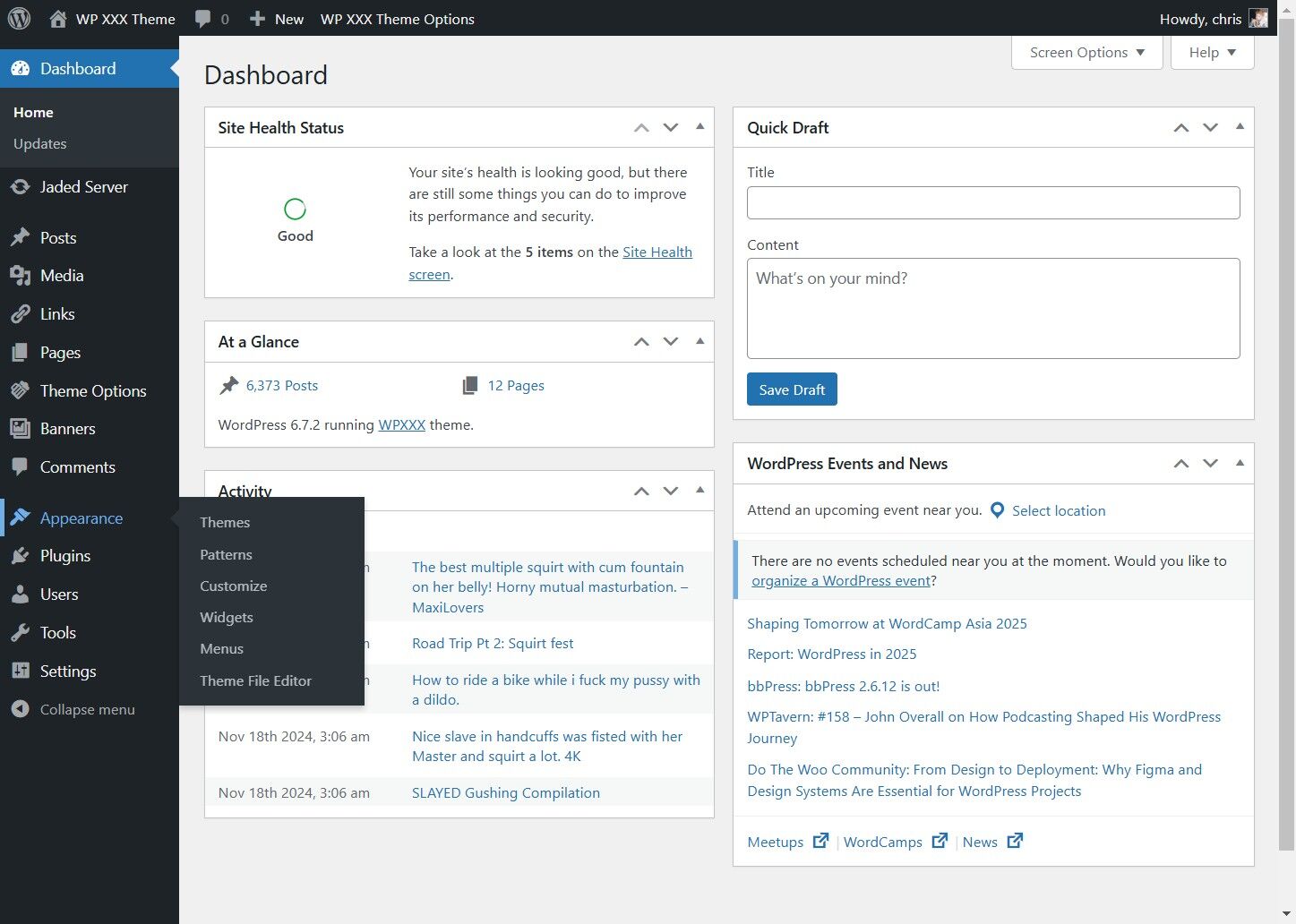
This widget will show a random square animated gif, linking to the site of your choice. You can pick a sponsor, another one of your sites, or someone elses site. This spot is handy if you are selling the spot to someone.
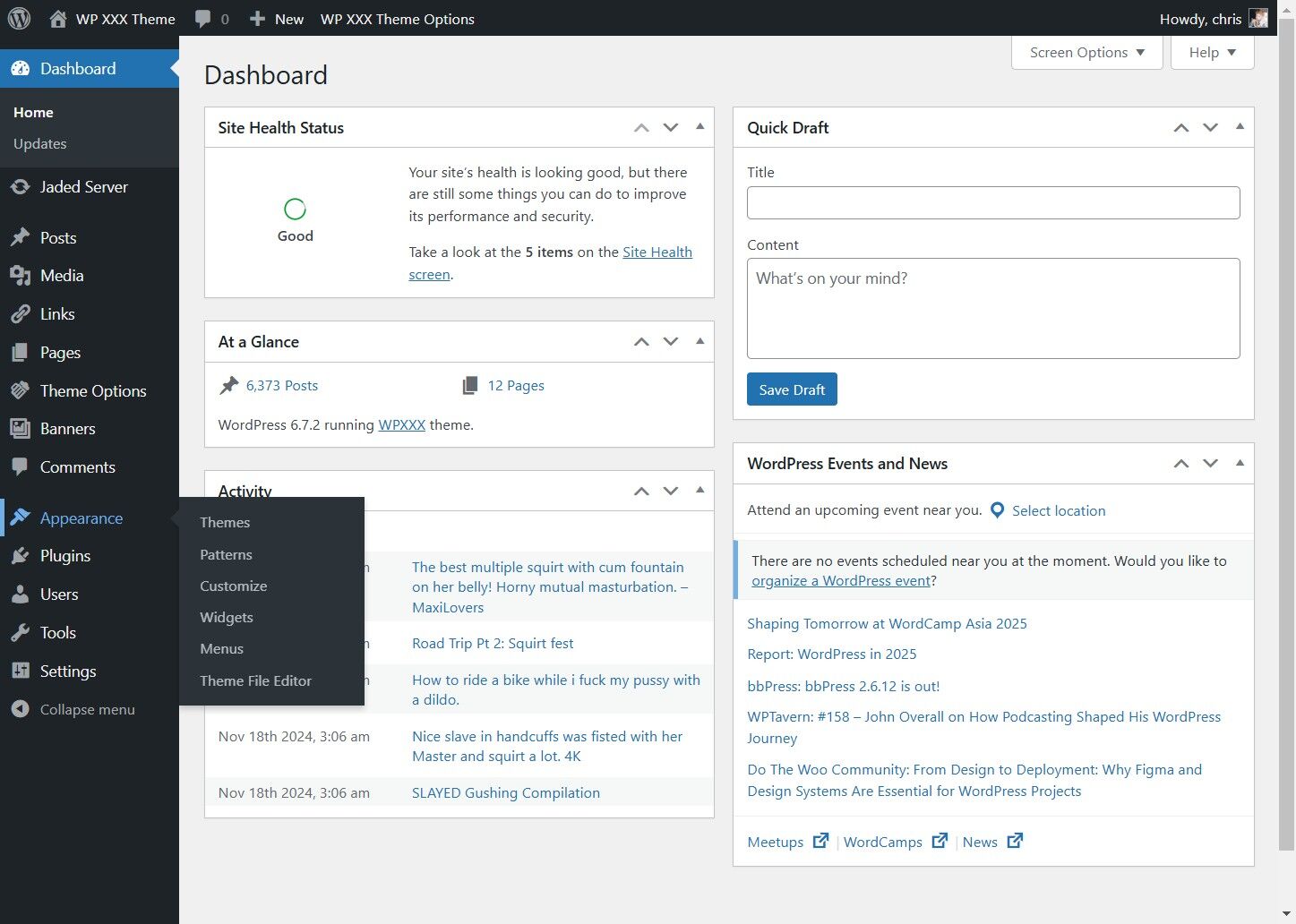
1. Click "Appearance"
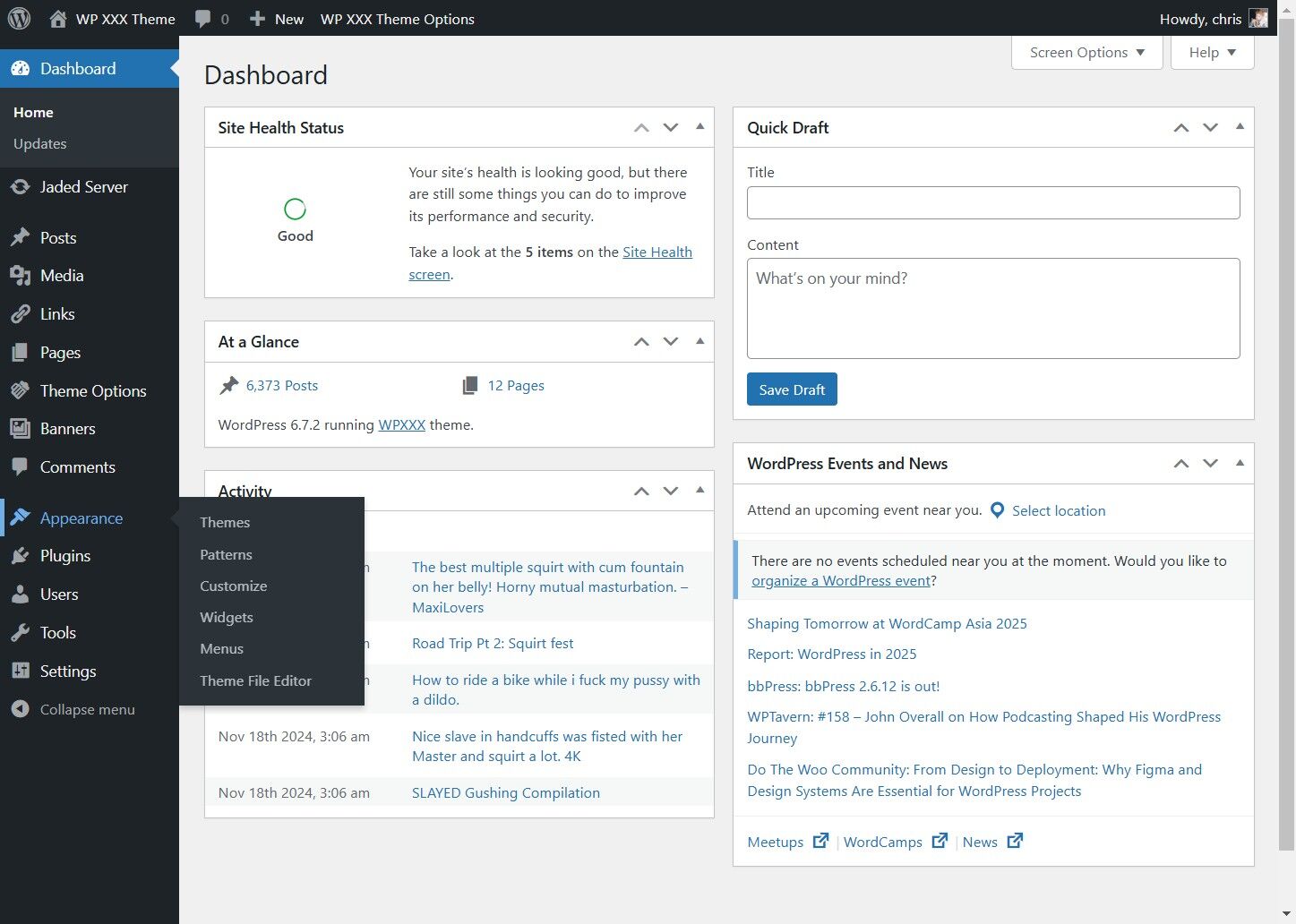
2. Click "Widgets"
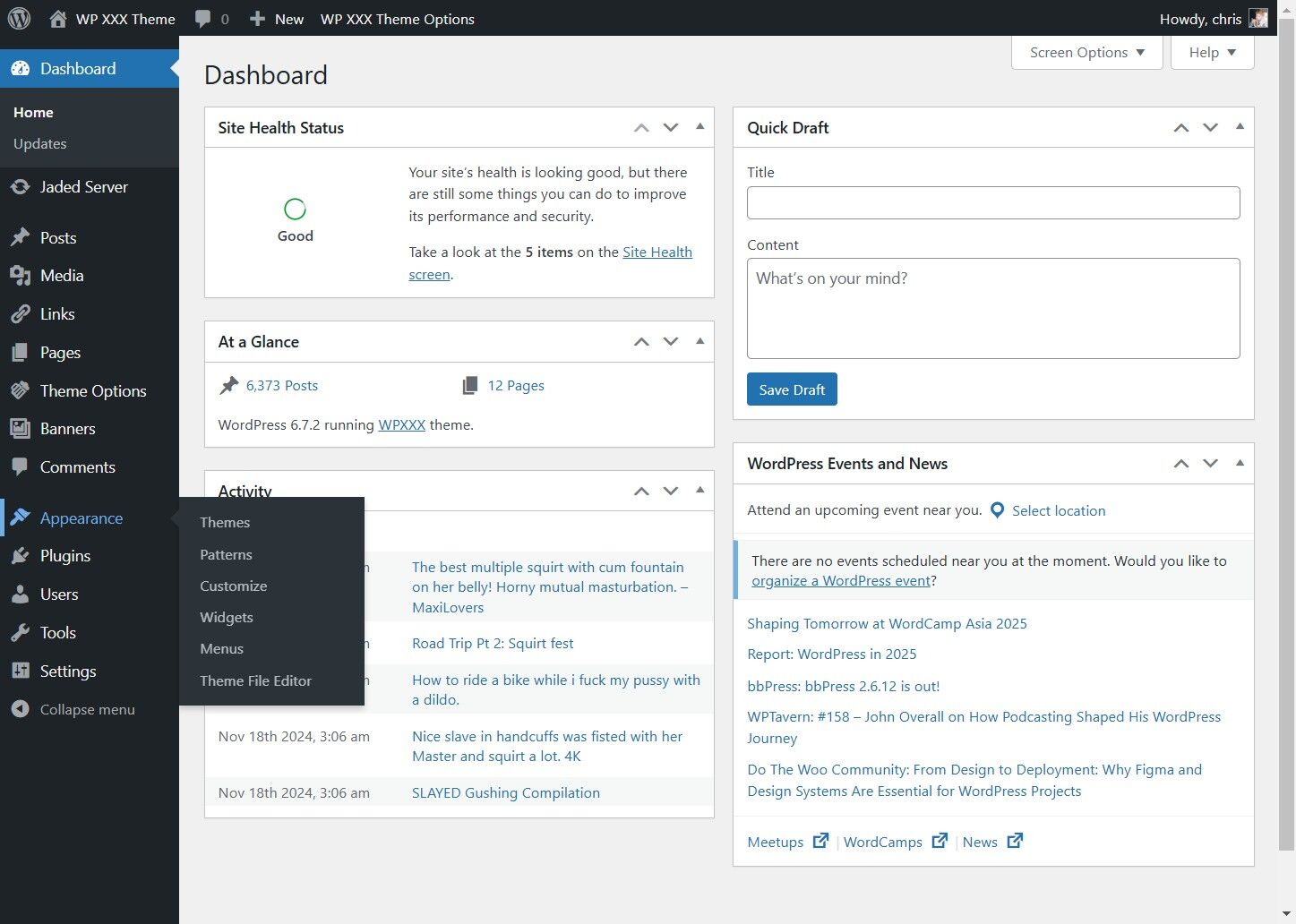
3. Click "Square GIF Ad"
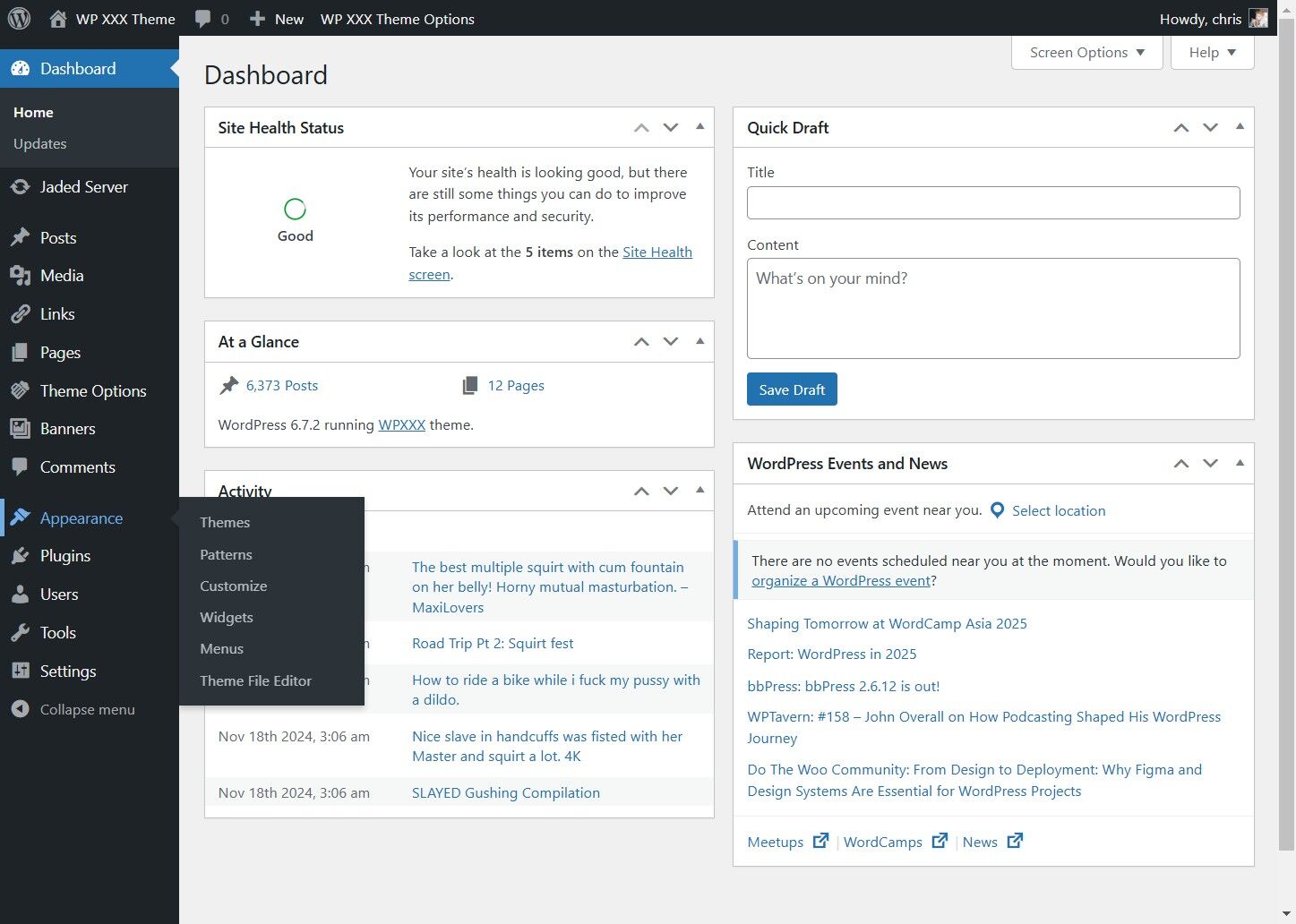
4. Click the "Title" field and Enter a Title
5. Enter a URL for the gif to link to, and click save