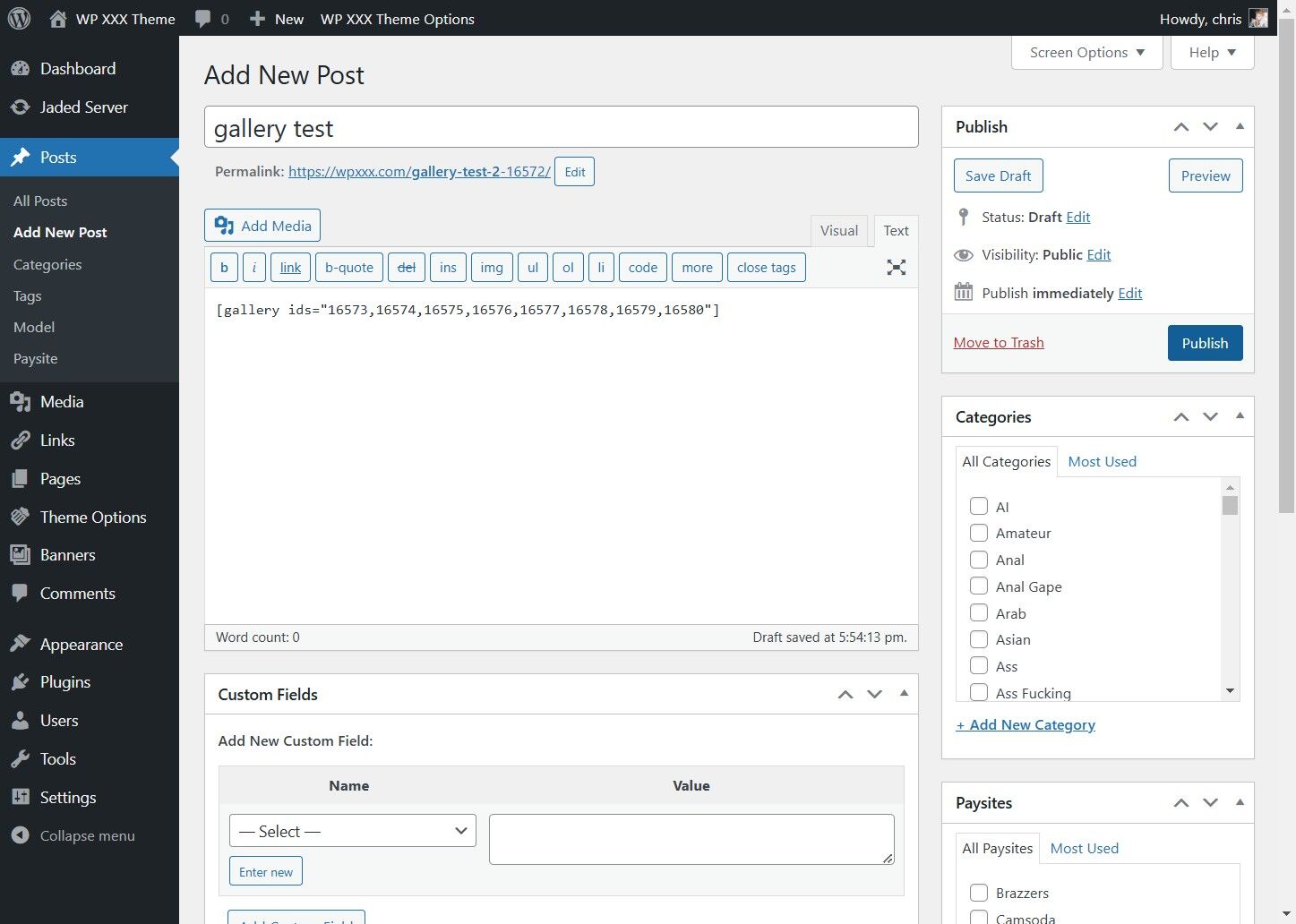
This guide provides a straightforward, step-by-step process for creating an image gallery,
1. Click "Posts"
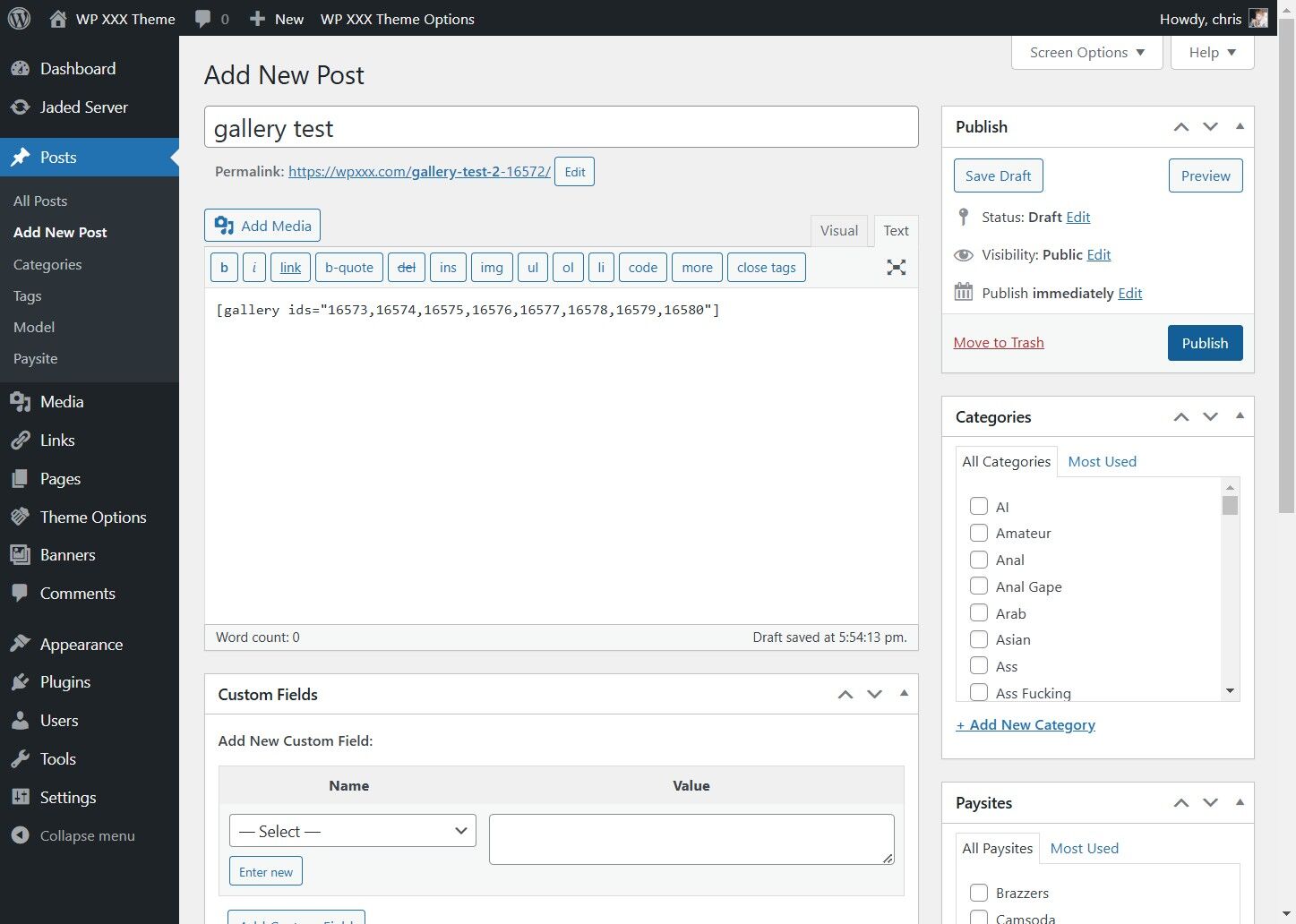
2. Click "Add New Post"
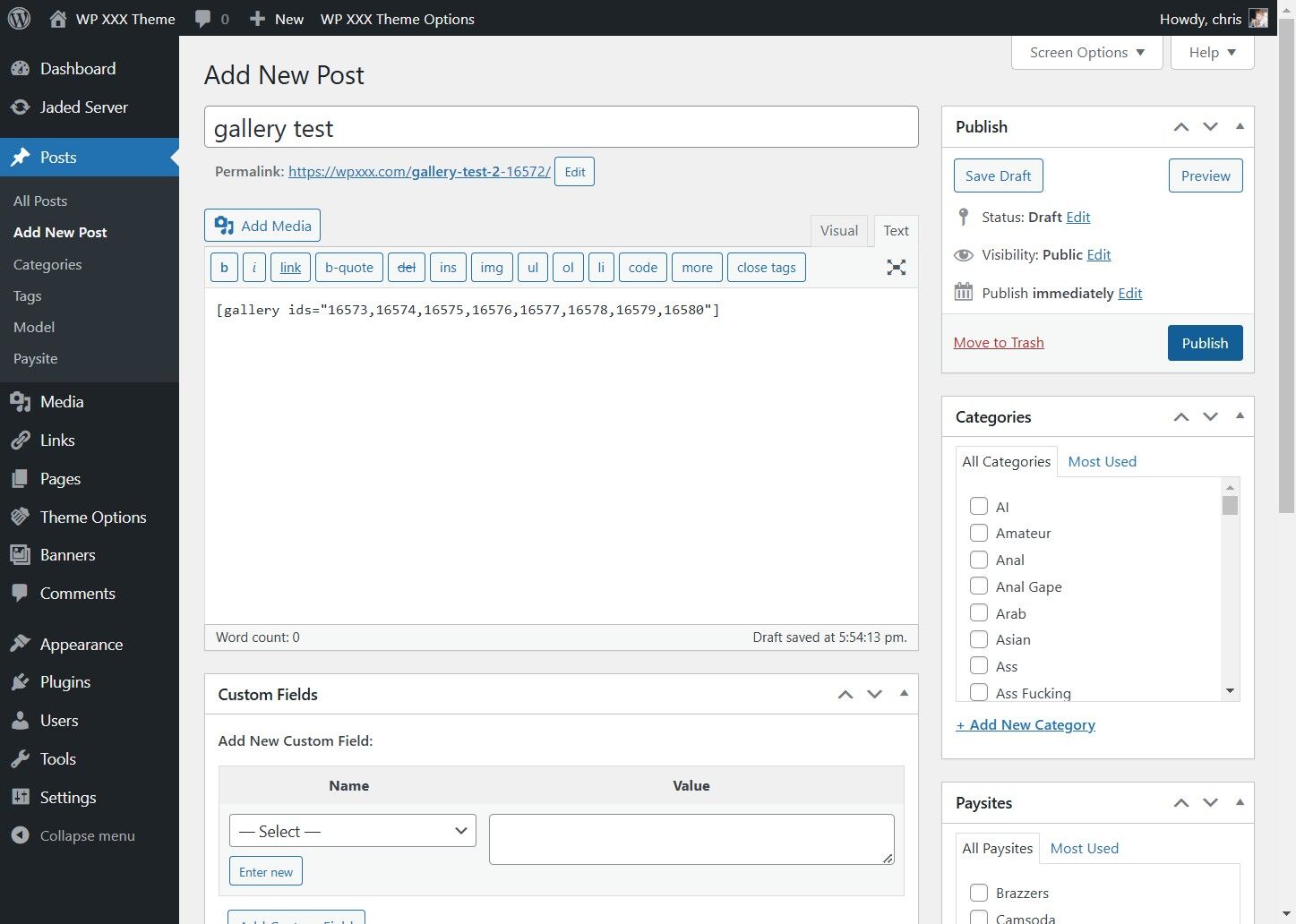
3. Click "Add Media"
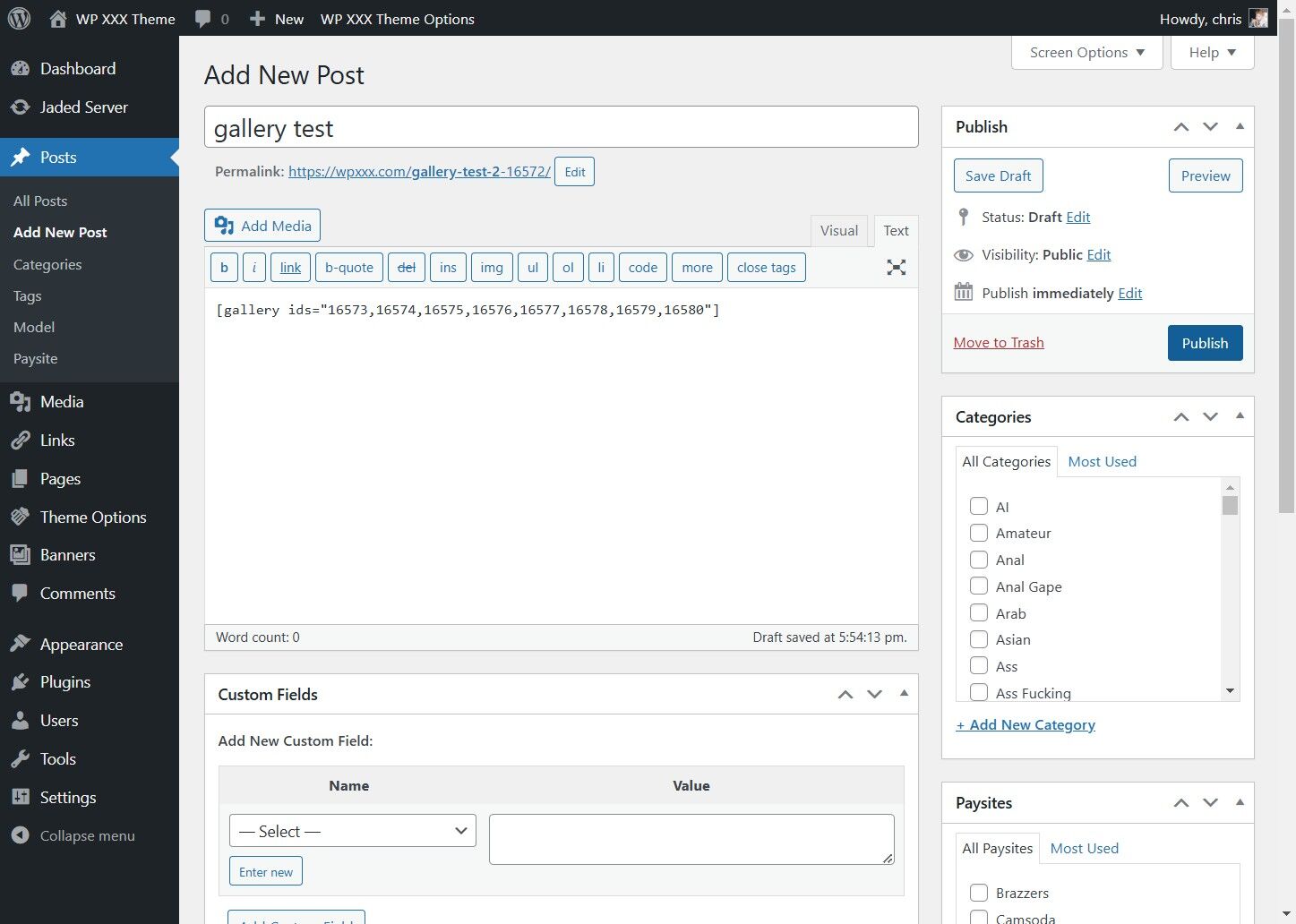
4. Click "Create gallery"
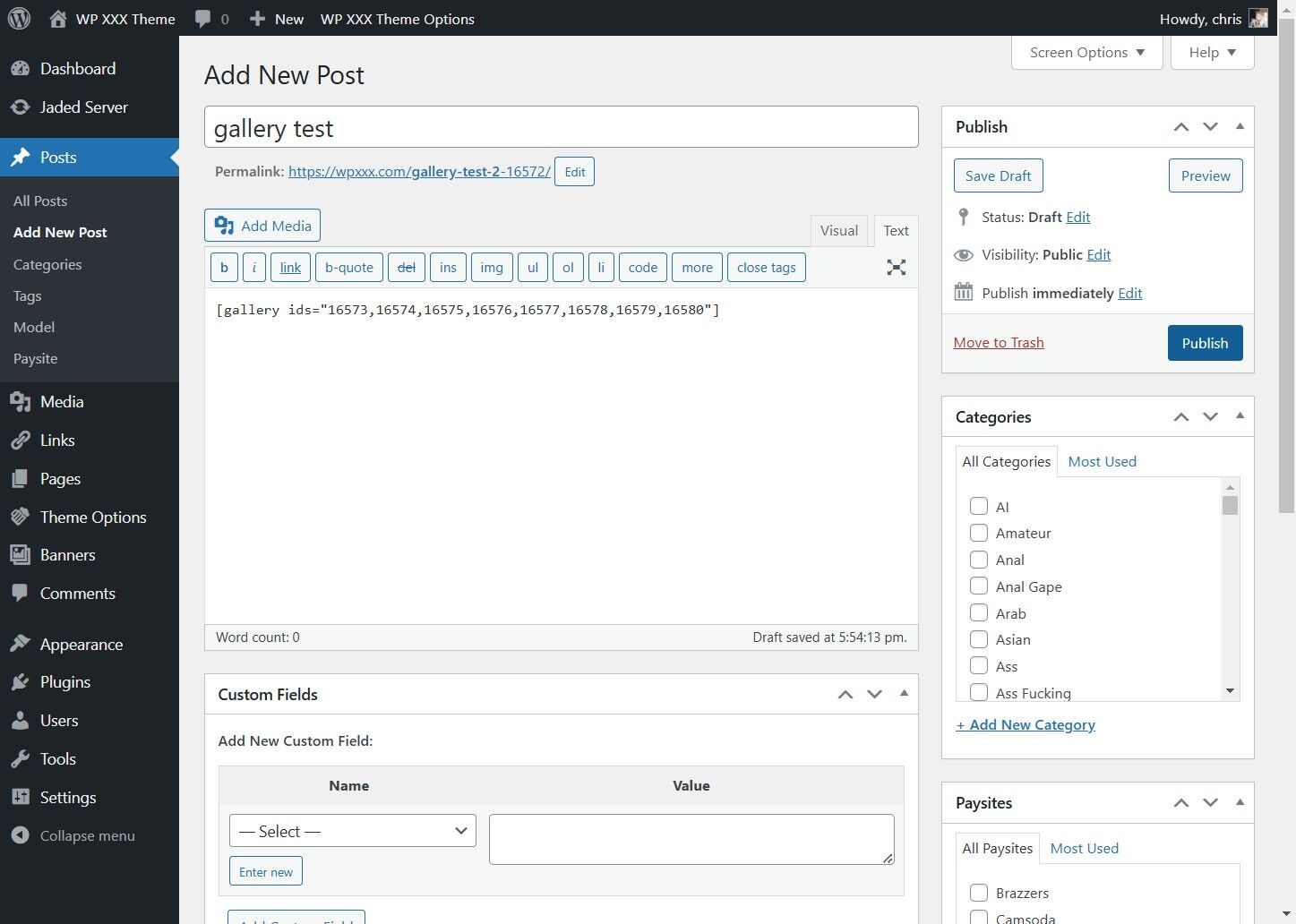
5. Click "Upload files"
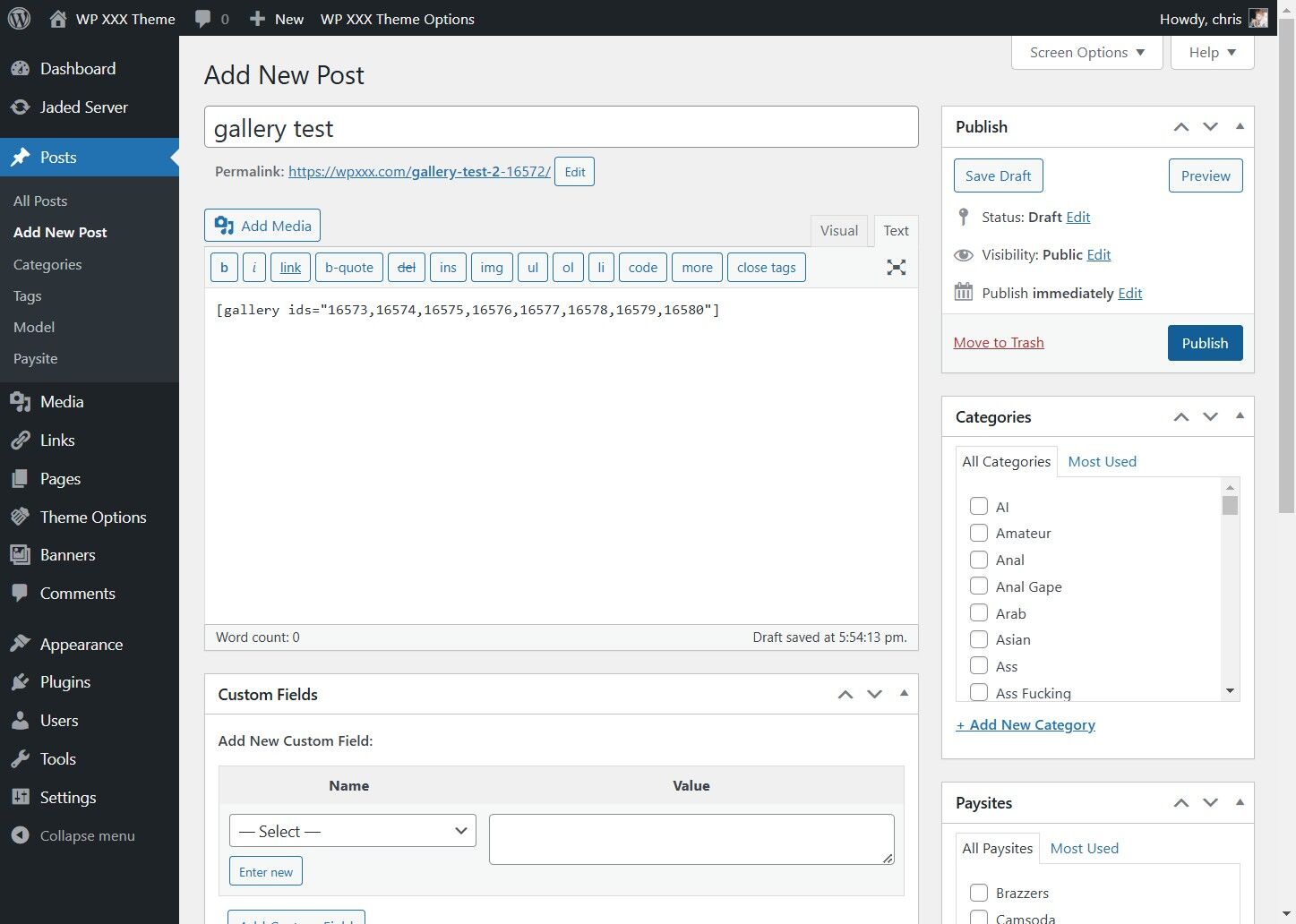
6. Click "Select Files" and Select the Images to Use
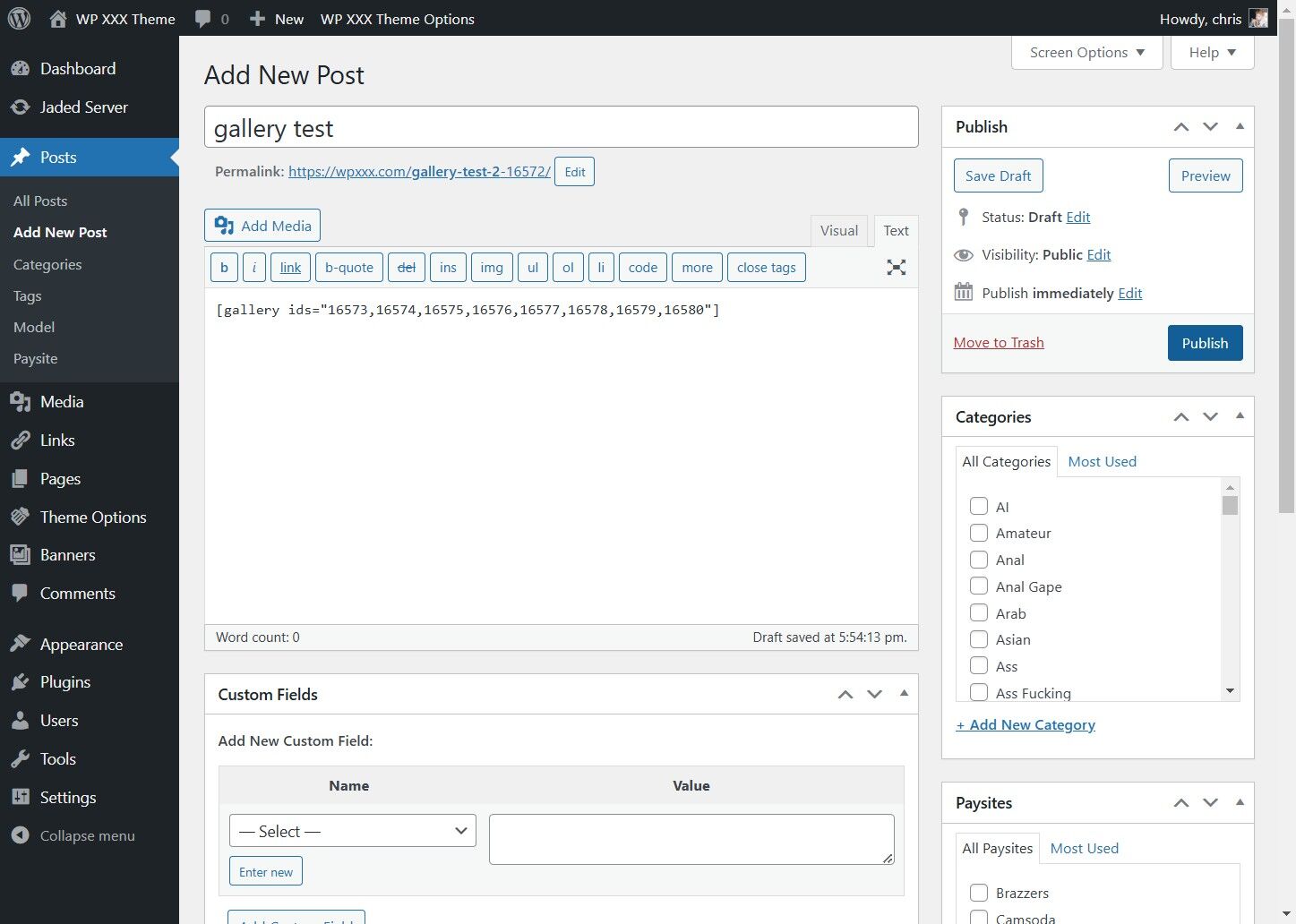
7. After the files have uploaded, Click "Create a new gallery"
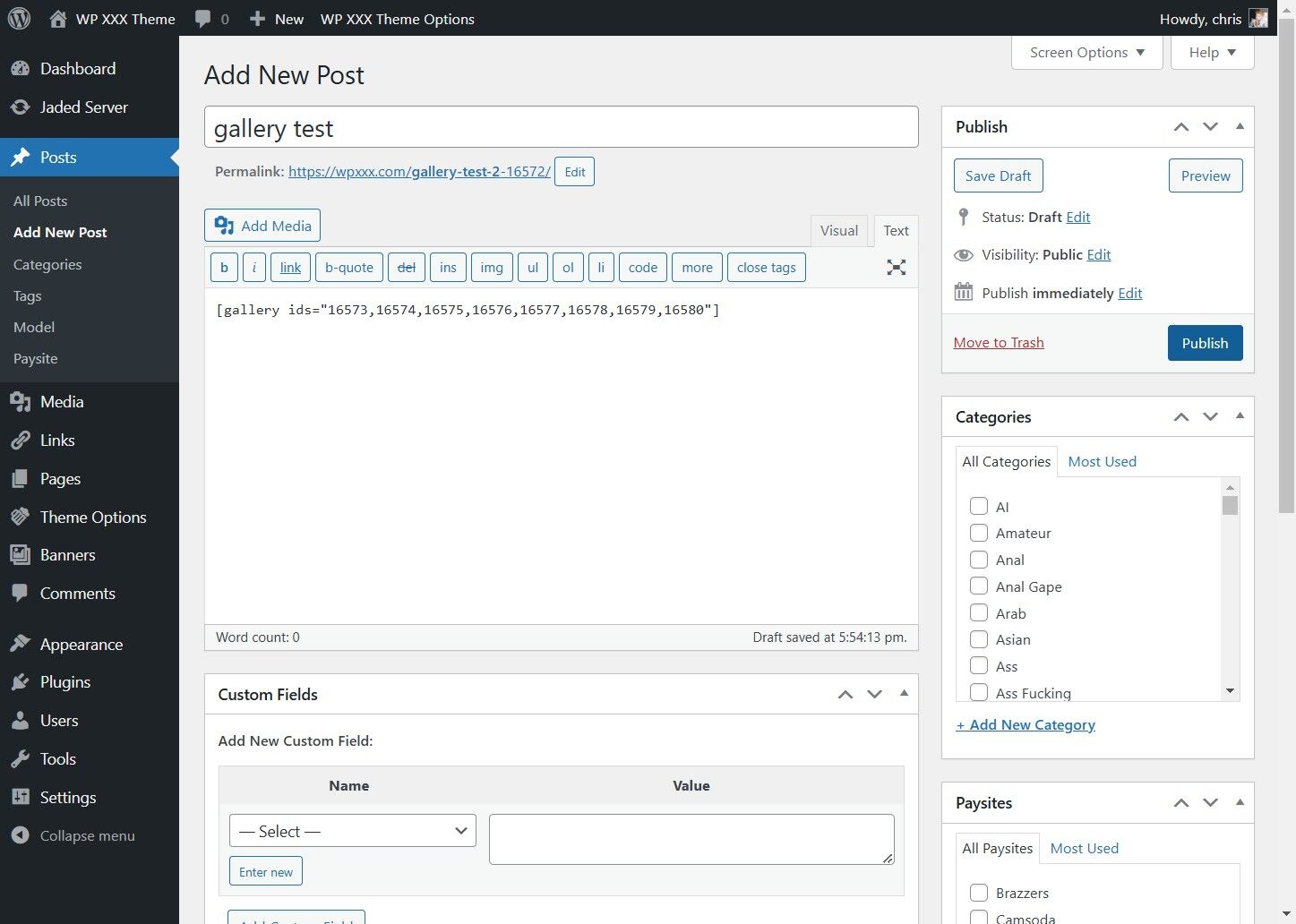
8. Click "Insert gallery"
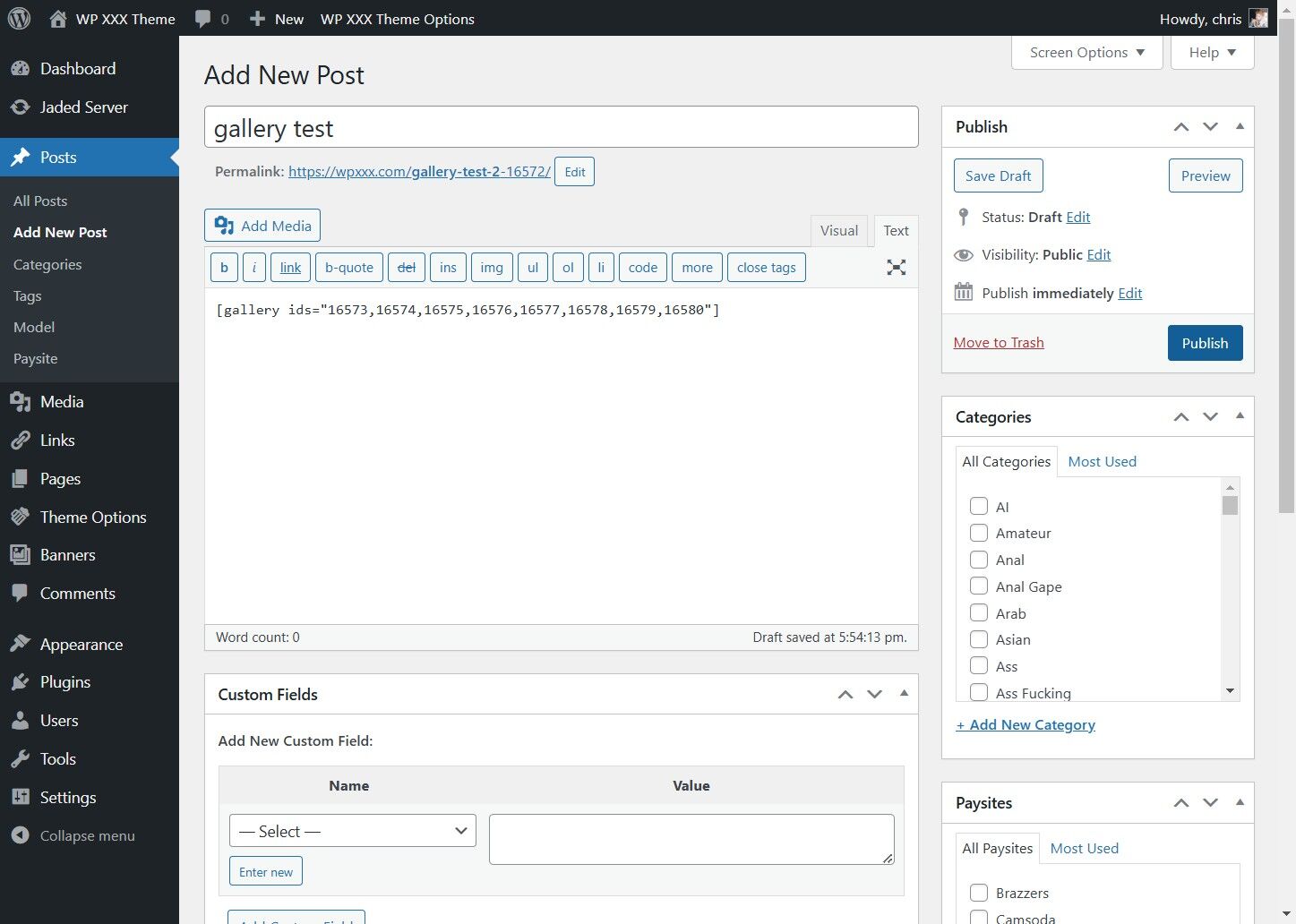
9. Click Publish