1. Home
  2. Docs
  3. WP XXX
  4. Adding Content
  5. How to Add Self-Hosted Video to a Post

How to Add Self-Hosted Video to a Post

This will allow you to host the content yourself, rather than using embeds

1. Click "Posts"
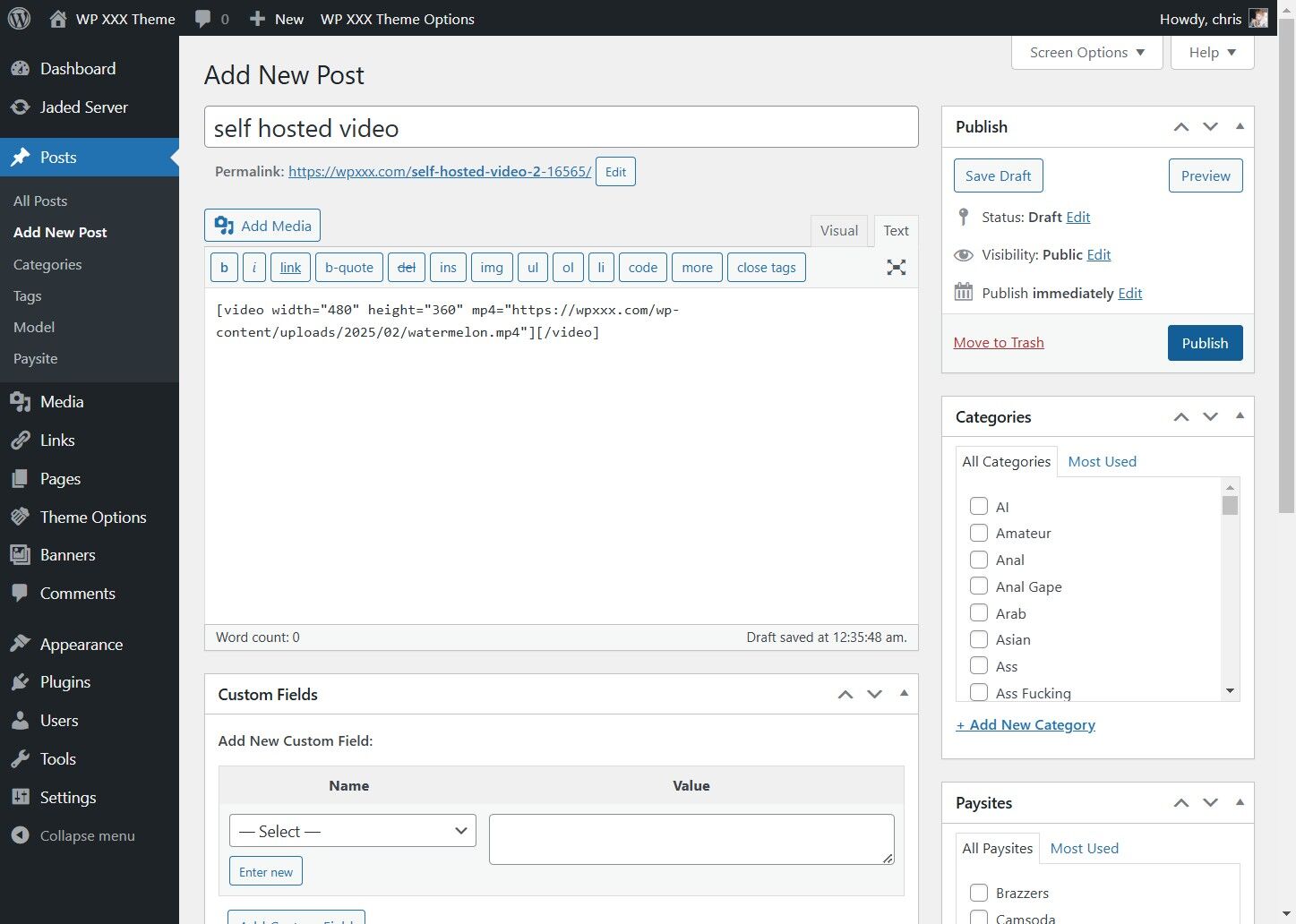
Click "Posts"


2. Click "Add New Post"
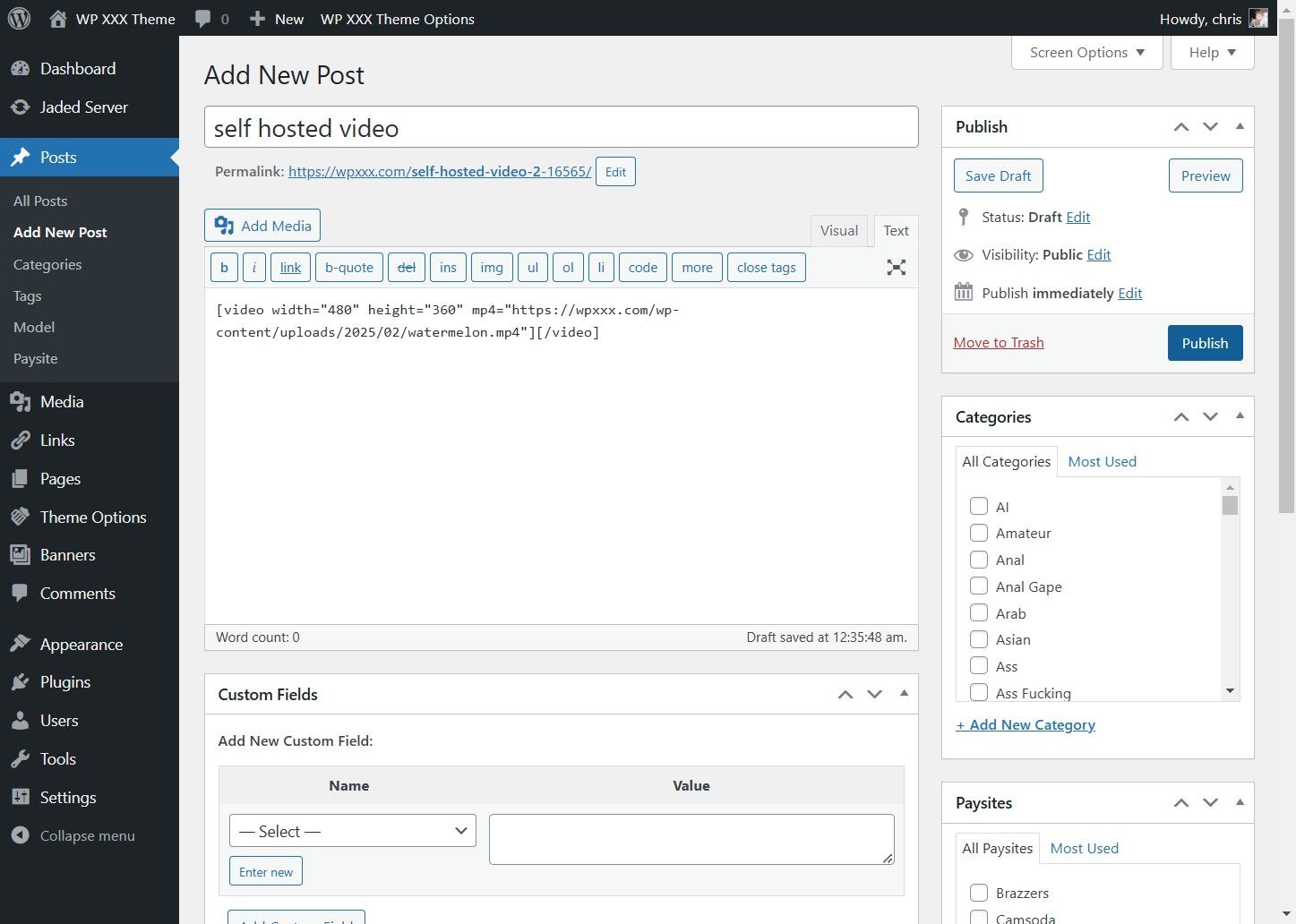
Click "Add New Post"


3. Click "Add Media"
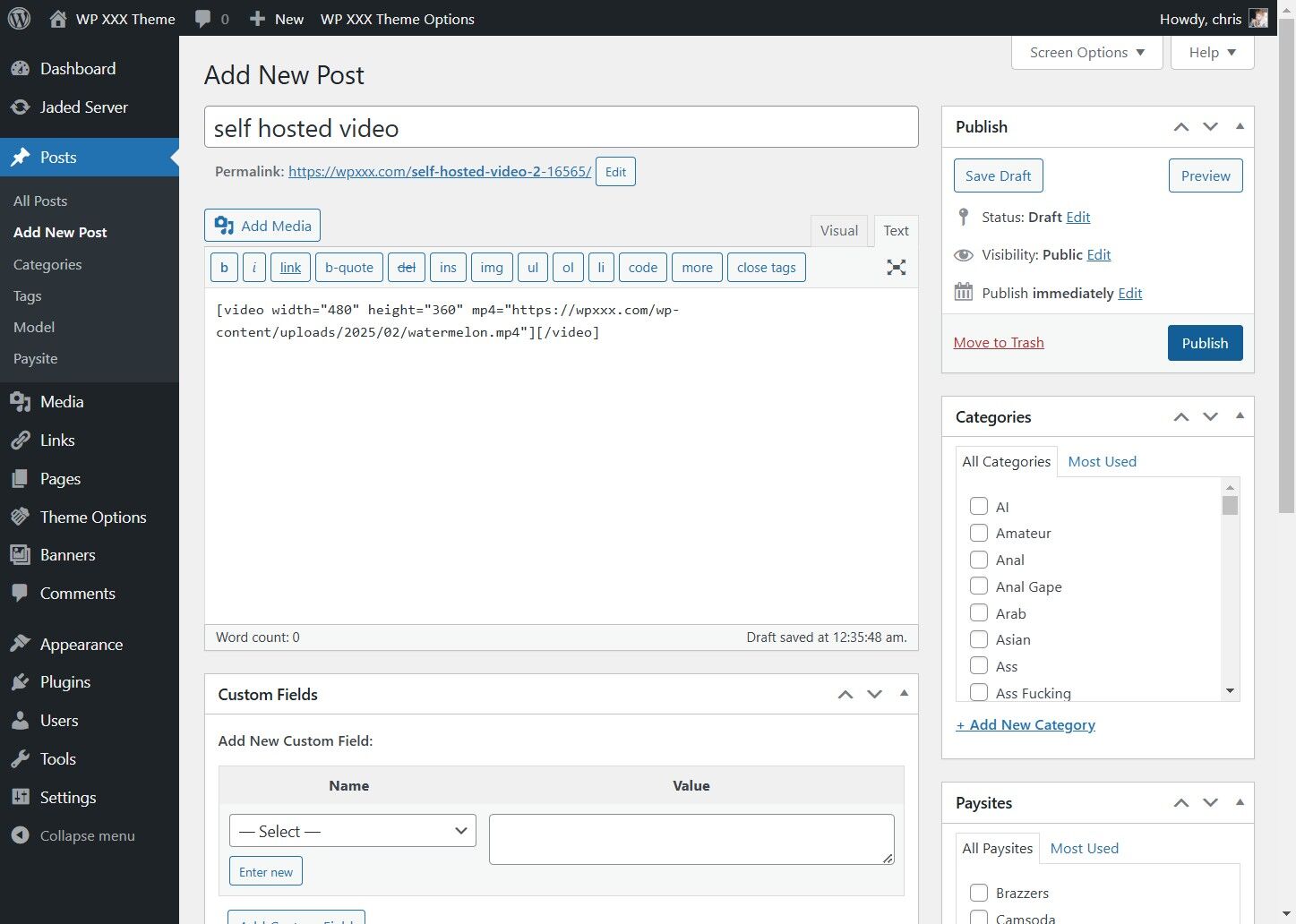
Click "Add Media"


4. Click "Upload files"
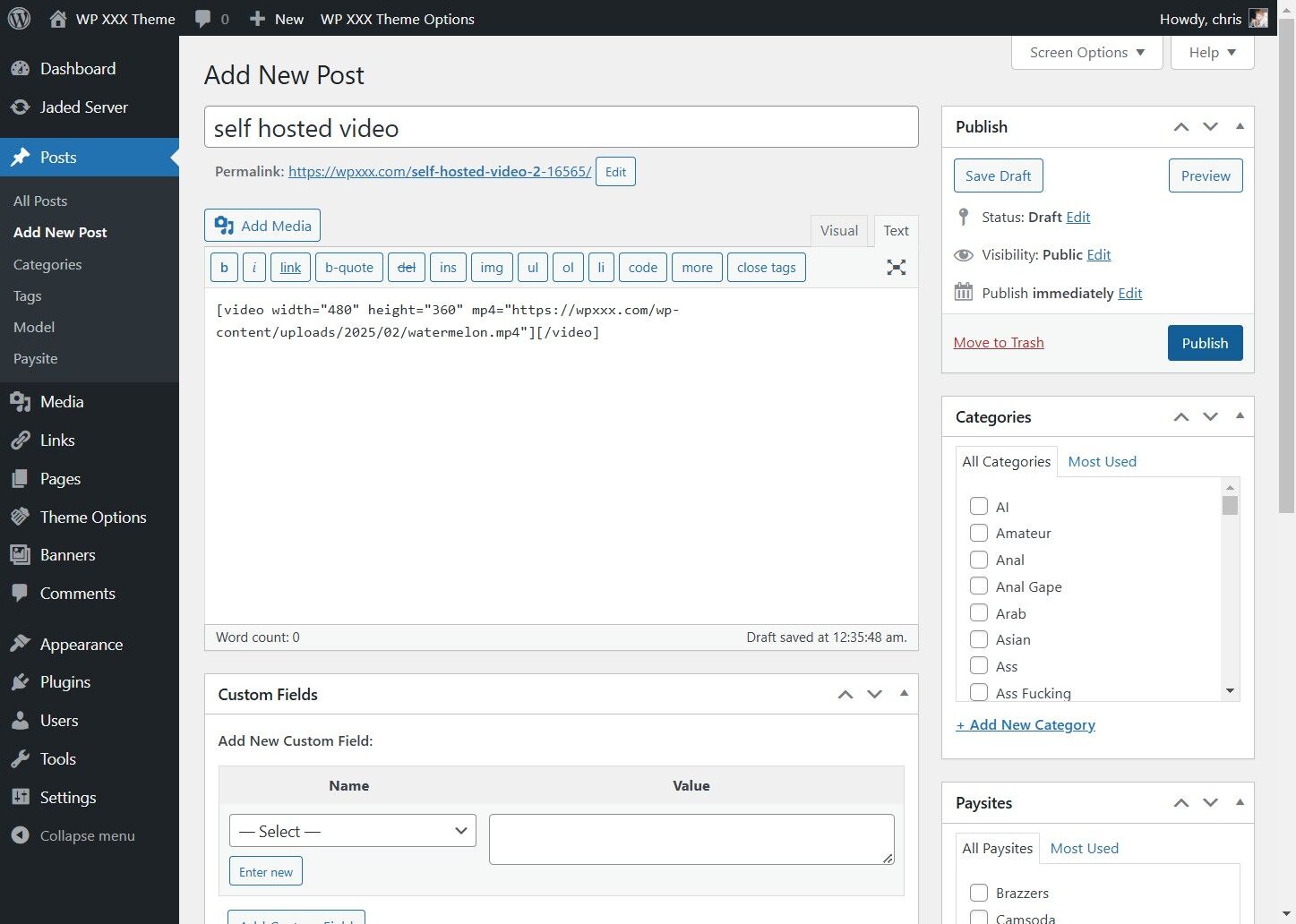
Click "Upload files"


5. Click "Select Files" and Pick the Video to Upload
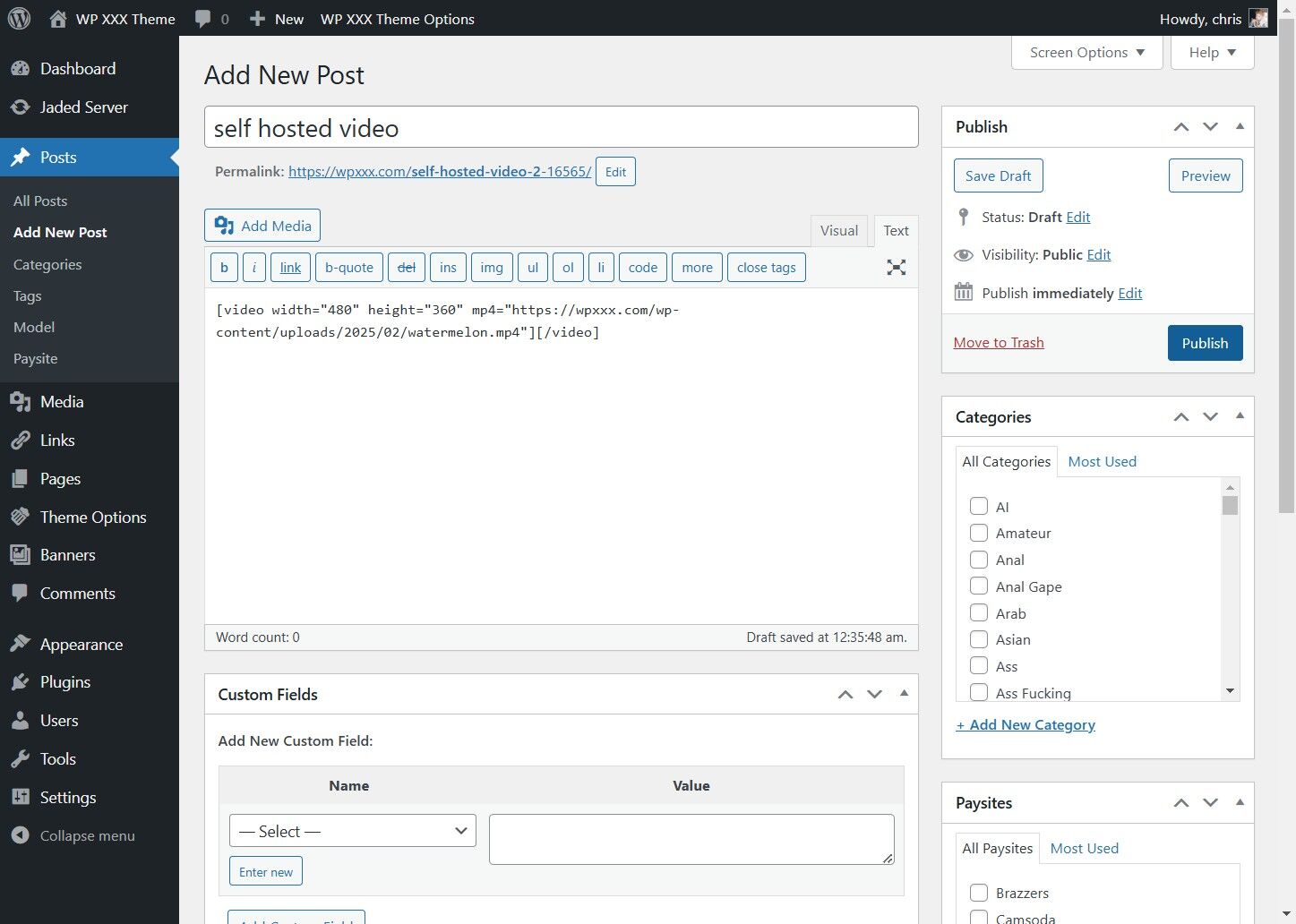
Click "Select Files" and Pick the Video to Upload


6. Once Uploaded, Click "Insert into post"
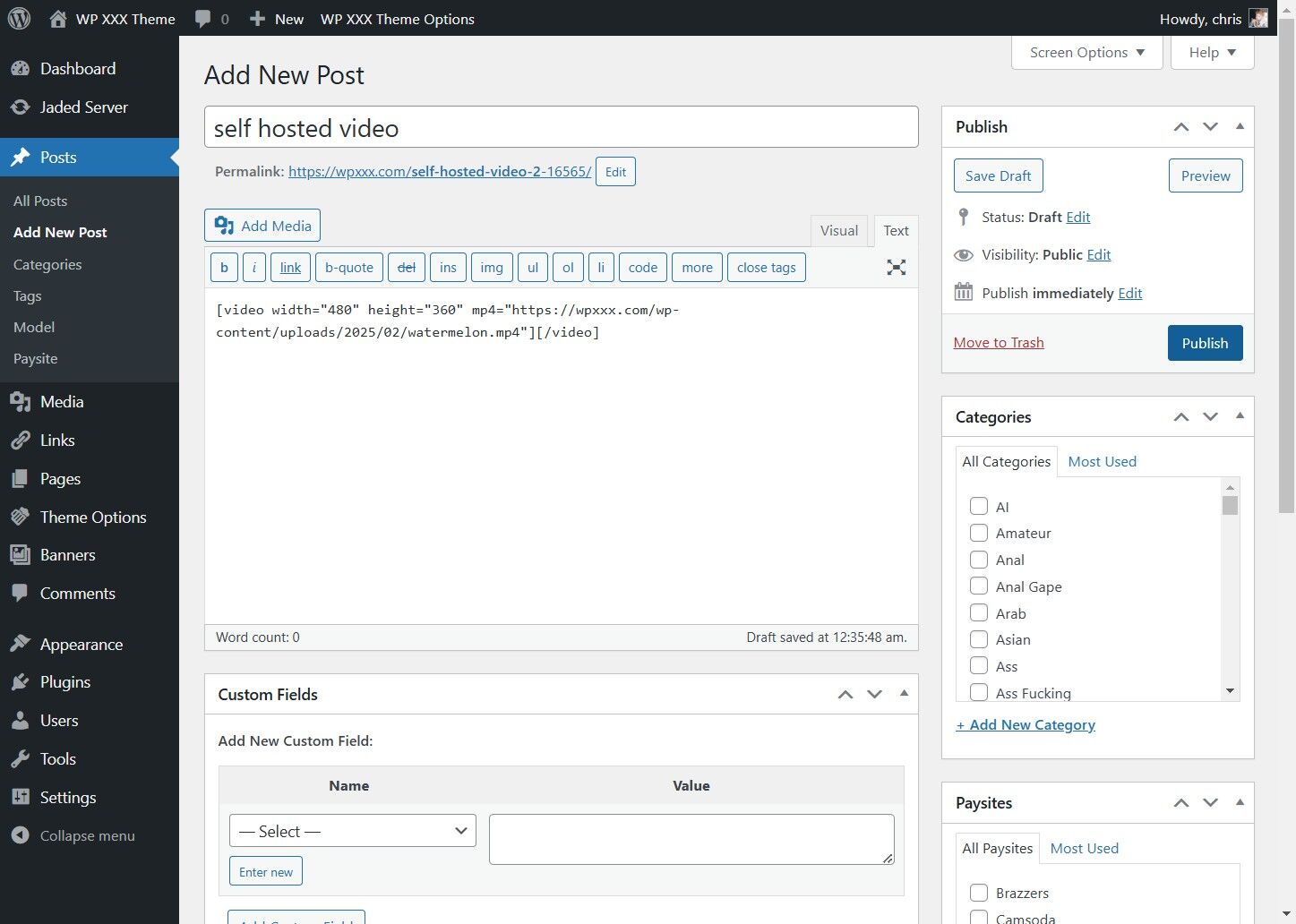
Once Uploaded, Click "Insert into post"


7. Click Publish
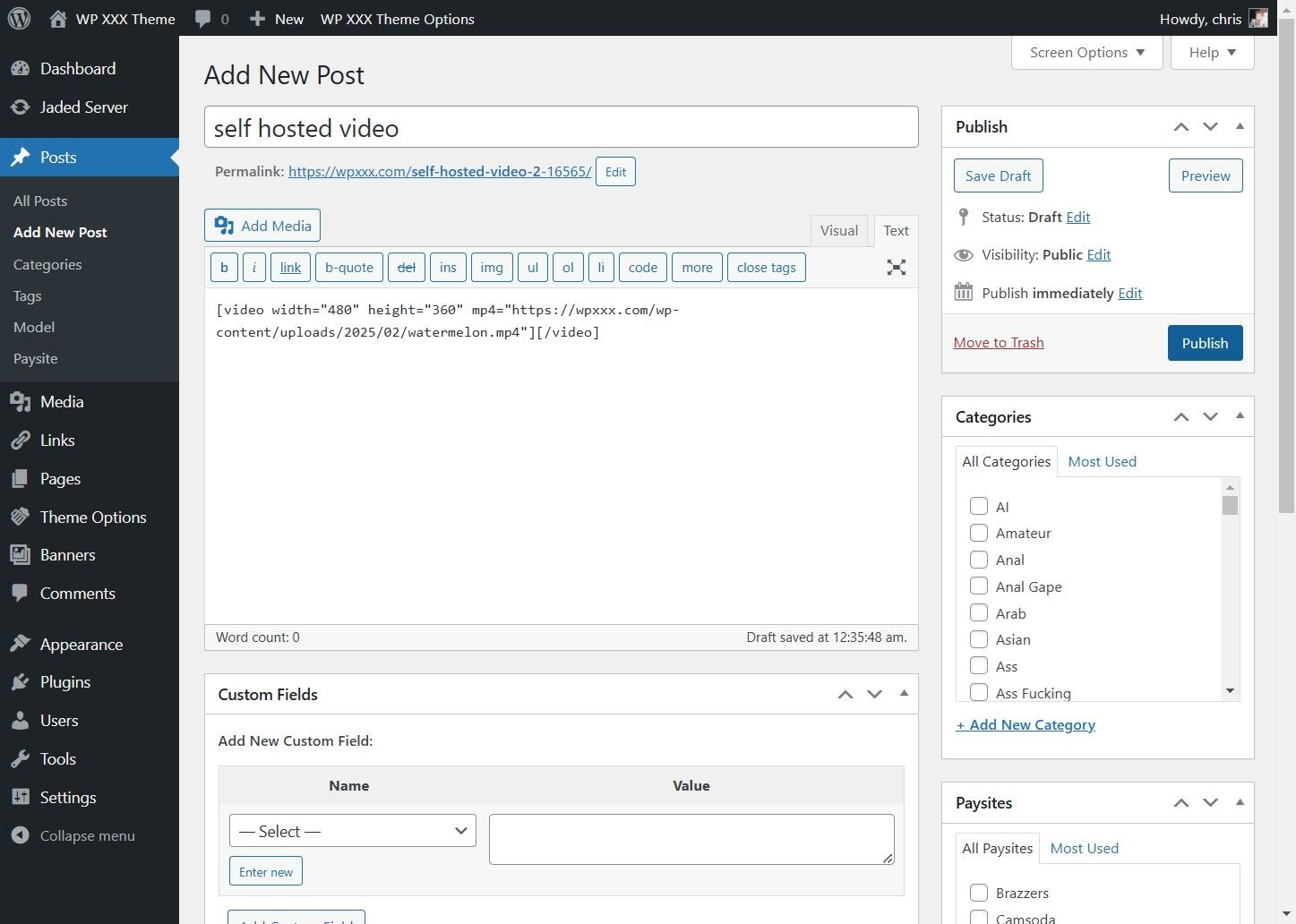
Click Publish