1. Home
  2. Docs
  3. WP XXX
  4. Adding Content
  5. Adding a Sponsor to a Post

Adding a Sponsor to a Post

This guide provides a straightforward method for adding a sponsor to your posts

1. Click "Posts"
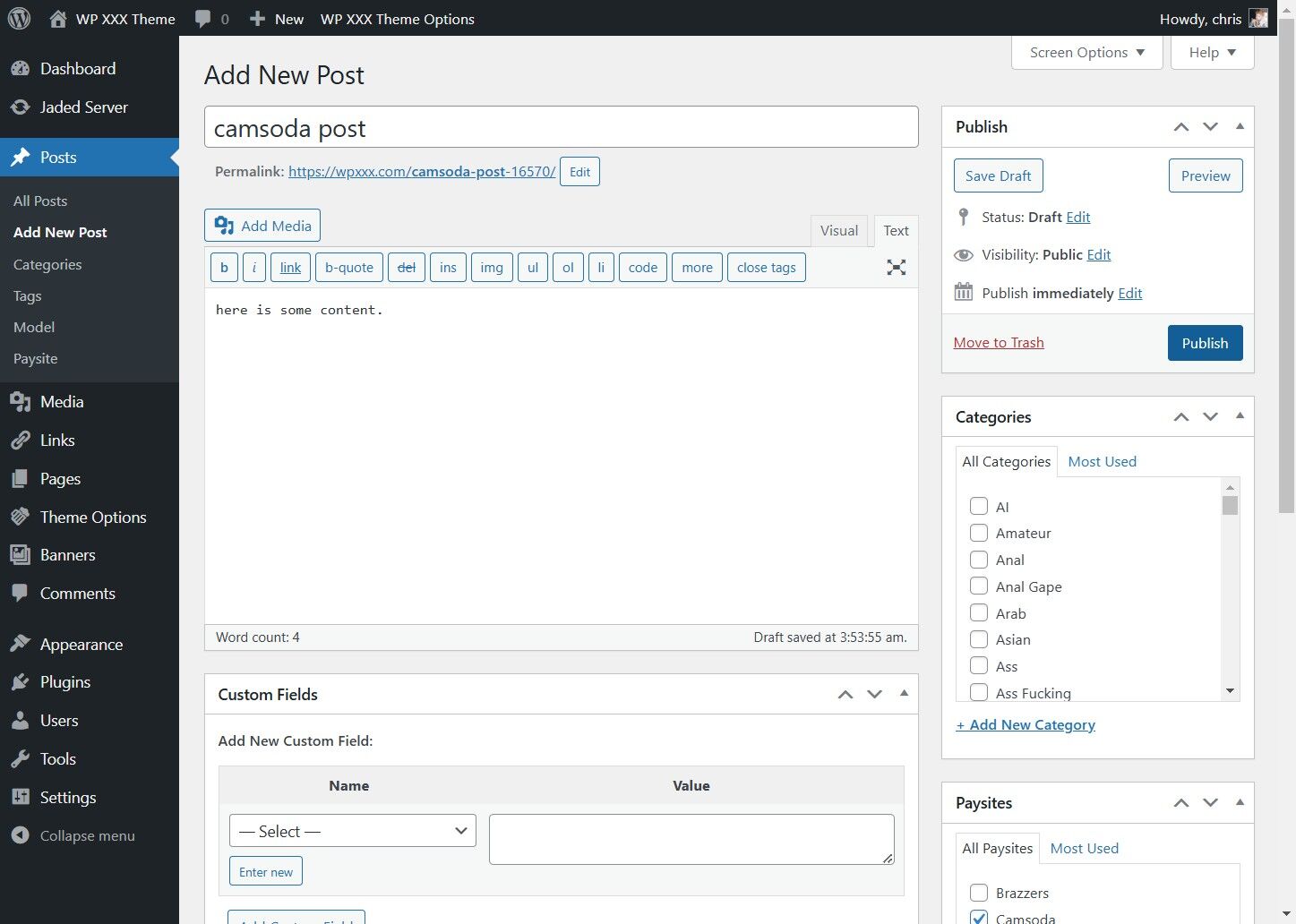
Click "Posts"


2. Click "Add New Post"
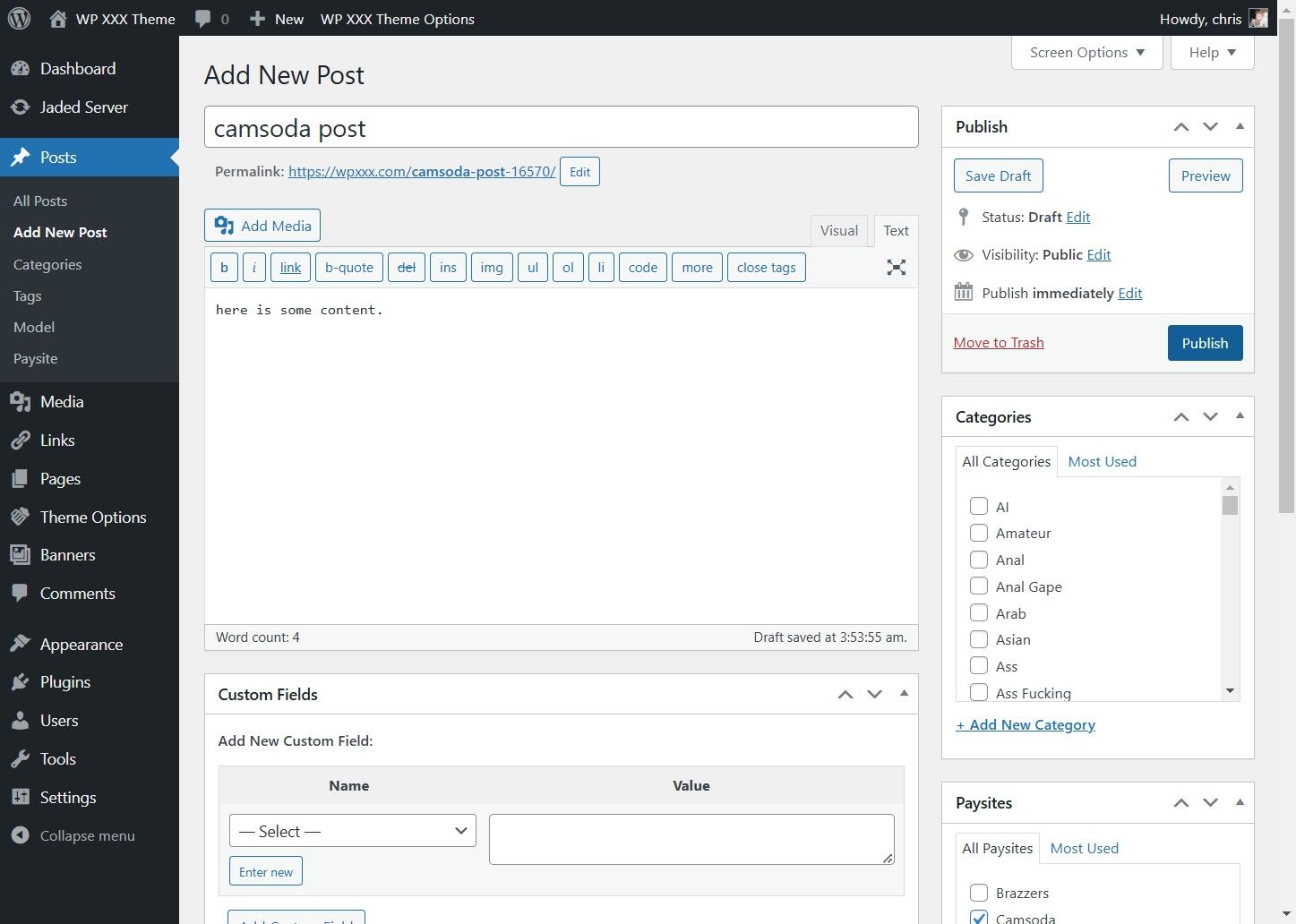
Click "Add New Post"


3. Enter Content into your post
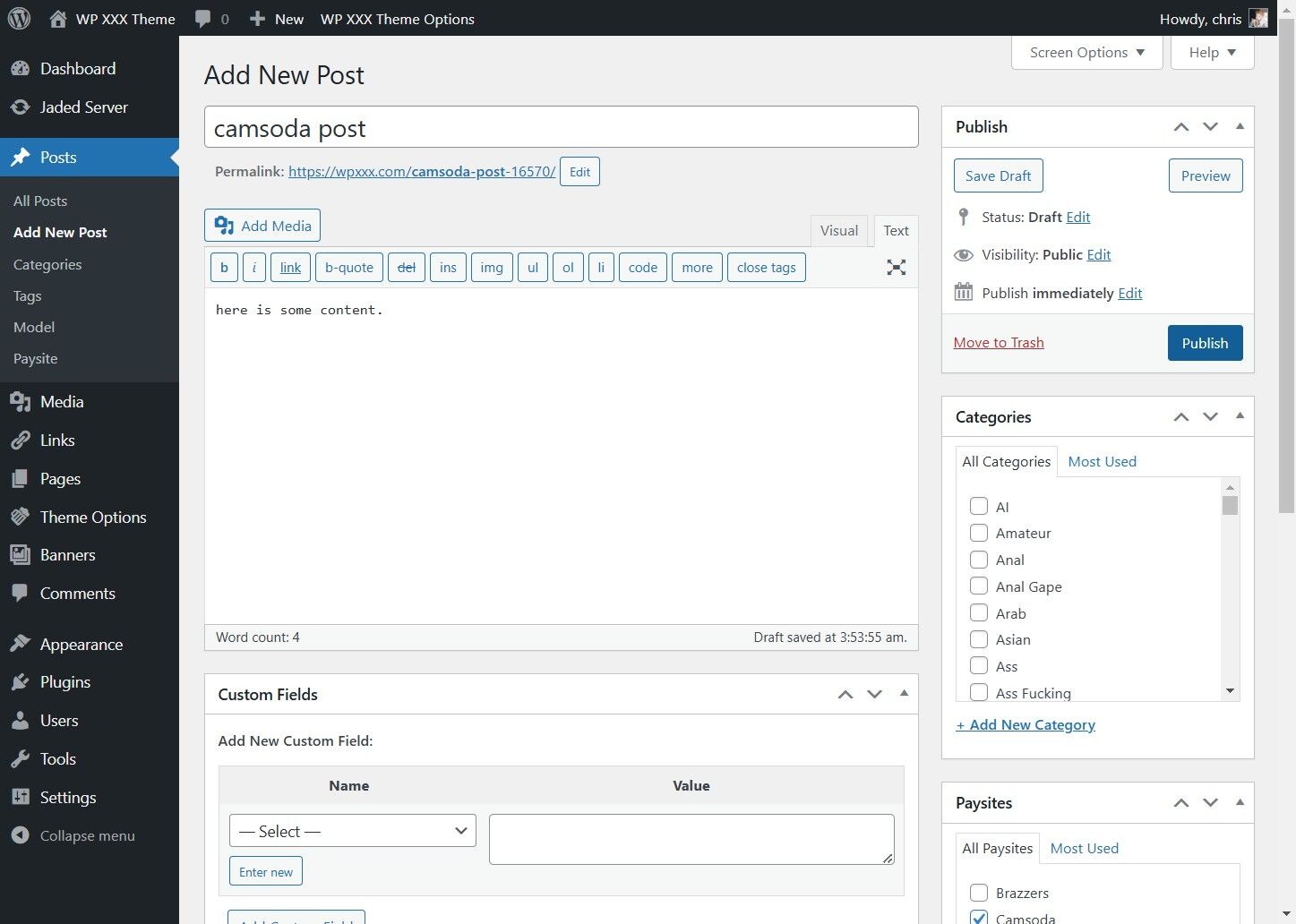
Enter Content into your post


4. Scroll down to Paysites, and tag your post with a paysite, we will use CamSoda
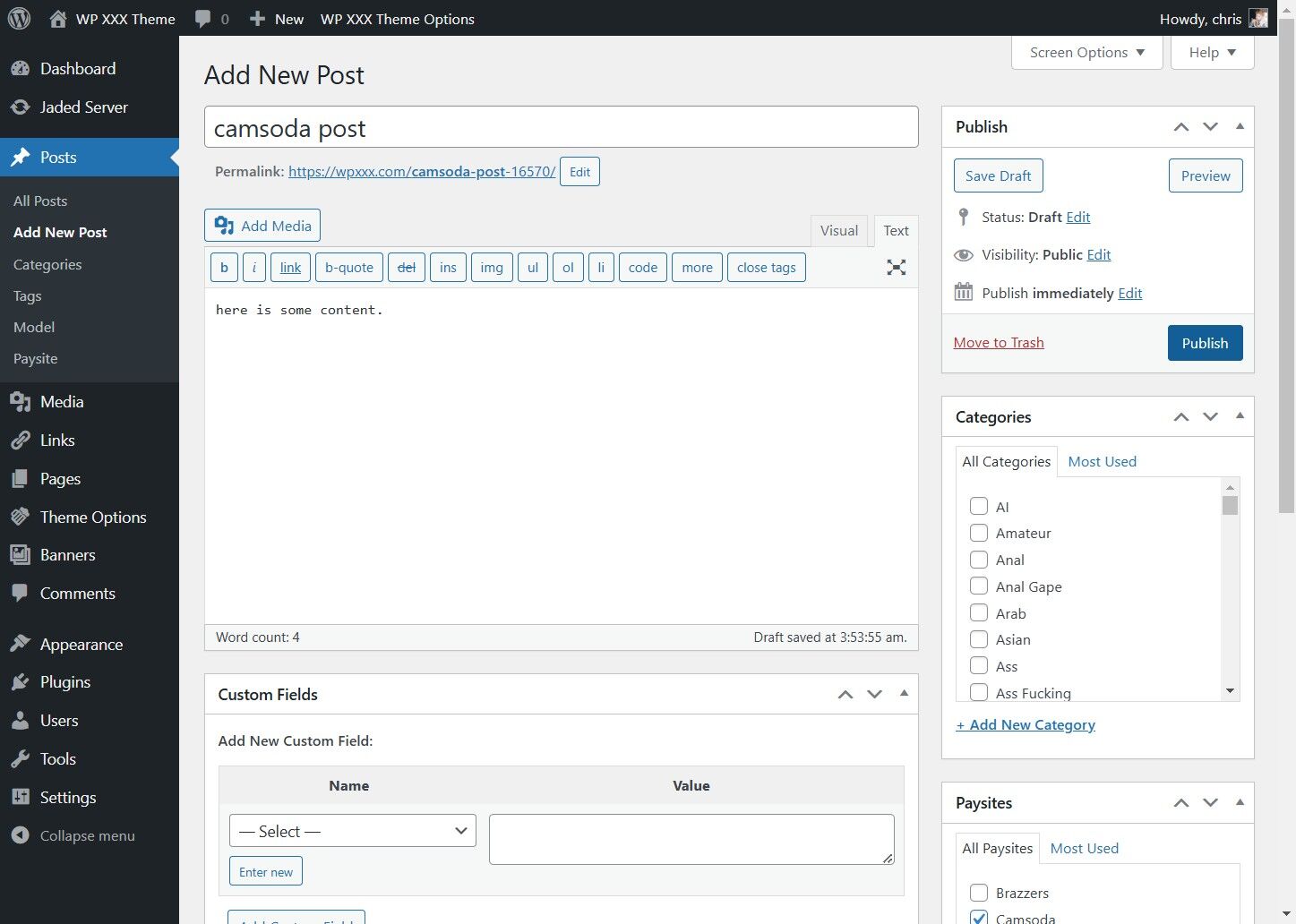
Scroll down to Paysites, and tag your post with a paysite, we will use CamSoda


5. Click Publish
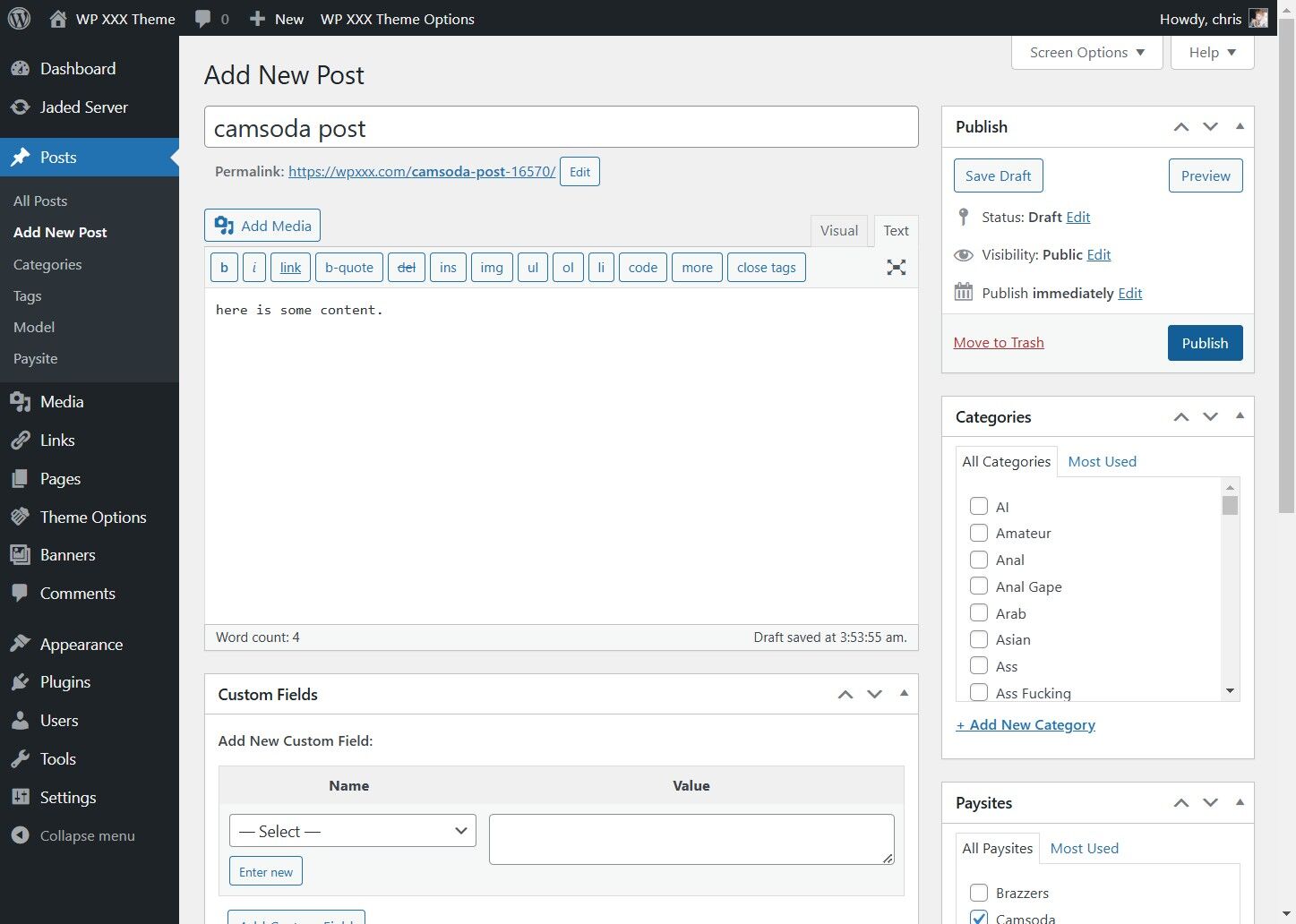
Click Publish